
White offset border around my Artboard in PS 2018
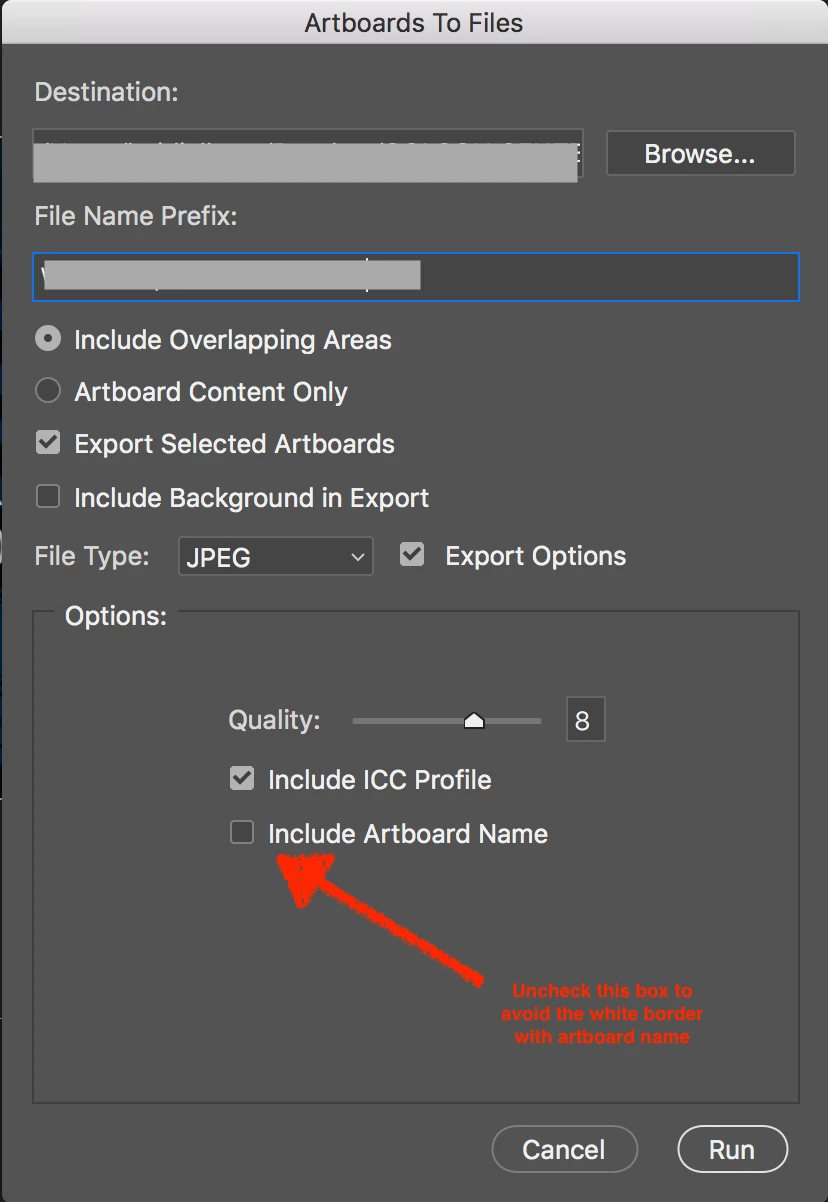
Hi, I have created an arboard in PS 2018 it has a simple 2 color gradient background, 1 text box with a name, 5 pictures in a random collage format. When I select the move tool (V) and then click on the gradient layer I get this phantom border that is larger than my artboard. It is narrow on the left and about 3 to 4 times thicker on the top, right and bottom. My Image size and canvas size are identical. I've shrunk the handles to match my artboard, I've deleted the gradient layer and recreated, looked for any option to turn off to make it go away. But it shows up when saved both in LR and in Windows explorer. I am saving as a layered .tif file.
Prior to the recent update I had also created artboards but did not have this problem. How do I get rid of these faux borders? When I export from LR and add a watermark it now ends up in this border area which shouldn't even be there.
Thanks in advance for your support, Mike
 AdChoices