

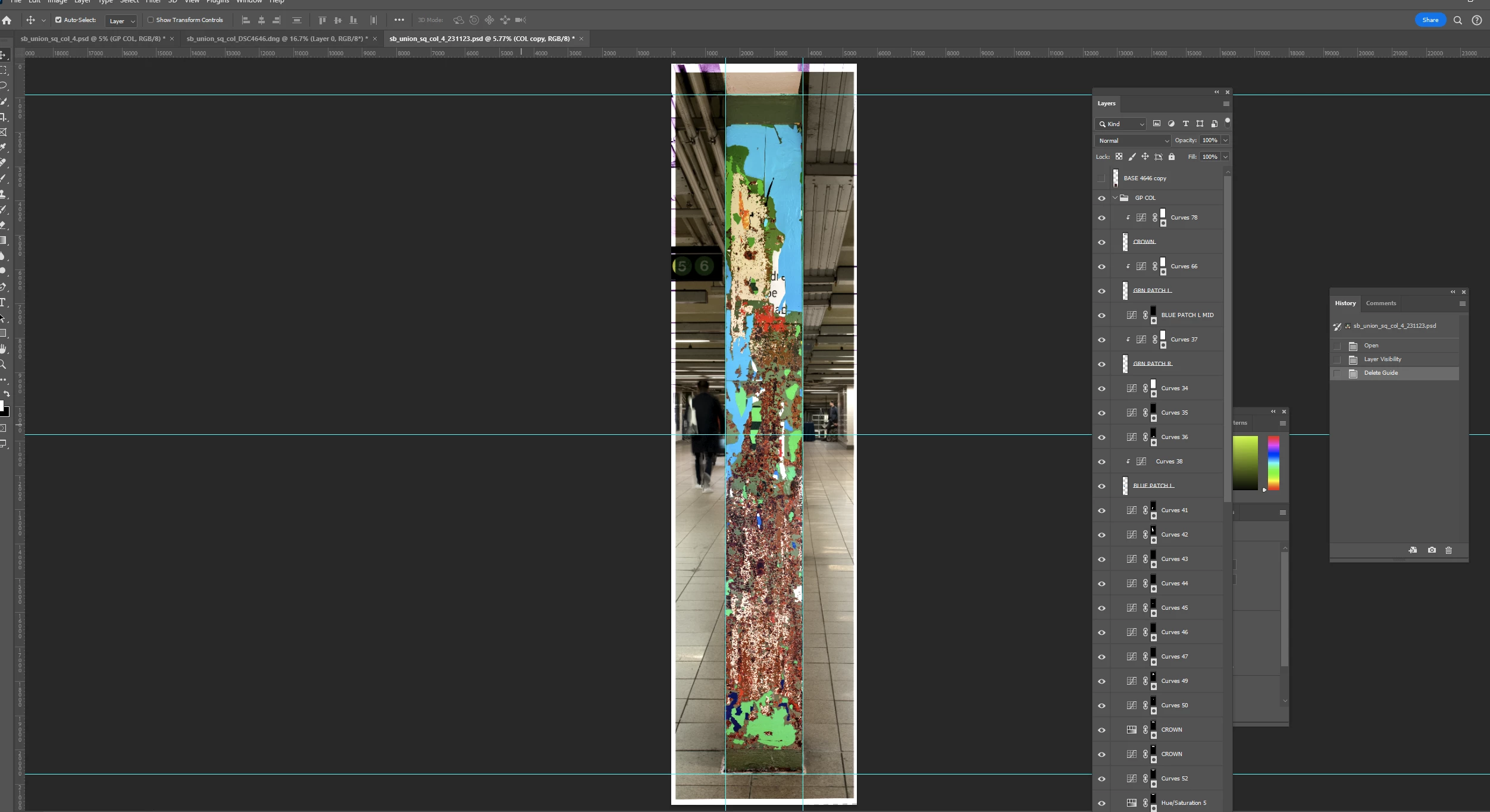
white space appearing on layer - can't identify source
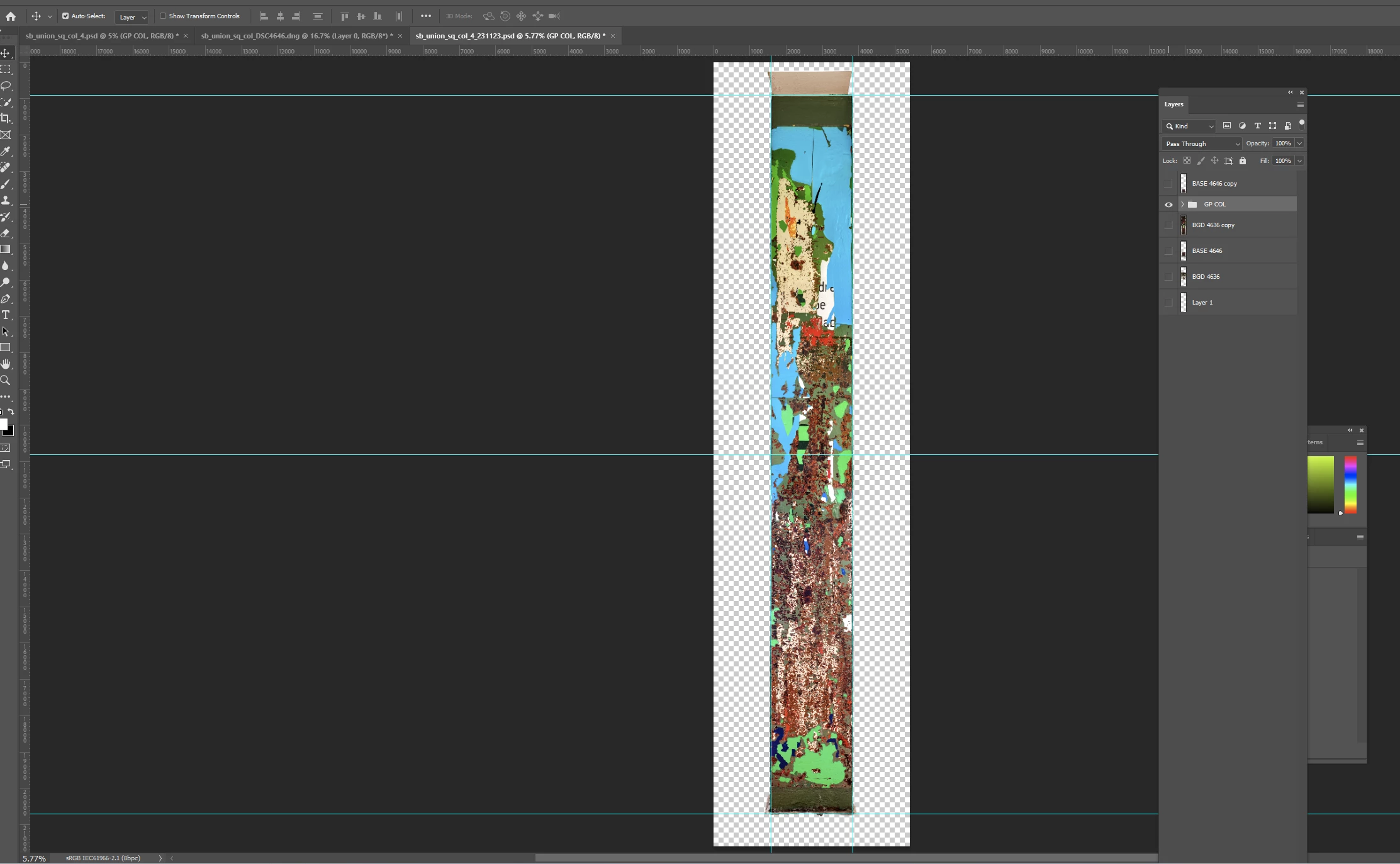
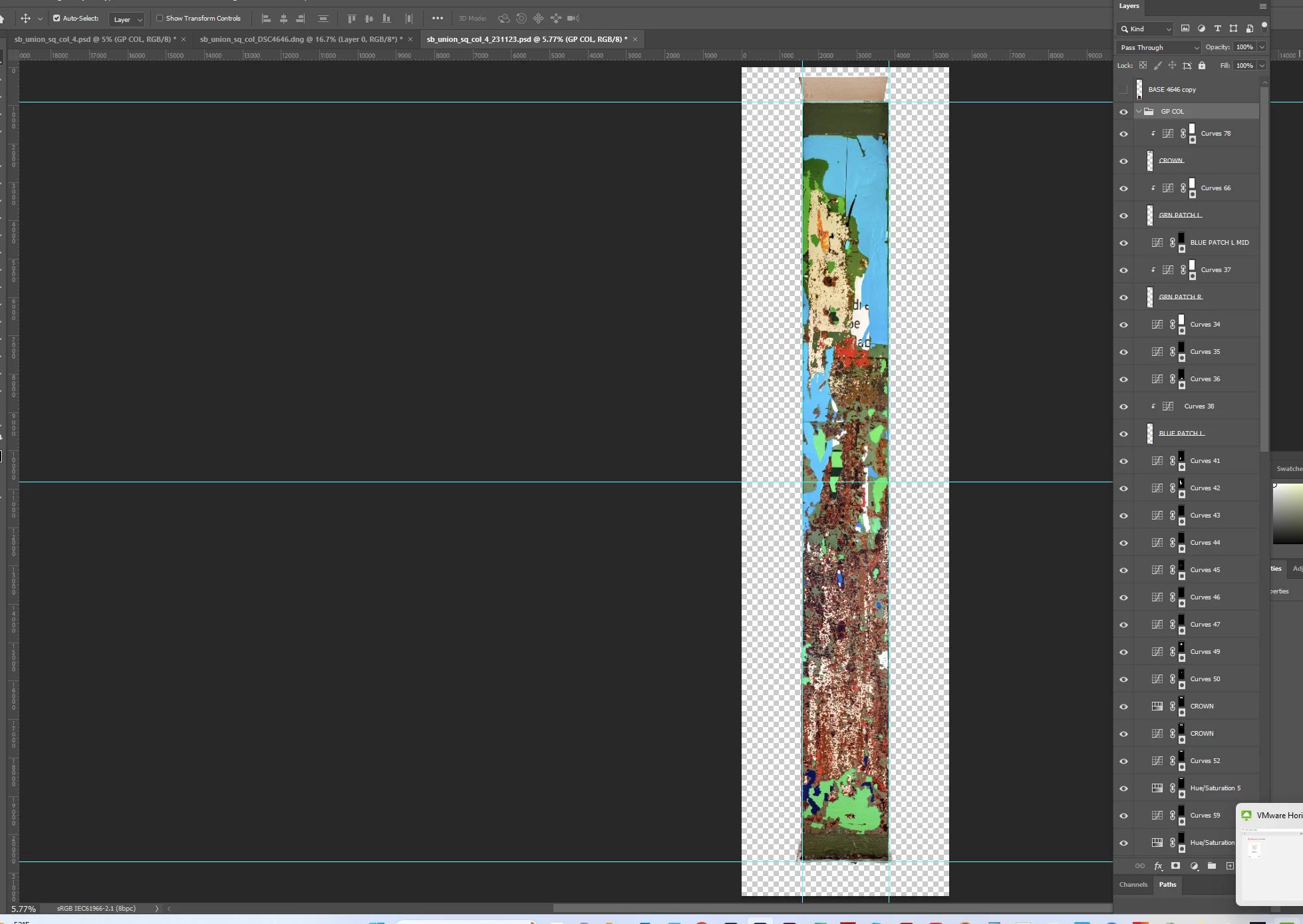
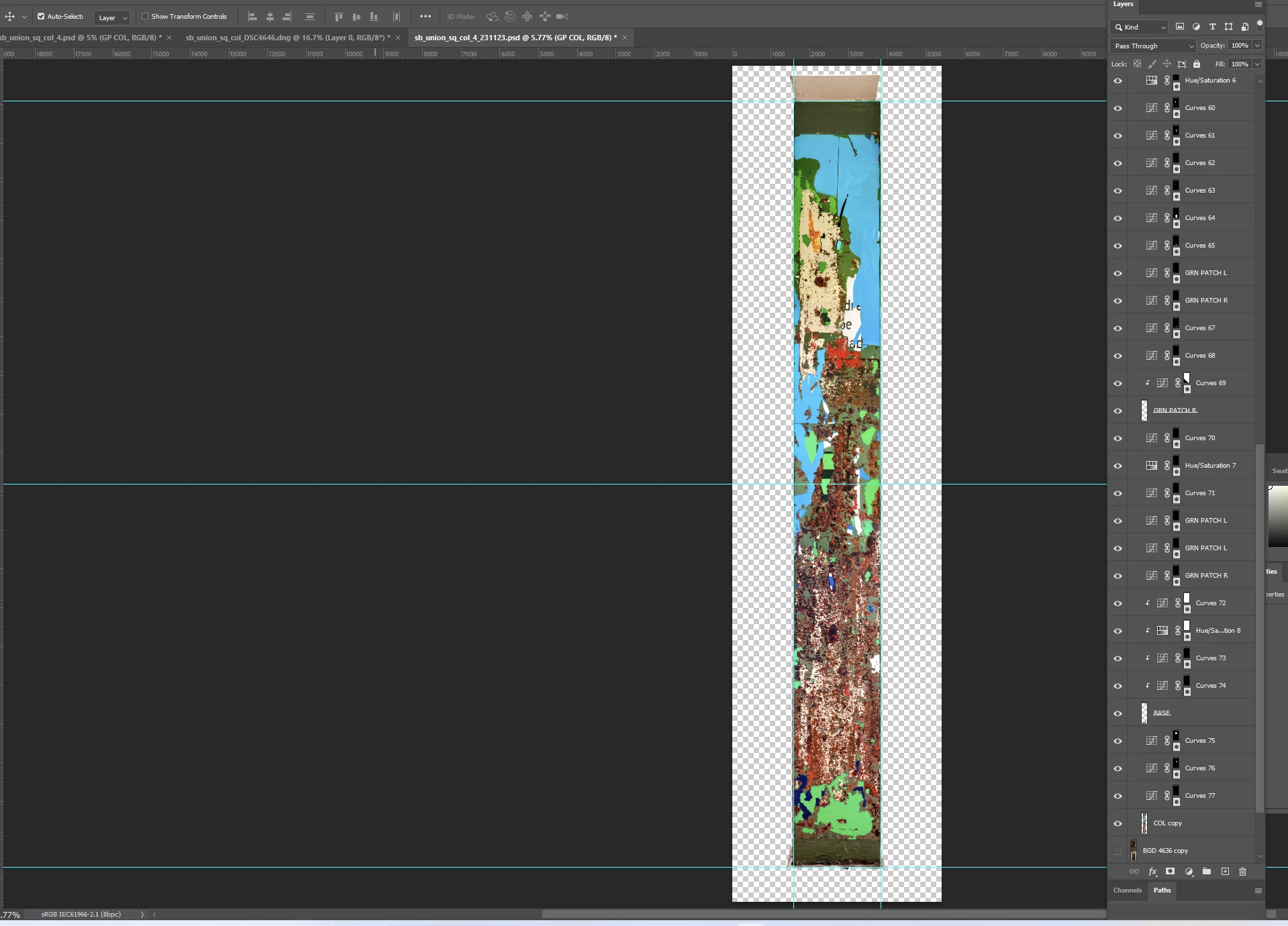
I have a file with 3 layers - a foreground, a background, and a 3rd layer I'll use to clone stamp on the base of the foreground element which is turned off here and not relevant to this discussion. I needed to resize the column so it fit within the 2 vertical guides, and as a result, white space was brought into the image around the edges. In the 2nd screen shot, I have the column layer turned on only - and it shows canvas all around the column - no white space. The column has many adjustment layers but it doesn't seem intuitively right that an adjustment layer would be the cause of this white space. I'd like it to disappear and the background layer to show through here. Is there an obvious or apparent reason why this would be happening? The 3rd and 4th screen shots show all the layers affecting the column if that's useful. Thank you.
 AdChoices