Answered
Why Adobe Photoshop CS6 can't copy and paste text from another source like as note pad or Ms Word?
Why My Adobe Photoshop CS6 can't copy and paste text from another source like as note pad or Ms Word?

Why My Adobe Photoshop CS6 can't copy and paste text from another source like as note pad or Ms Word?
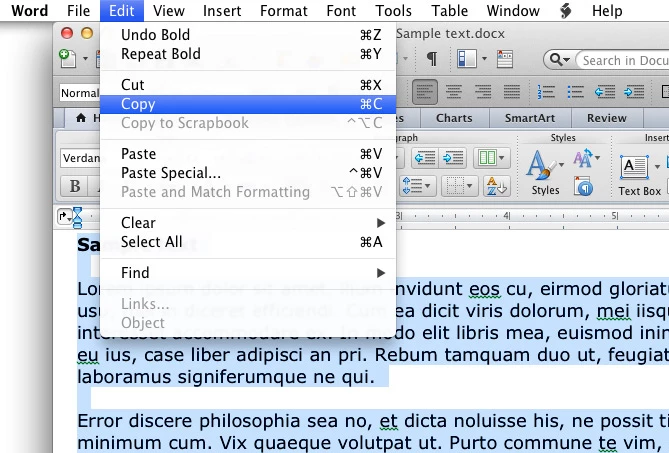
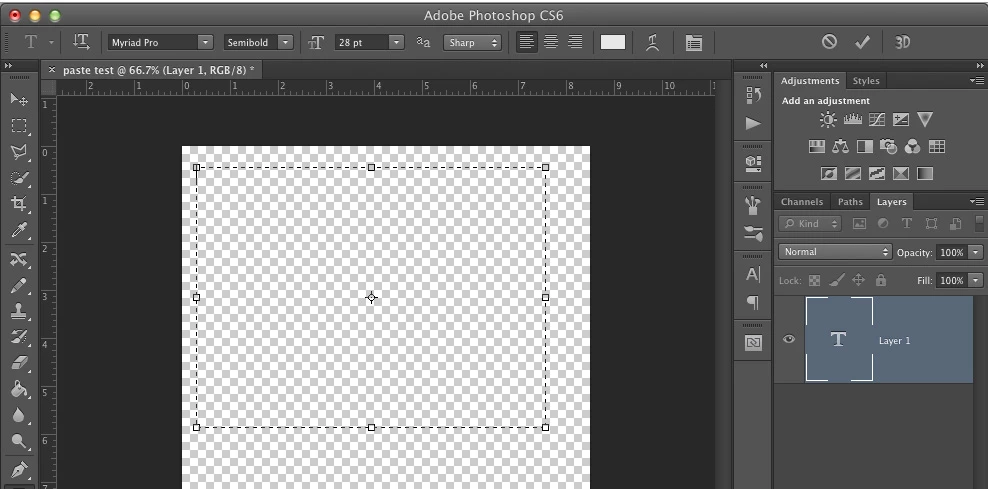
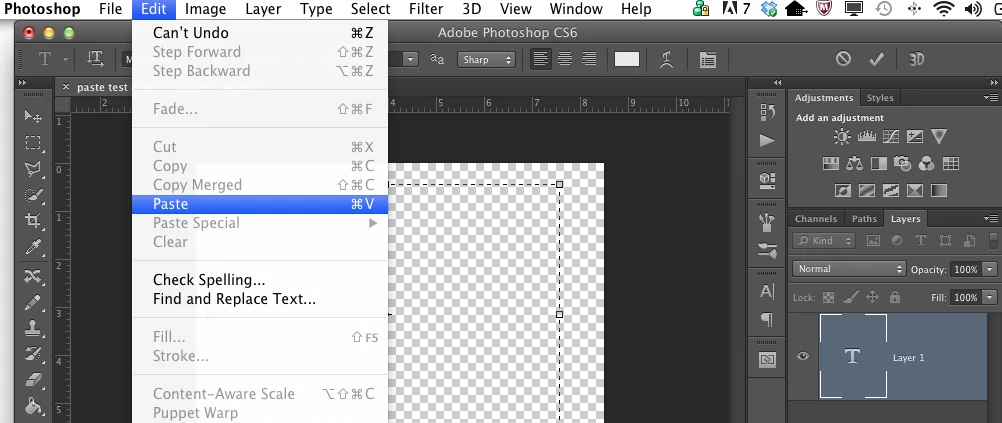
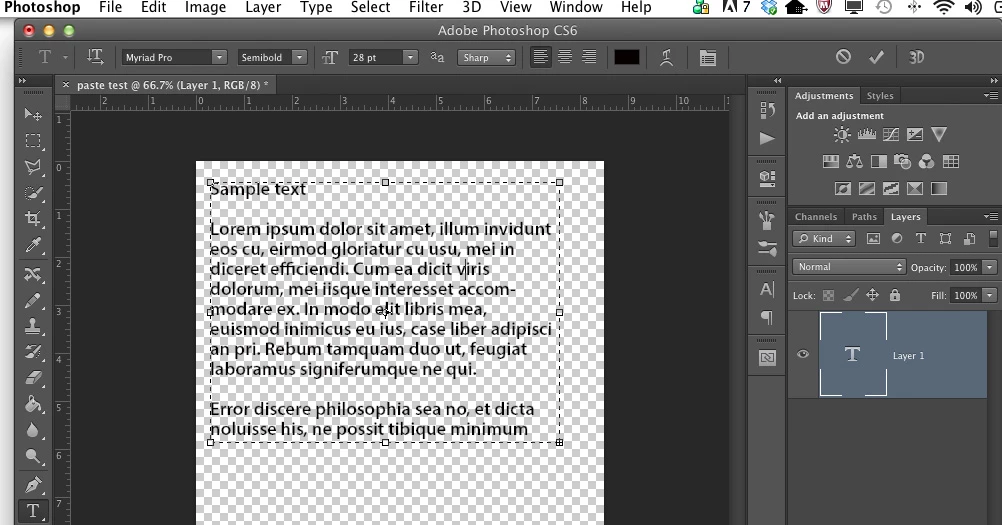
Here's the copy and paste method that works for me in Photoshop CS6:
1. Select and copy text from a word-processing program or other source.
2. Create a new text box in a Photoshop file by clicking on the icon that looks like a "T" in the tool bar.
3. In Photoshop, go to the Edit menu at the top of the screen and mouse down to Paste.
4. The copied text now appears in my text box.
Already have an account? Login
Enter your E-mail address. We'll send you an e-mail with instructions to reset your password.
 AdChoices