
Participant
September 1, 2017
Question

why do all projects are exported with aspect ratio 4:3?

  • September 1, 2017
  • 2 replies
  • 1025 views

I discover that my photoshop cs6 project, with pixel 720X576 (an aspect ratio with 16:9) turns to 4:3 when it is saved as jpeg.
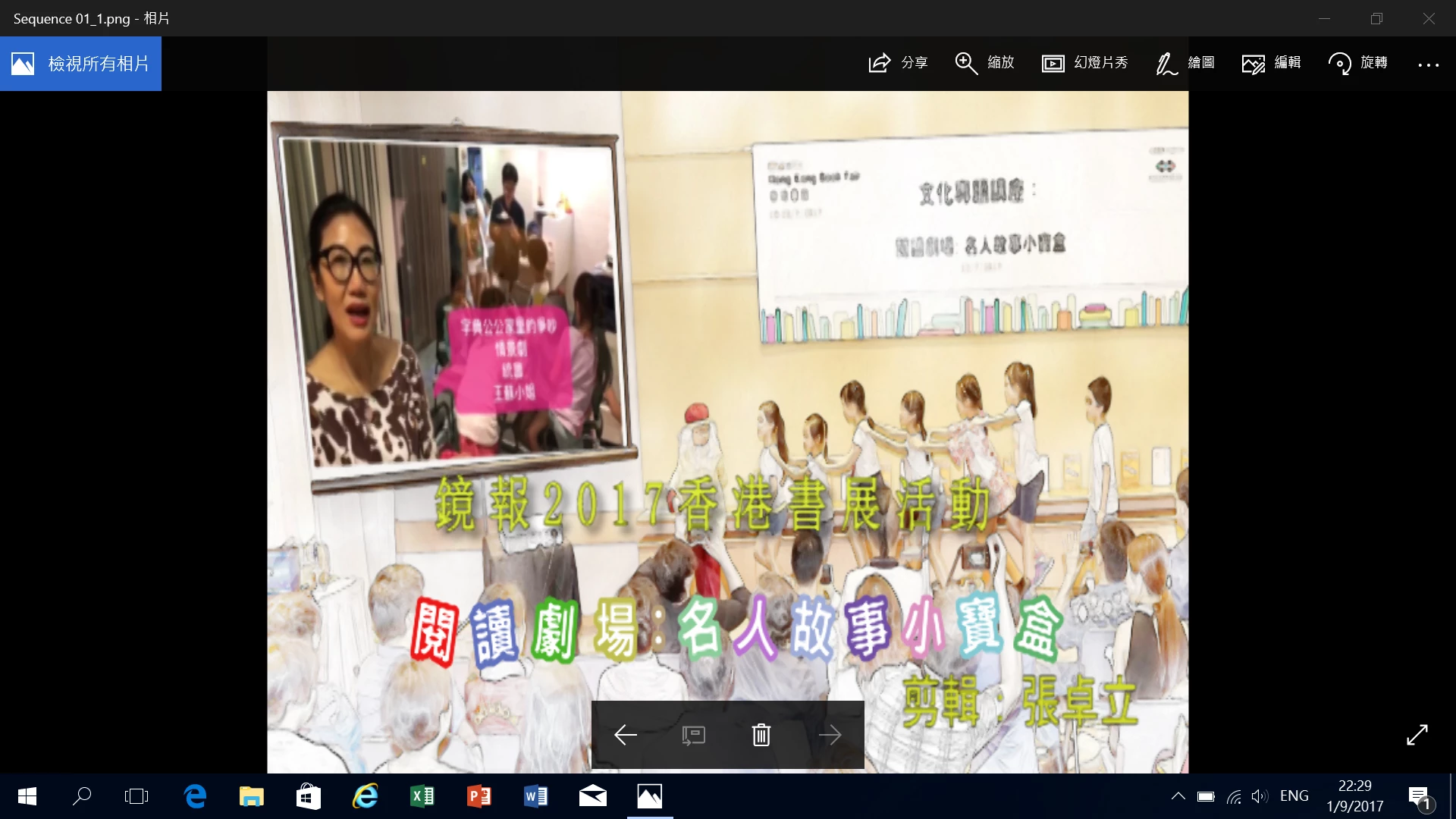
More surprisingly, when I catch a screenshot from a adobe premiere cs6 project, the frame also turns to 4:3, whereas the picture was distorted.
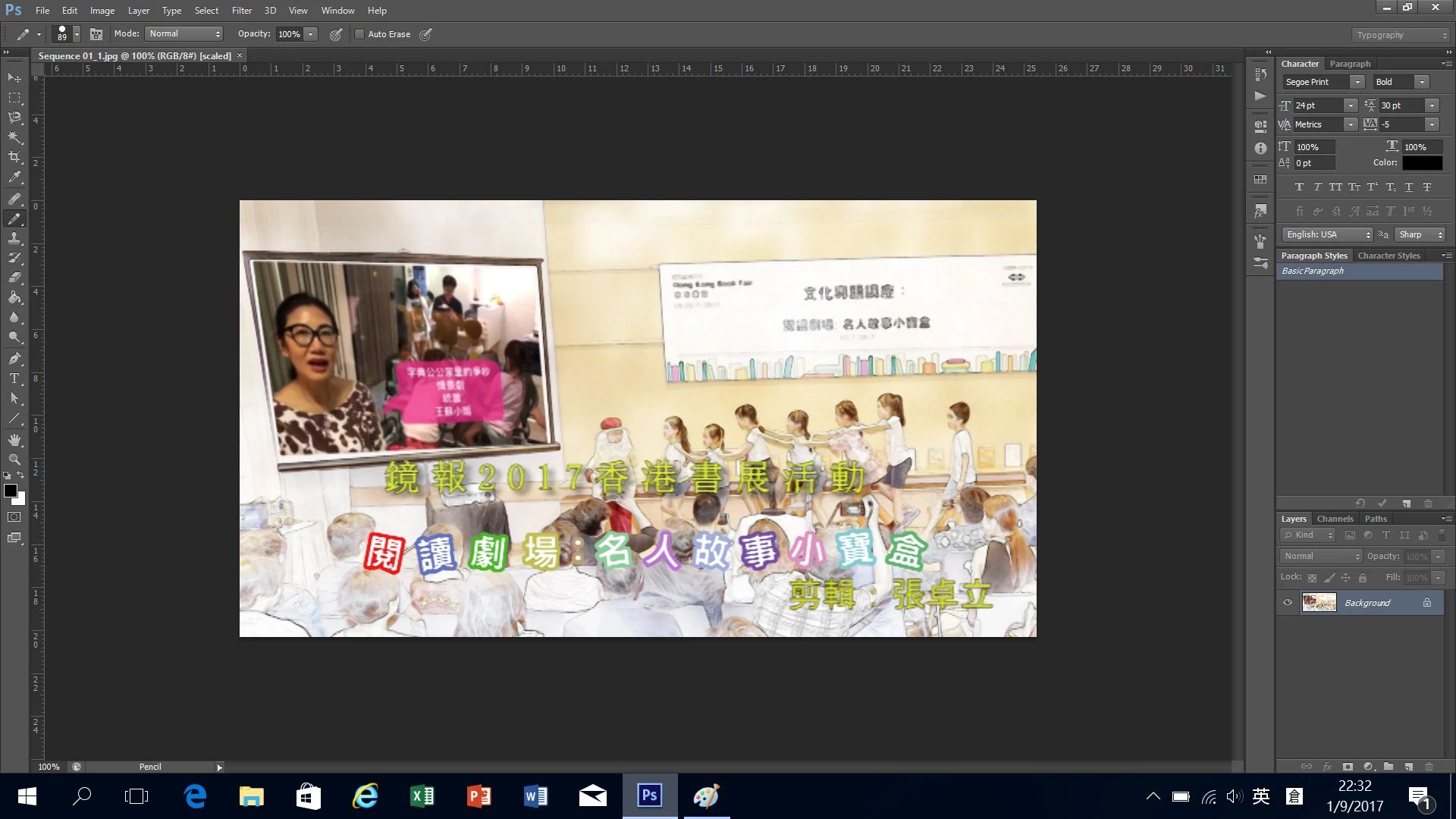
Then, I tried to put the screenshot into photoshop for further processing, it turns back to 16:9 again, !

but stil become 4:3 when save as jpeg again. How should I solve the problem?

Regards,

David Cheung

    This topic has been closed for replies.

    2 replies

    Abambo
    Community Expert
    Community Expert
    September 2, 2017

    Anyhow you look at it, the aspect ratio is only an indication on how to interpret the data and not a physical property of the data. If a viewer displays your file with an aspect of 4:3, determinated from the size of your file in poxels (ie square pixels), then it is displaying the complete file as it is stored on your disk.

    If your program displays the file with a 16:9 aspect, it needs to distort the pixels to non square pixels. It alters the file for viewing only.

    The aspect ratio made swnse on the old cathode ray screens, as this was handled by the TV electronics and resulted in a slightly longer ray for a pixel. This allowed to use the old infrastructure for 16:9 transmission. It's now obsolete.

    You should transform your images to real 16:9 pictures. If you still need the old aspect trick, save a copy of your work in that format when you're ready to publish.

    ABAMBO | Hard- and Software Engineer | Photographer
    Raimundo Illanes
    Inspiring
    September 1, 2017

    How are you exporting the JOG? did you try the save for web menu?

    Participant
    September 2, 2017

    Still, the image turns to 4:3. There is one more thing, when I click on view > pixel Aspect Ratio Correction and turn off the "tick", the image is distorted to 4:3. Since I use the tool of "brush", the cursor appears from a circle to an oval at the same time!. Similar situation occurs in my premiere cs6 project. When I export a widescreen pal dv format with aspect ration 16:9, both the video and the screenshot from the sequence turns to 4:3.

    Regards,

    David

    D Fosse
    Community Expert
    Community Expert
    September 2, 2017

    It's the other way round. The file is 4:3, but Photoshop pixel aspect ratio distorts it to 16:9. Turn it off, and transform the file to the right aspect ratio - or remake it if that's what it takes.