
Why do my brushes show the direction my pen is moving now?
I just updated my Photoshop to its most recent version, and the one thing I don't really understand is the new directional movement thingy that shows up when i move my pen with pressure!
I'd like to know if there's any way to turn this feature off? I'm adding some screenshots of the issue, There's this small dot in the middle of the cursor, which extends with your movement. This may be a really dumb question with a really easy fix or something, but im just kinda exasperated lol.
Edit: I've been messing with this for a few now, and there seems to be a little choppiness that wasn't there before as well at least when i have pressure on the brush, but when I release it looks fine? im not honestly sure though. This doesn't happen on any other art program for me and this hadn't started until this update.
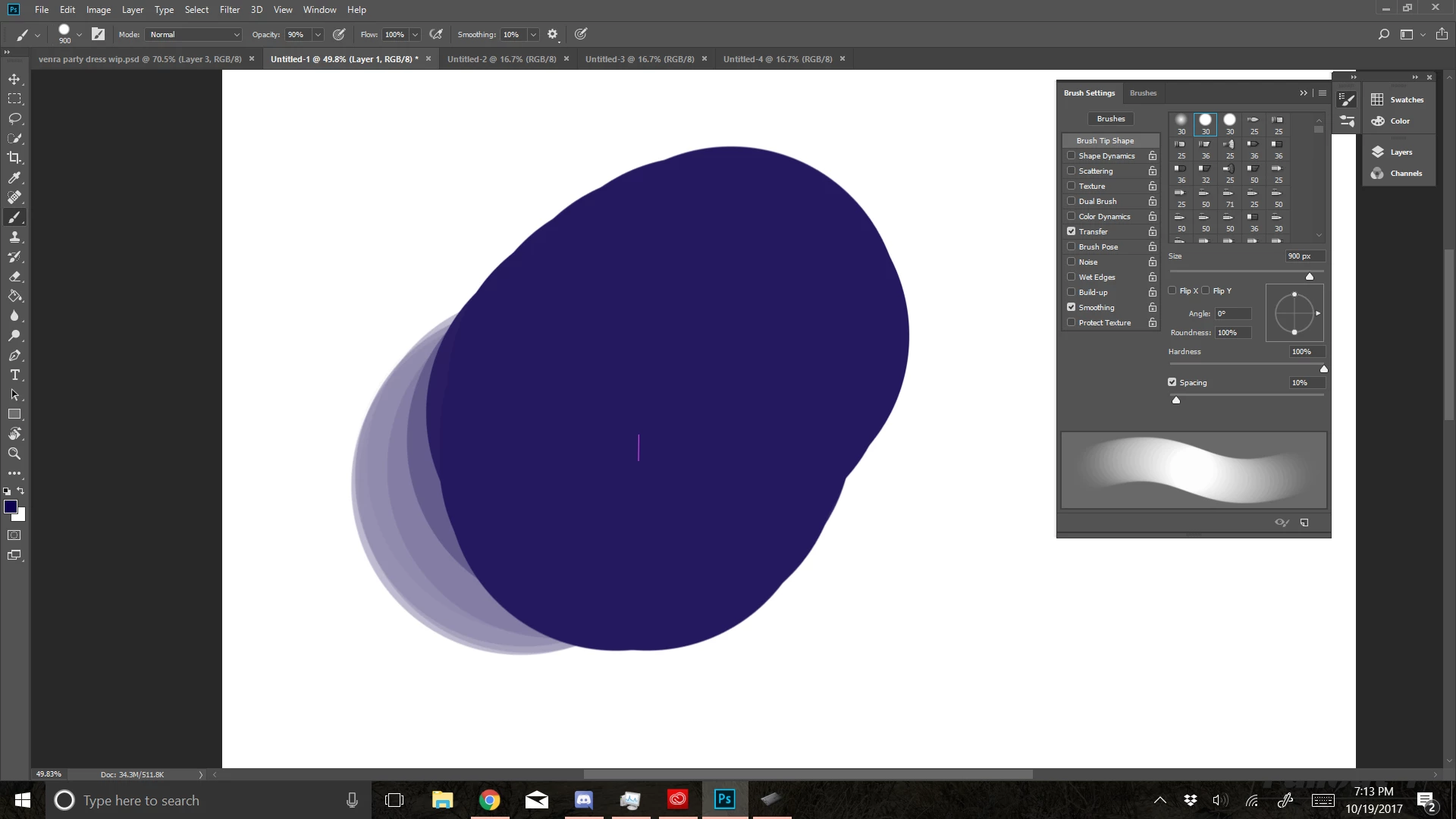
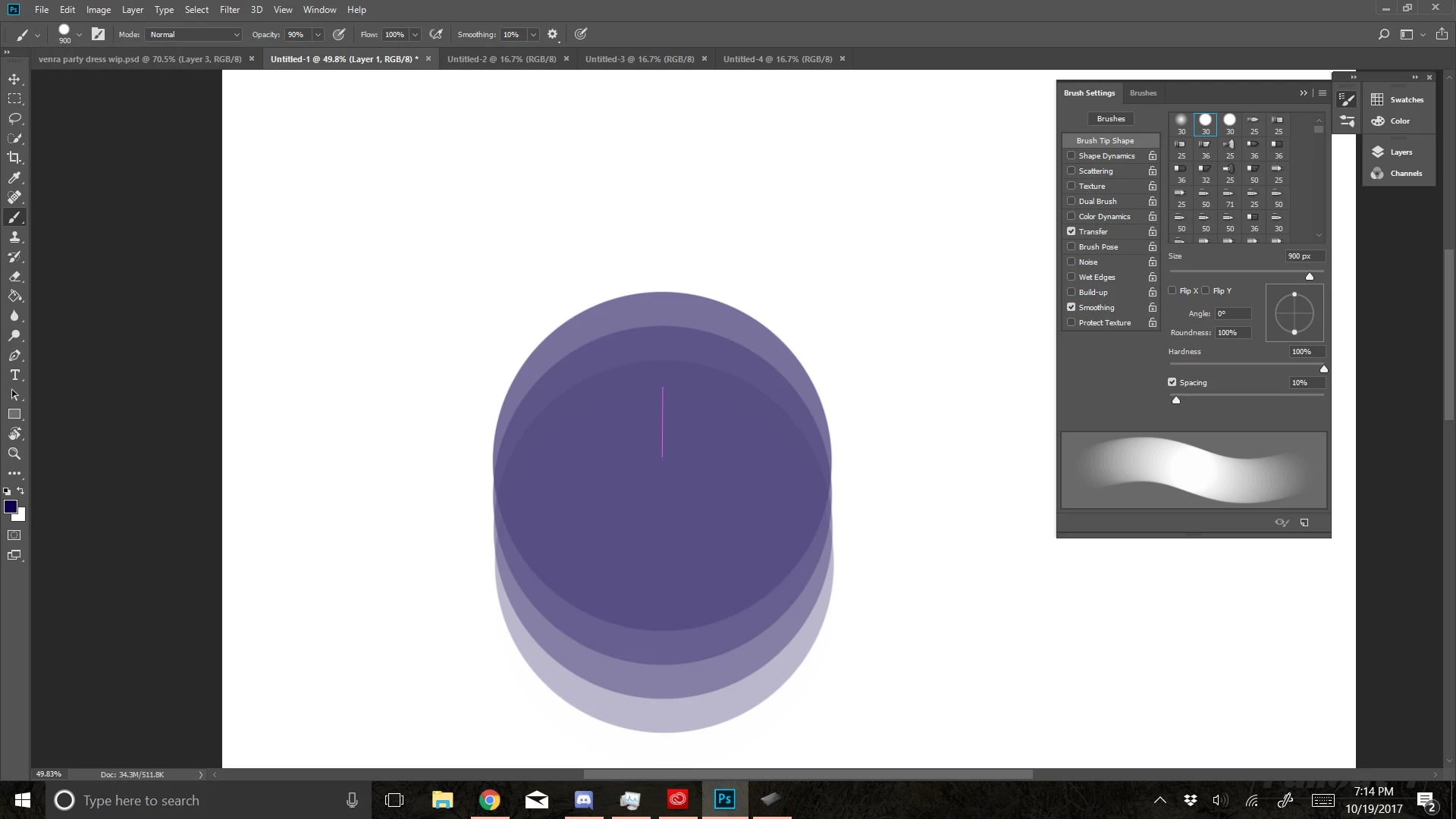
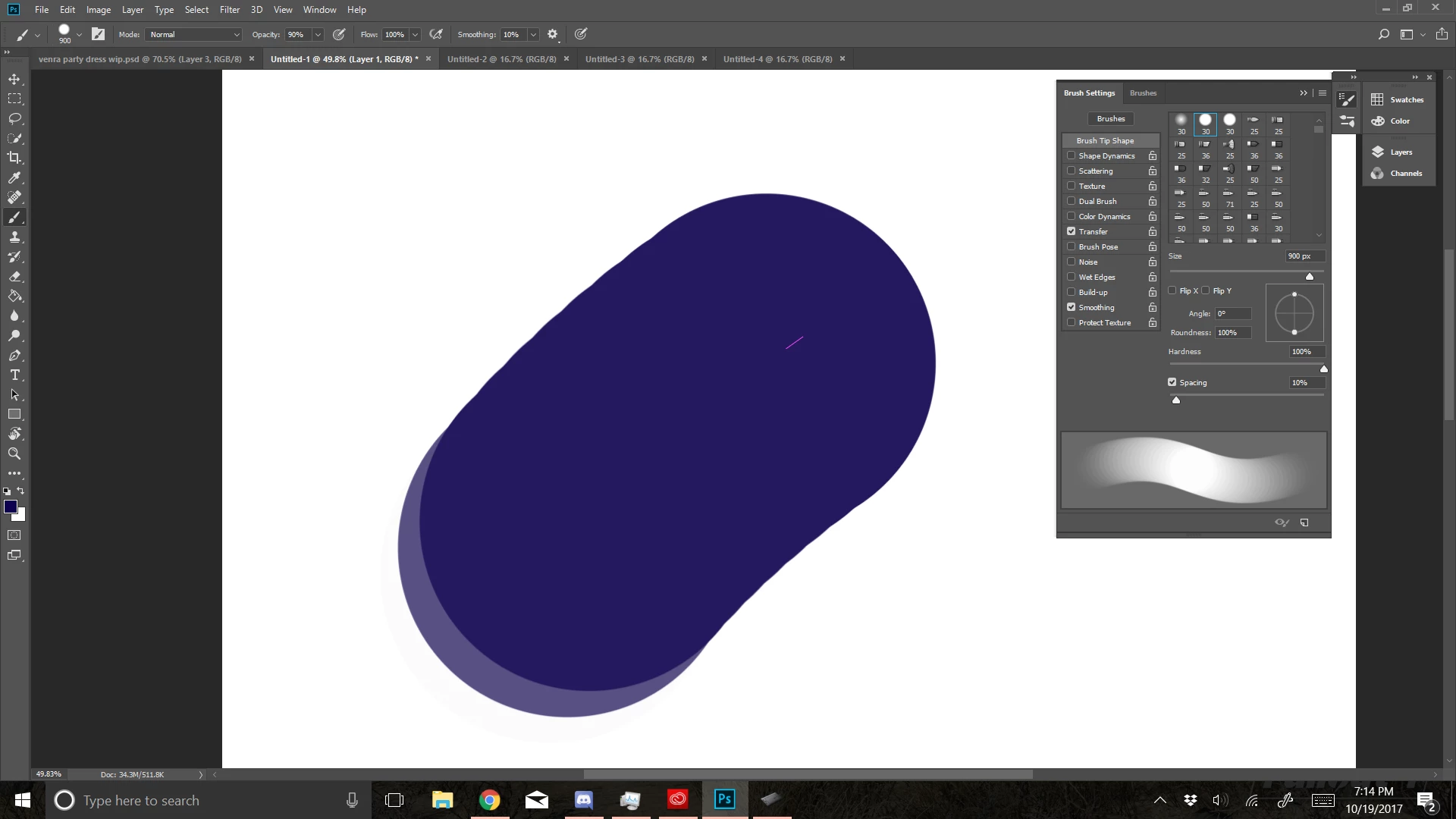
 AdChoices