PhotoBoy
Inspiring
February 10, 2022
Answered

Why do some images open in Apple Preview, but solid black in Photoshop 23.1.1?

  • February 10, 2022
  • 8 replies
  • 980 views

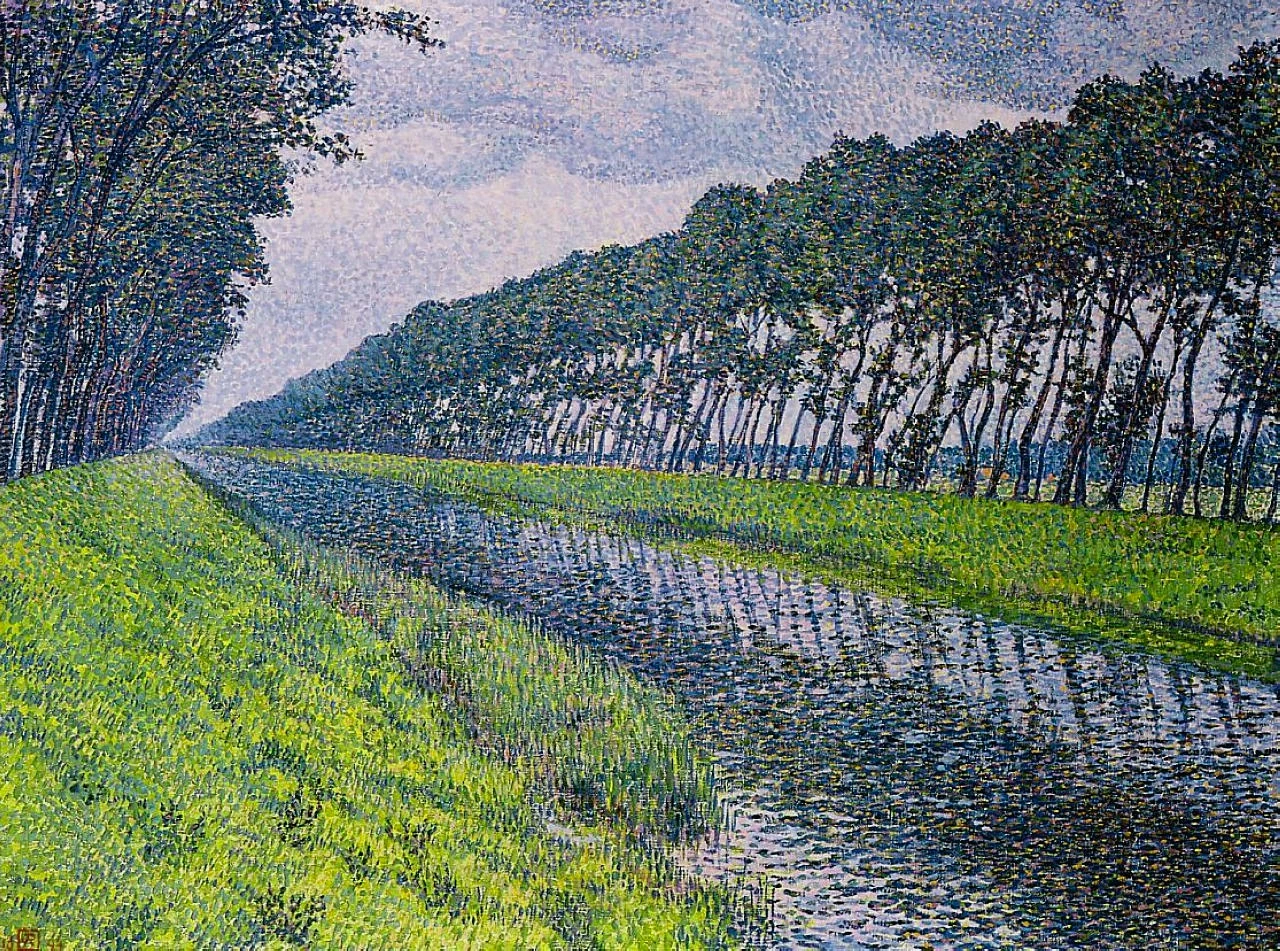
When I drag to open this images below AND OTHERS, they open solid black in Photoshop 23.1.1. Why is this continuing to happen? They open perfectly in Apple Preview. You see the image perfectly below in this forum. But Photoshop 23.1.1 refuses to display this open image. This is not the first time to experience this. I have uninstalled 23.1.1, then reinstalled on my 19,1 iMac. Can you guy's open these images in 23.1.1?


This topic has been closed for replies.
Correct answer PhotoBoy

After searching throughout the forum I came across a suggestion to Reset Preferences Upon Quit. I tried it and restarted 23.1.1. After re-enabling and un-abling setting again, I opened the "black" images. They opened perfectly. I am not sure what changed by doing the above. I have tried to reset as 23.1.1 was before pref deletion. Will continue to monitor the situation. Hopefully it is resolved.

8 replies

PhotoBoy
PhotoBoyAuthor
Inspiring
February 10, 2022

Researched your suggestion about updating GPU drivers. I see no way on my iMac other than reloading the system software from Apple. Have done that recently. Thank you.

Trying to Live Simply
Michael Bullo
Community Expert
Community Expert
February 10, 2022

Good to know and nicely done solving the problem.

PhotoBoy
PhotoBoyAuthor
Inspiring
February 10, 2022

Apparently nothing changed the size in posting. Thank you.


Trying to Live Simply
PhotoBoy
PhotoBoyAuthorCorrect answer
Inspiring
February 10, 2022

After searching throughout the forum I came across a suggestion to Reset Preferences Upon Quit. I tried it and restarted 23.1.1. After re-enabling and un-abling setting again, I opened the "black" images. They opened perfectly. I am not sure what changed by doing the above. I have tried to reset as 23.1.1 was before pref deletion. Will continue to monitor the situation. Hopefully it is resolved.

Trying to Live Simply
TheDigitalDog
Inspiring
February 10, 2022

First, try disabling GPU in the preferences (Preformance tab). Any better?
If not, go to Preferences > Technology Previews... and check "Disable Native Canvas" - then restart Photoshop. Better?
If not, recalibrate and build a new ICC display profile, the old one might be corrupted.
If you are using software/hardware for this task, be sure the software is set to build a matrix not LUT profile, Version 2 not Version 4 profile.
If turning OFF GPU works, it's a GPU bug and you need to contact the manufacturer or find out if there's an updated driver for it. 
Also see: https://helpx.adobe.com/photoshop/kb/acr-gpu-faq.html

Author “Color Management for Photographers" & "Photoshop CC Color Management/pluralsight"
Michael Bullo
Community Expert
Community Expert
February 10, 2022

Before you make any more changes, it would be good to know if the issue lies with the images. Did you compare the file sizes I noted against the images you are having issues with?

PhotoBoy
PhotoBoyAuthor
Inspiring
February 10, 2022

What is going on w 23.1.1 on my iMac? I am continuing to get solid black images on intermittent jpegs I try to open? There is no way to update my GPU drivers on a Mac that I see. Just reinstalling Monterey does nothing for this issue.

Trying to Live Simply
Michael Bullo
Community Expert
Community Expert
February 10, 2022

I was able to open both of these images in Photoshop 23.1.1 on a Mac no worries. However, I don't know if I am viewing your original files or something that has been resampled by the forum software.


IMG_0270.jpg (813kb)
IMG_0271.jpg (661kb)