Inspiring
June 7, 2019
Question

Why Does Applied Effects Become Inverted

  • June 7, 2019
  • 2 replies
  • 226 views

I'm creating some text with several layer styles. You can see in the screenshot below of the final product.
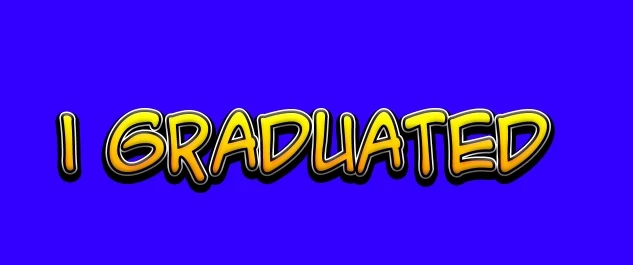
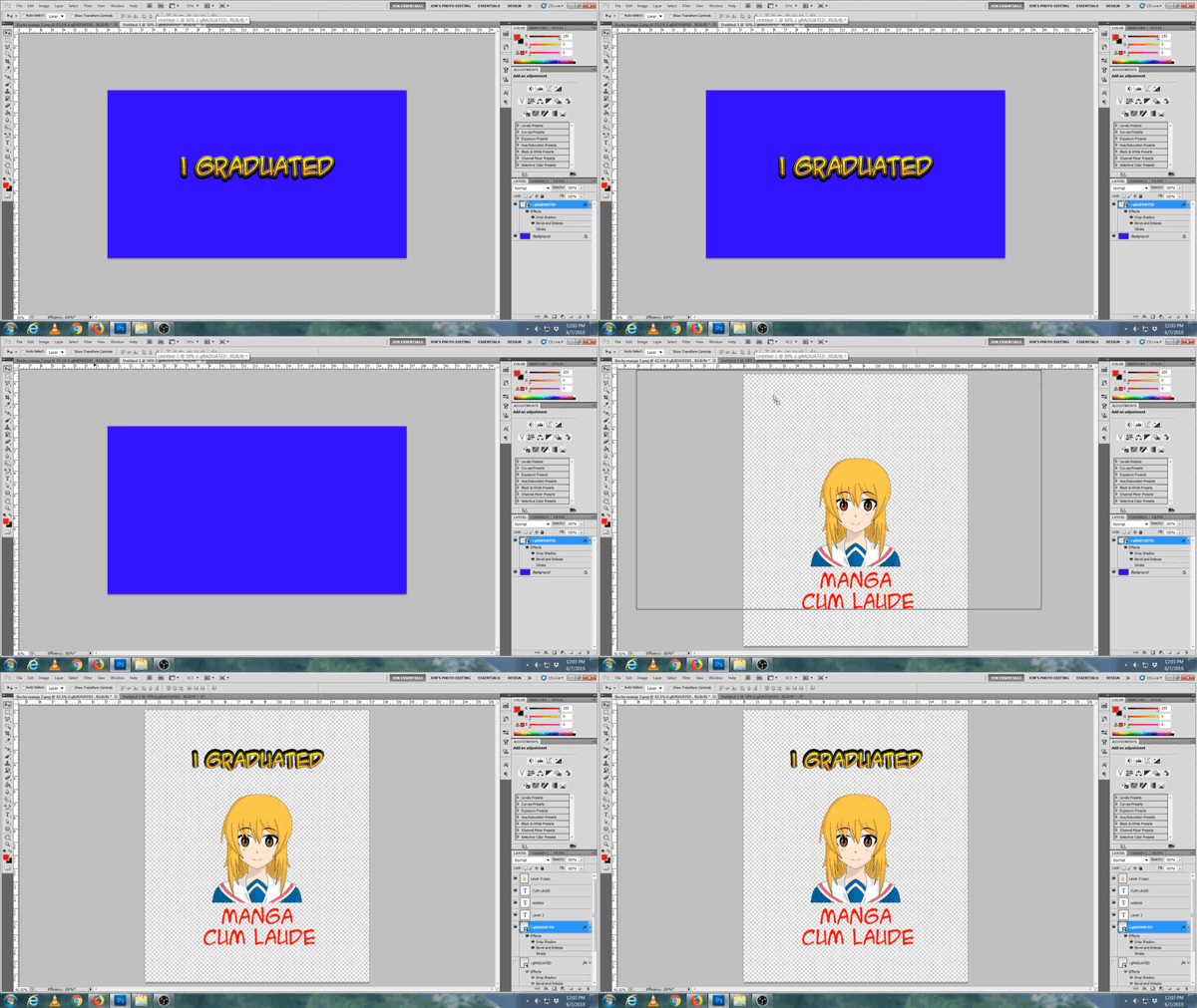
When I clicked on the text and dragged it to another canvas (see GIF below) the resultant text effects were

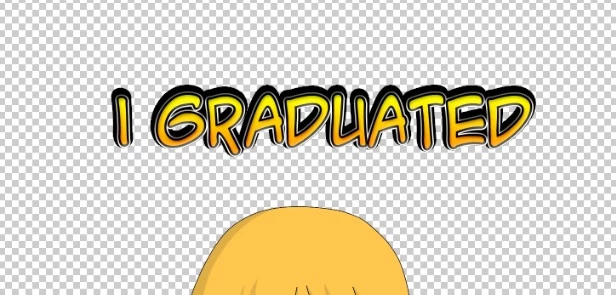
inverted. Why? How do I maintain the original text effects?
You can see the final text in screenshot below:
    This topic has been closed for replies.

    2 replies

    melissapiccone
    Community Expert
    Community Expert
    June 7, 2019

    Your light sources in your layer styles are different... Like Semaphoric said, use Global light and make sure each document has the same setting...

    Melissa Piccone | Adobe Trainer | Online Courses Author | Fine Artist
    JonnyD14Author
    Inspiring
    June 7, 2019

    Thanks!

    Semaphoric
    Community Expert
    Community Expert
    June 7, 2019

    In the Layer Effects, make sure "Use Global Light" is un-checked before dragging.