
Participant
December 3, 2020
질문

Why does PNG not display as transparent?

  • December 3, 2020
  • 2 답변들
  • 316 조회

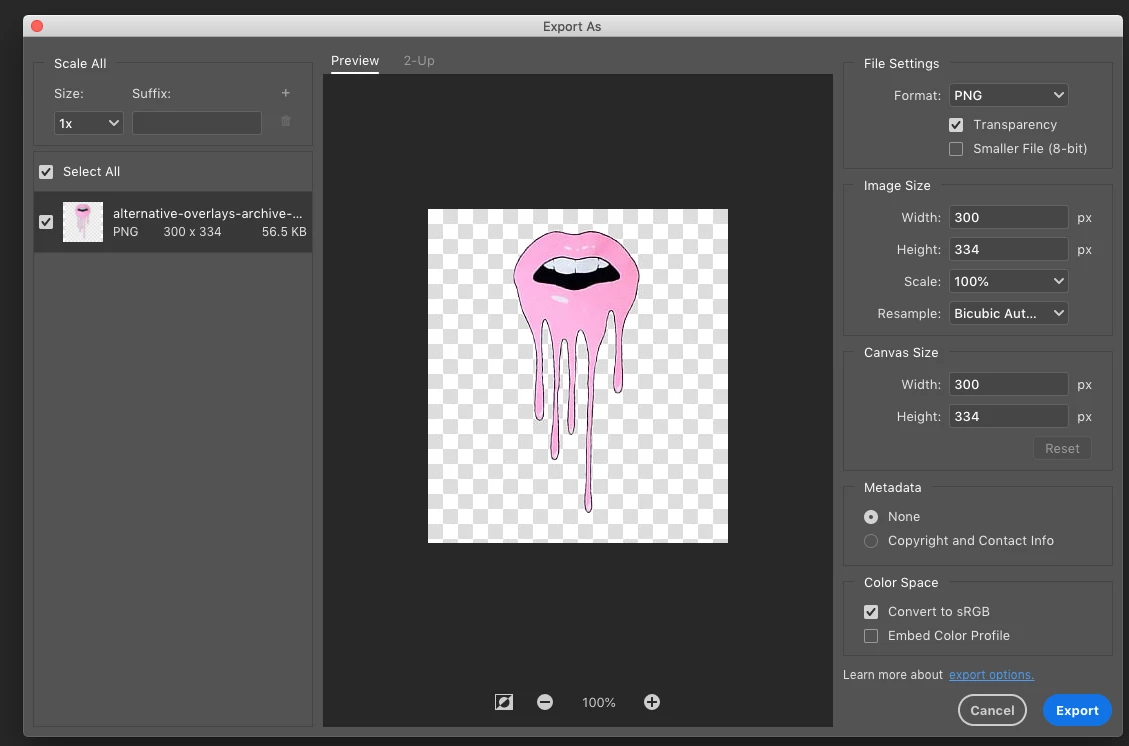
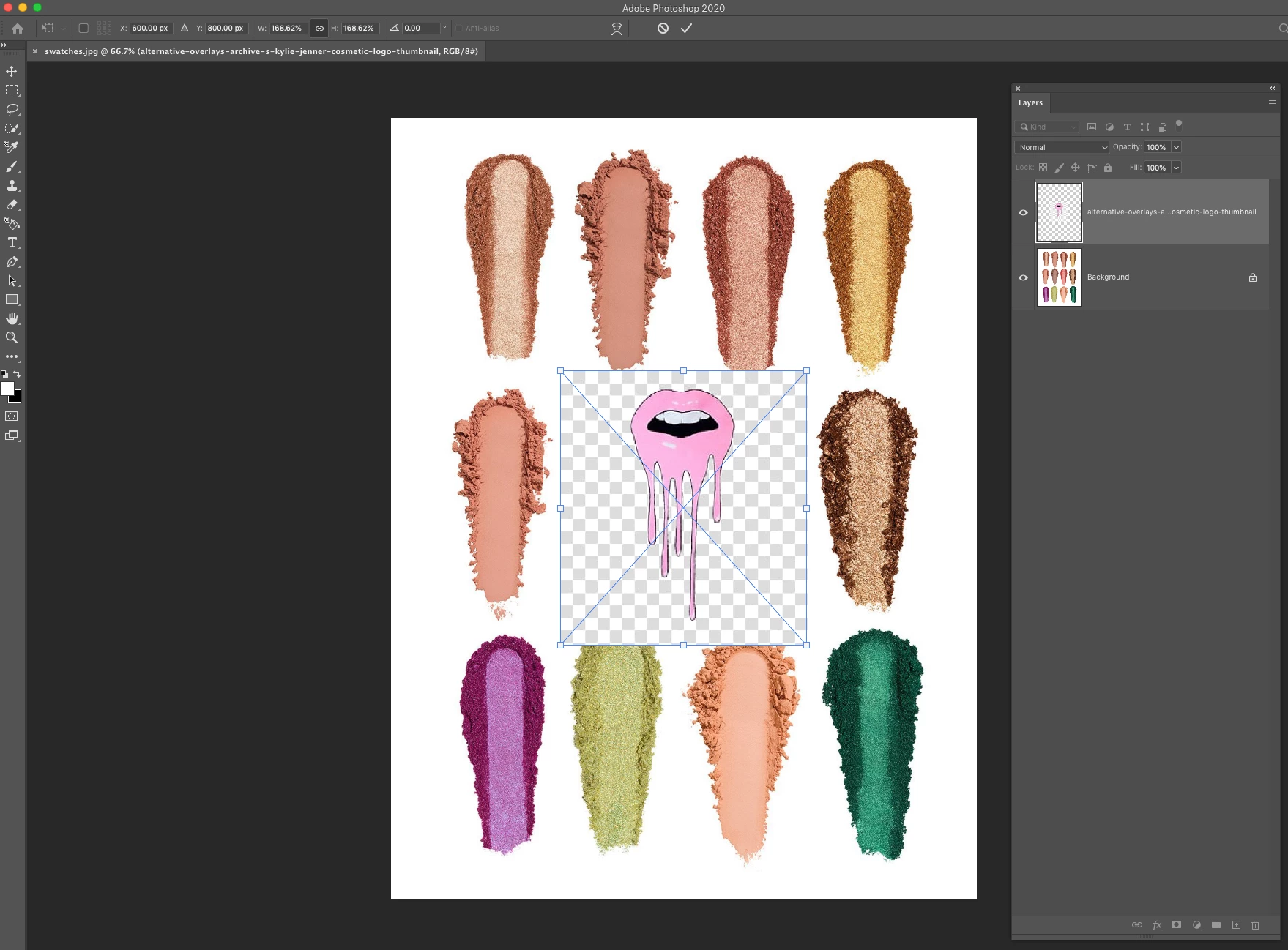
When I move a png file on top of a jpg file it still seems to display its checkerboard background. I have double-checked that it is a proper png file by re-exporting with transparency checked. But still no dice. Not sure what I’m doing wrong. Example below. Thanks.
이 주제는 답변이 닫혔습니다.

2 답변

c.pfaffenbichler
Community Expert
Community Expert
December 3, 2020

The thunbnail in the export dialog seems to feature two different sizes of checkered background patterns so I suspect there is a Layer with the Pattern within the file. 

Participant
December 3, 2020

Ah ok, thanks.

PECourtejoie
Community Expert
Community Expert
December 3, 2020

Yes, Can you open the PNG, and see if it is not a checkerboard pattern, instead of 'real' transparency?

c.pfaffenbichler
Community Expert
Community Expert
December 3, 2020

Please post a meaningful screenshot including the pertinent Panels (Layers for example) of the file you used to create the png.