You can try this Go to Preferences > Technology Previews > check "Disable Native Canvas"> restart Photoshop. Did such a problem occur before the 23.5 version? If not, I recommend you to roll back to the previous version.
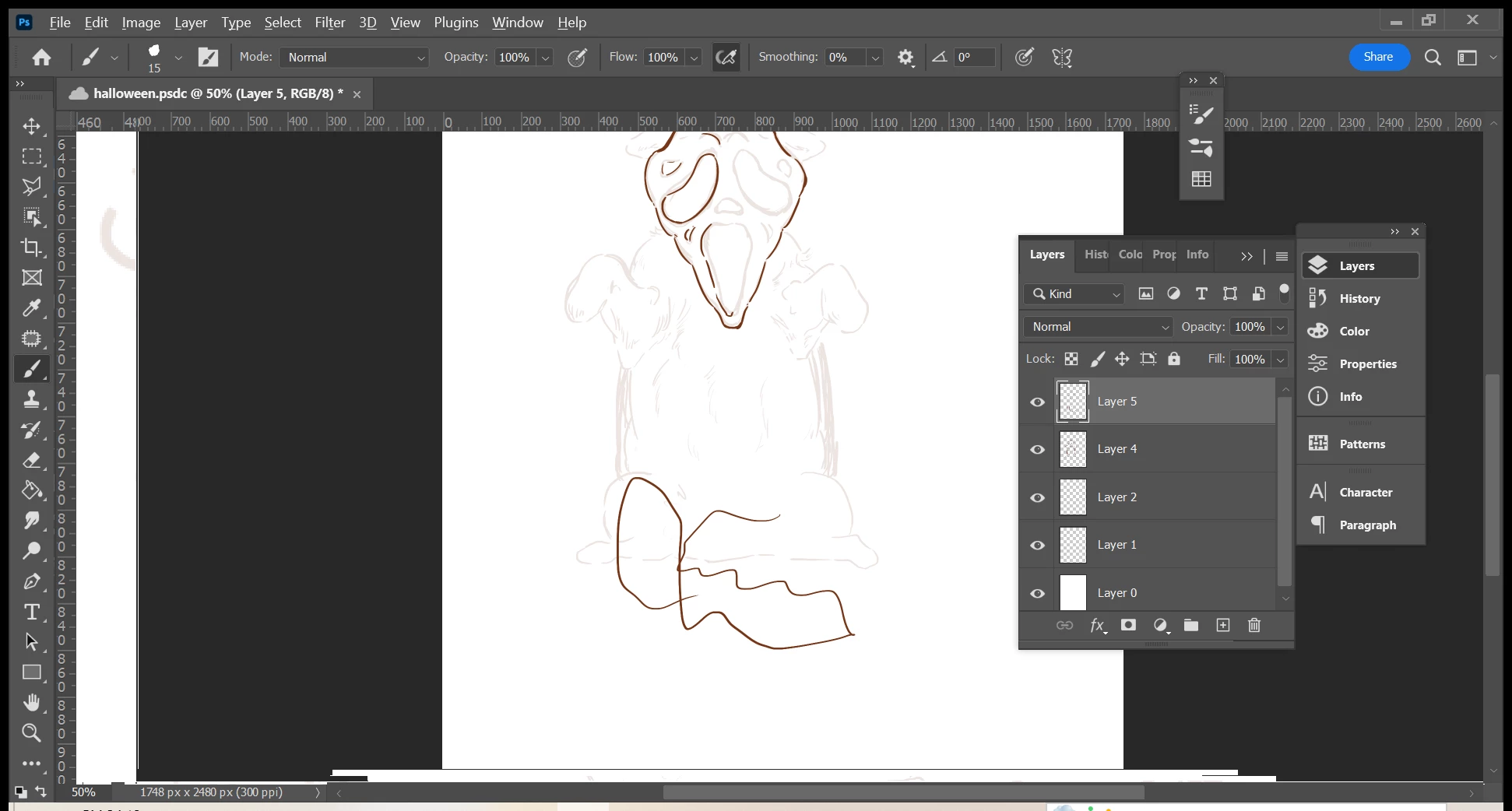
Hi, everytime I zoom in or out the image is glitching and as a result it creates this sidelines you can see in the photo. I updated the version three days ago and GPU is ok. Does someone has an answer?

 AdChoices