Djuna_A_
Known Participant
December 6, 2017
Answered

Why is the "Transform" option in the Edit menu greyed out?

  • December 6, 2017
  • 1 reply
  • 607 views

Hi there,

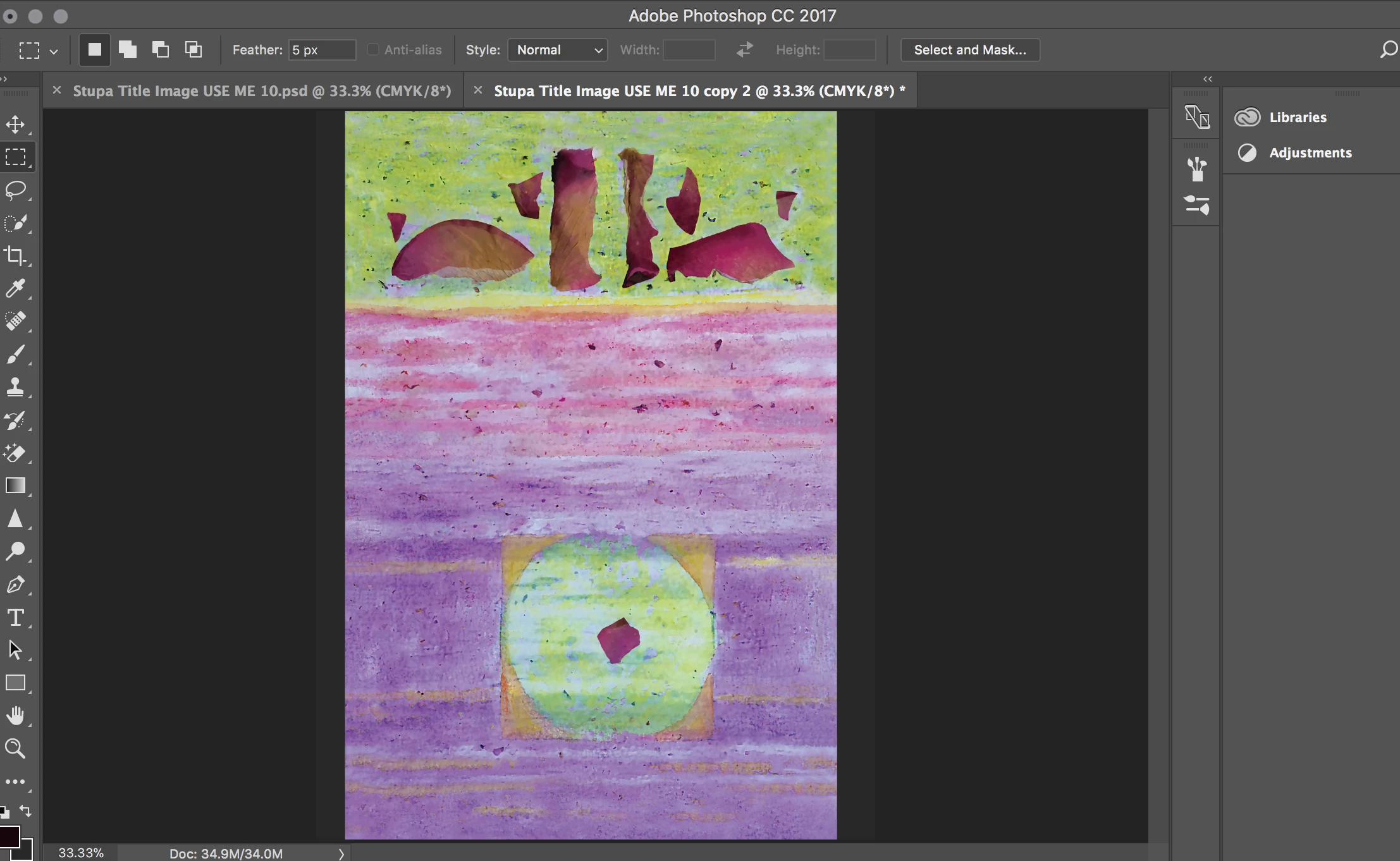
I'm trying to copy a strip of this paper, rotate that strip, and paste on the sides. I've already extend-cropped. I can't select the "Transform" option in the Edit menu.

Any ideas why? I have a MacBook Pro, High Sierra.
    This topic has been closed for replies.
    Correct answer Terri Stevens

    Hello,

    I would imagine you still have a 'background' layer in place and you cannot transform a background layer. Hold alt or option on a Mac and double click the background layer. You should then have access to transform functions

    1 reply

    Terri Stevens
    Terri StevensCorrect answer
    Legend
    December 6, 2017

    Hello,

    I would imagine you still have a 'background' layer in place and you cannot transform a background layer. Hold alt or option on a Mac and double click the background layer. You should then have access to transform functions

    Participant
    August 14, 2022

    I have the same problem with this and other grayed out commands running Ps on my Dell XPS laptop.