
Answered
Why is 'white' in Photoshop FFFCDD?
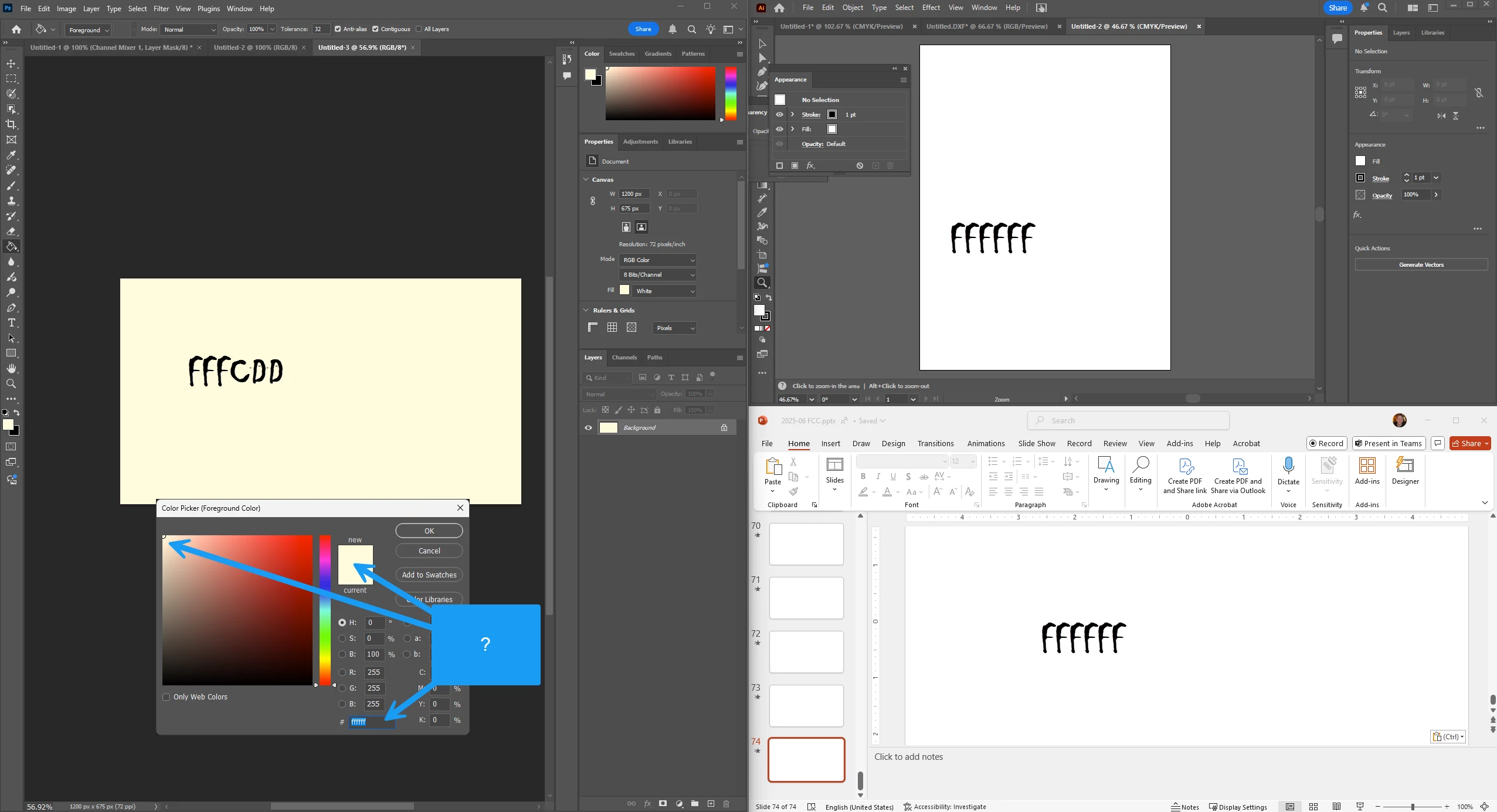
I noticed in Photoshop, that the background doesn't actually look white (fffffff).. even though the color picker shows it is white and in the upper left corner.
Contrast to Illustrator, and Powerpoint... The image below was taken by arranging all three applications on my machine... the hex color code is shown in the text is the value reported from the screen grab in SnagIt.
Please help me understand how to make white = white.
 AdChoices