
IntsSed
Known Participant
June 7, 2019
Answered

Why layer mask have edges. Help?!

  • June 7, 2019
  • 2 replies
  • 979 views

Why layer mask has edges?
Full mask size is 1400 x 800 mm.
In option "Select and mask" also edges. See screenshot below.
What can i do? Please help!
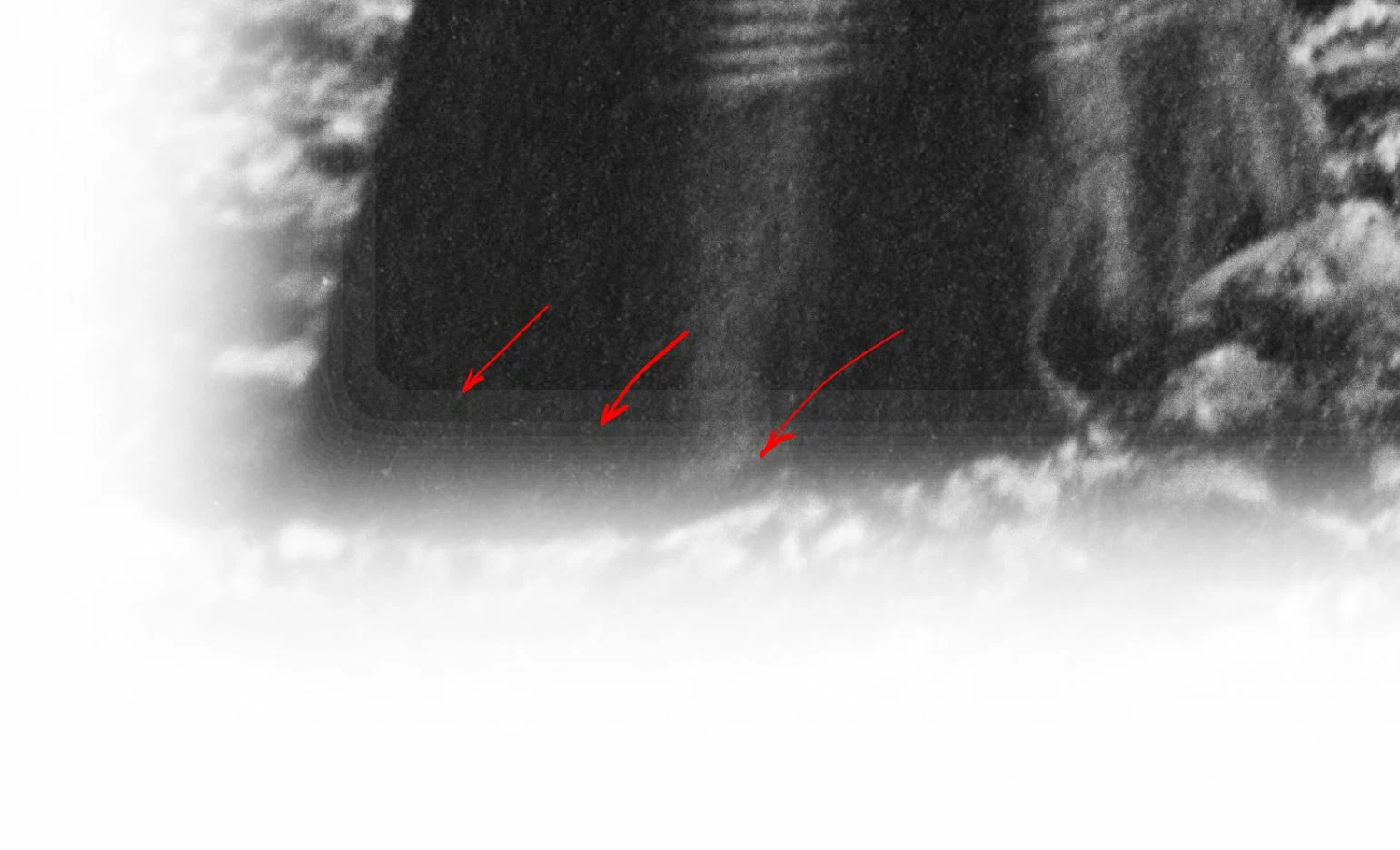
There was no edge before the day! Same operation. See screenshot below.
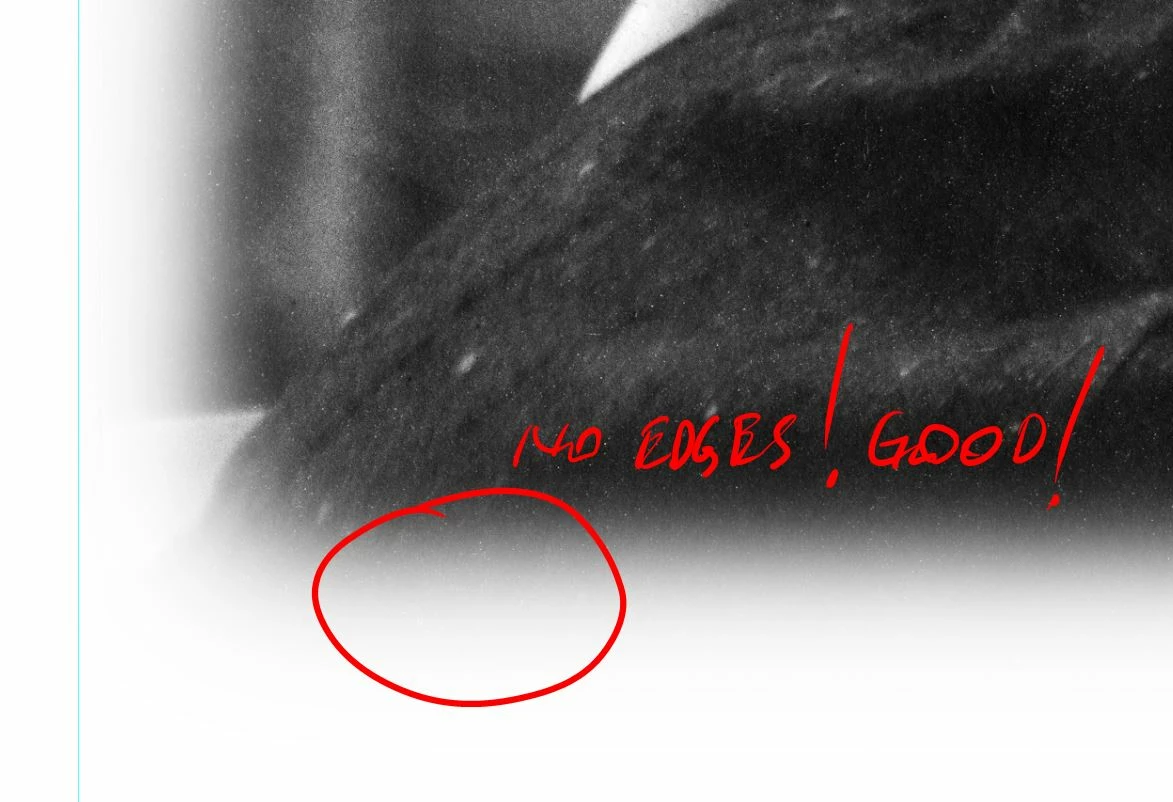
    This topic has been closed for replies.
    Correct answer c.pfaffenbichler

    Can you provide the layered image?

    I suppose either you created the Layer Mask badly or it may be due to quantification issues in 8bit.

    2 replies

    c.pfaffenbichler
    Community Expert
    Community Expert
    June 7, 2019

    »Badly« is not meant as an insult, in this context it is just meant as describing a combination of steps that produce an unintended and unexpected result.

    IntsSed
    IntsSedAuthor
    Known Participant
    June 7, 2019

    Thanks, c.pfaffenbichler!

    I love You!

    Don't know why and how i change to 8 bit?!

    Now all right!

    There how looks on layers.

    All composition 3130 x 2000 mm

    and final skech

    all hall

    c.pfaffenbichler
    Community Expert
    Community Expert
    June 7, 2019

    I suspect you may have to provide 8bit for printing but converting a flattened copy from 16bit to 8bit should not be a problem, for a layered image it can make a difference, though.

    c.pfaffenbichler
    Community Expert
    c.pfaffenbichlerCommunity ExpertCorrect answer
    Community Expert
    June 7, 2019

    Can you provide the layered image?

    I suppose either you created the Layer Mask badly or it may be due to quantification issues in 8bit.