Participant
March 11, 2020
Question

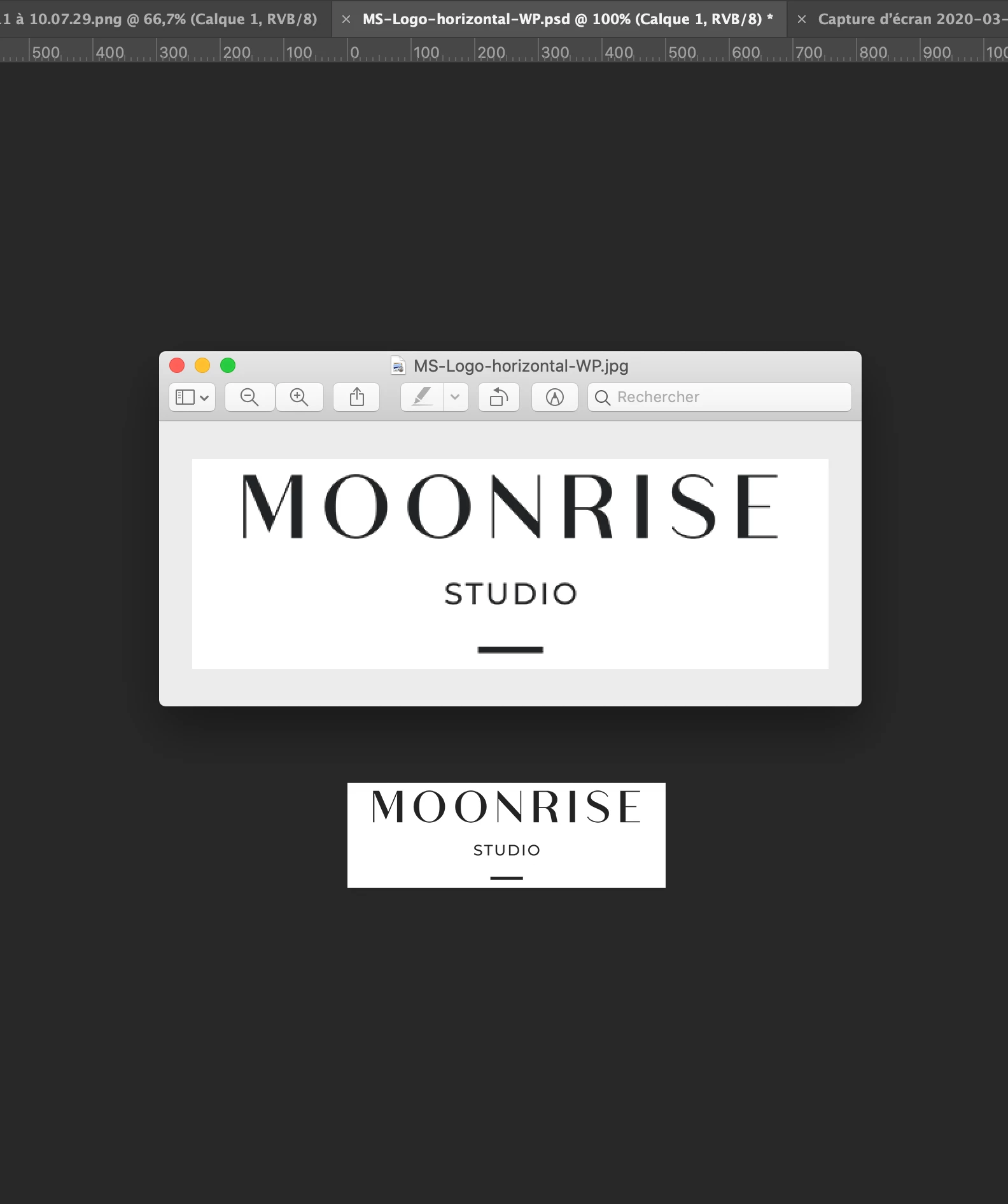
Why Photoshop double my image size when I export it ?

  • March 11, 2020
  • 1 reply
  • 1213 views

Hi everyone,


If I post this message it's because I already browse all the Internet and I'm totally crazy ! 
When I save an image (here 500x165px), the export file looks bigger and very bad quality.

I try all the export settings, from save menu, from "Save for the web". It's always the save trouble.


Do you know where it comes from ?


Thanks a lot for your help !!!


BTW I'm using the last Photoshop CC version (21.1). 
 

    This topic has been closed for replies.

    1 reply

    davescm
    Community Expert
    Community Expert
    March 11, 2020

    You image viewer is scaling the image , Photoshop is not.

    At 100% zoom, Photoshop maps exactly 1 image pixel to 1 screen pixel. So the size on screen depends on the pixel density of the monitor. It does this for absolute pixel accuracy.

    Other viewers/browsers scale the image so it displays larger on a high pixel density screen (e.g. retina screen). That scaling might for example map 1 image pixel onto 4 screen pixels which will look slightly blocky or use an in between scaling which will reduce sharpness at the edges.
    In short - that is not a Photoshop issue, although you can simulate the scaling in Photoshop by viewing at 200% zoom.


    Dave