Why smart objects distorts when scaling down?
Hey guys,
I would like to share a problem I've been facing for a while.
I've been maintaining a landing page of a website and everytime we put images I first shoot and then play around with images, create a composition and upload the the site in different resolutions/layouts for responsive UI.
Background to my image placing flow;
Every time I create a composition, I collect images from different shots either drop the image straight to the artboard and use automatically the default specs as a smart object or I open the image apply few adjustments and merge the layers then copy and paste to the original artboard where I create my composition. After I paste the image, I then immediately turn the image to a smart object.
Problem Statement:
Either by copying/pasting and then turning the layer to a smart object or placing an image from a location, whenever I use those smart objects, If I scale the object down the quality goes really bad.
Searching Solution:
I don't remember this issue happening 2-3versions before. I tried to look out for any solution if anyone else have a similar problem. However, couldn't get anything useful yet. Many people points generic transform/scale bigger and then image pixalates issues.
My problem is complete opposite. When I scale down or rotate my smart object, it gets distorted.
Please have a look at the image and hoping they will make sense and you know a solution to this.
Original Size
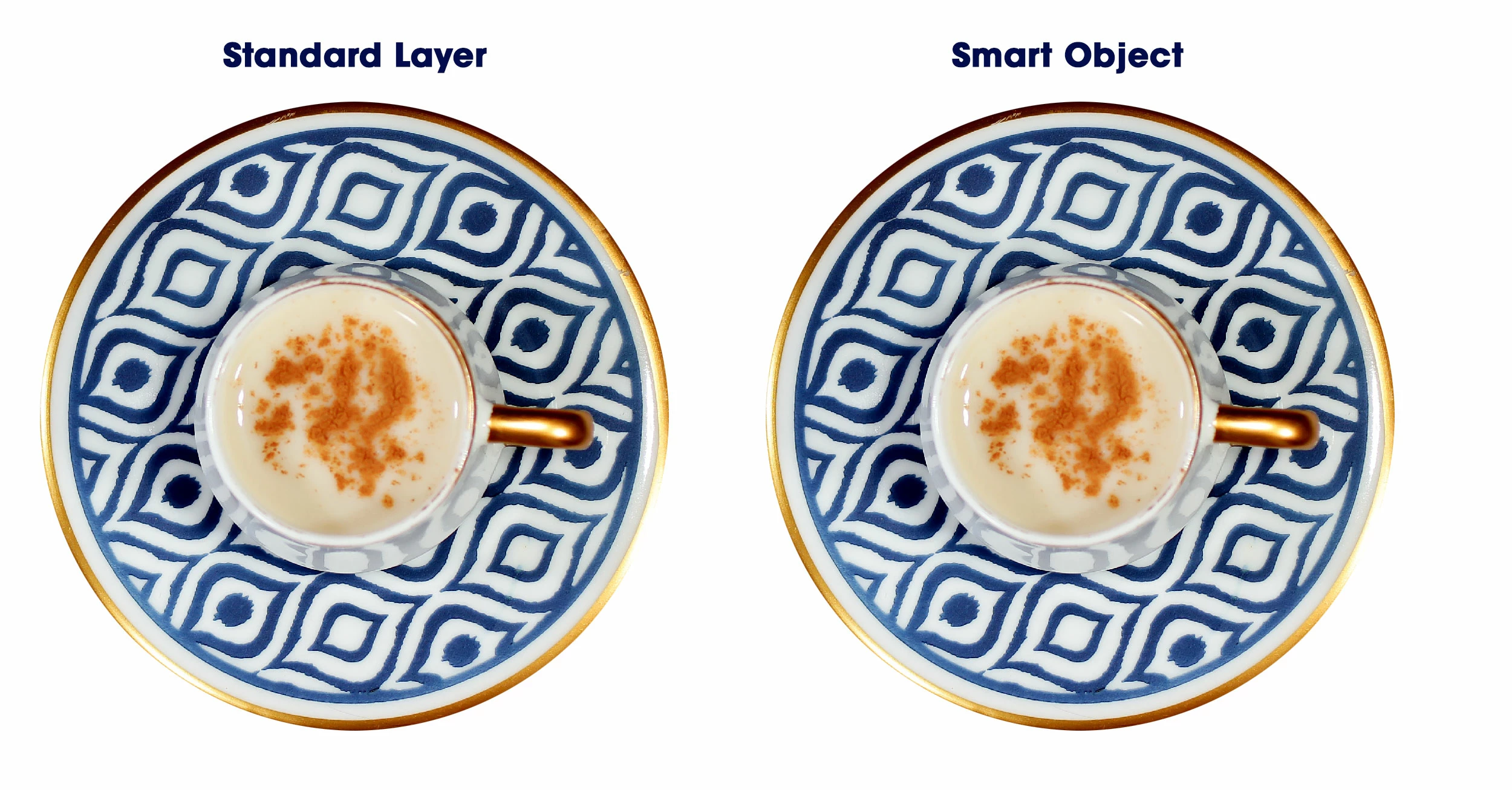
After Scale
Applied Settings: Reduce the width and height 50% down.
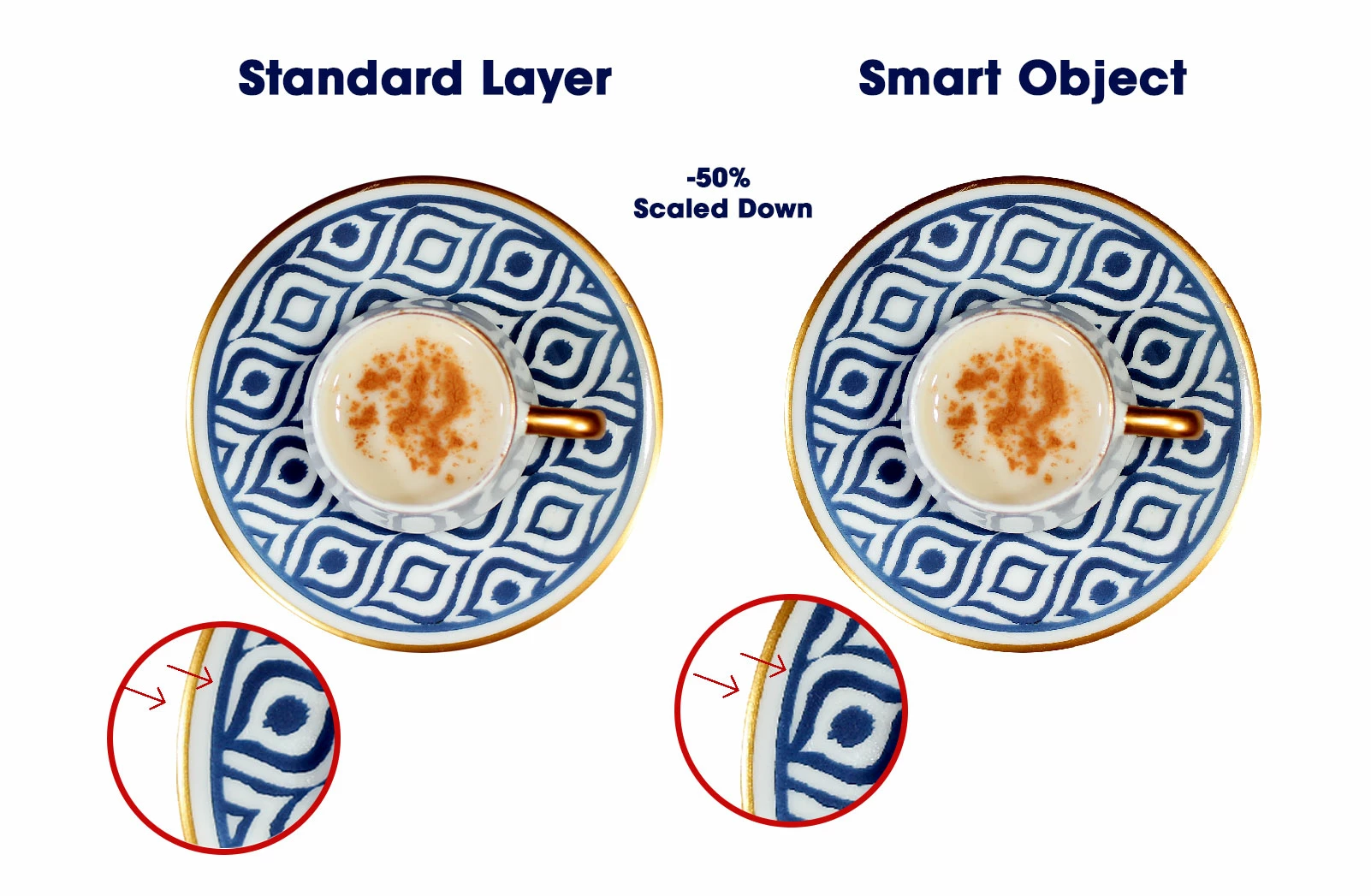
Above image simply shows, when reducing the standard layer is not even pixelating at all, however the smart object is not behaving smart at all...
What would be causing this issue?
Looking forward to hearing from you.
Many Thanks
Fatih
 AdChoices