
Inspiring
November 30, 2022
Answered

Why the font are pixelated after exporting from photoshop?

  • November 30, 2022
  • 2 replies
  • 2557 views

So I created one banner in photoshop. I exported it as photoshop PDF last year. when I open that in acrobat it is perfect. but recently I have had to export it again but when I open it in acrobat the font is pixelated.

PSD settings: 1754px X 2480px (300ppi)

My export setting: Save as copy - Adobe PDF - Adobe PDF setting: HIGH-quality print.


  1. last year exported PDF. I actually didn't remember which setting I changed to export this type of quality pdf.
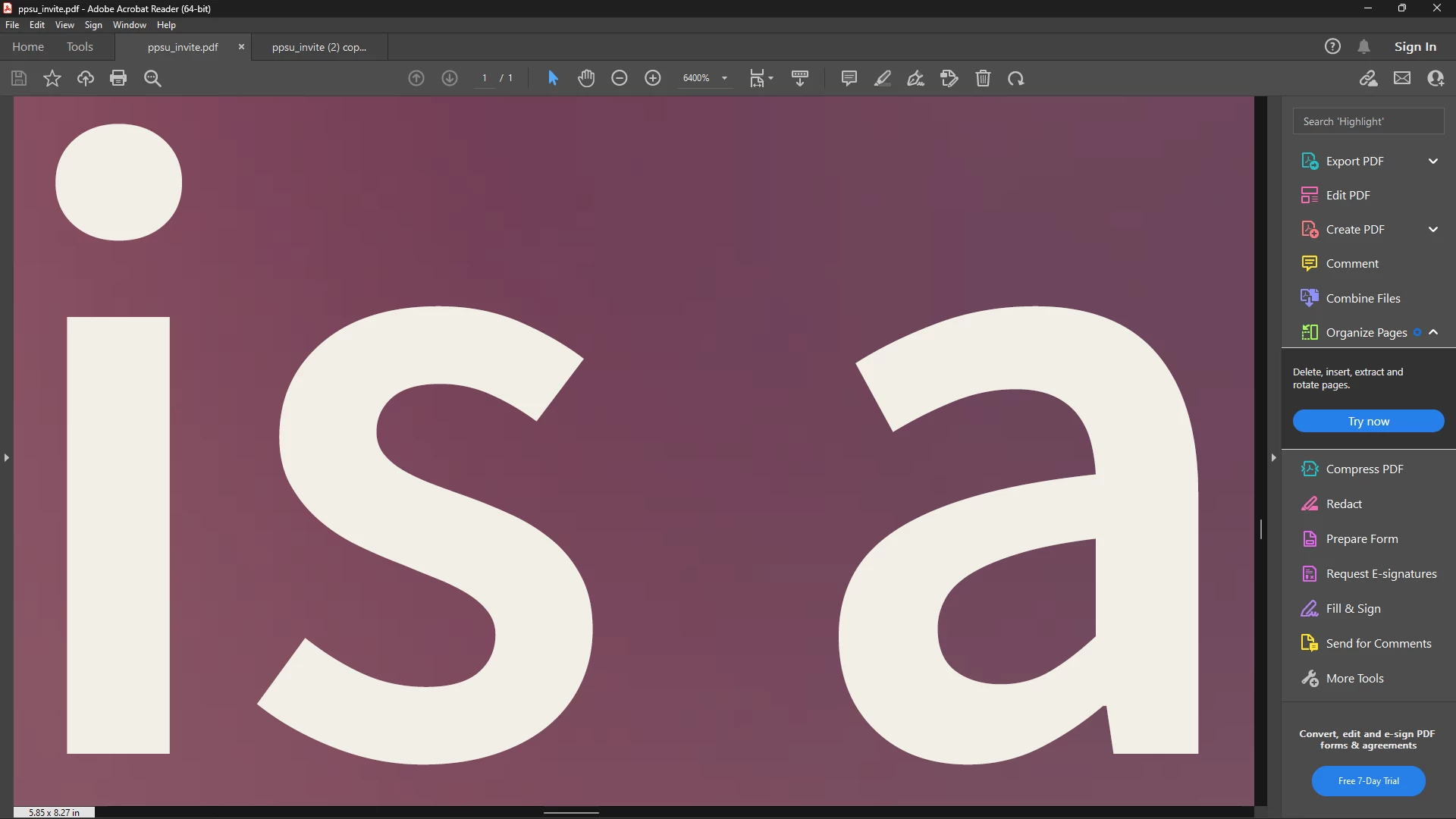
2. latest exported PDF. Adobe PDF setting: HIGH-quality print. I also try to set the compression option to DoNotDownscale and Compression: None
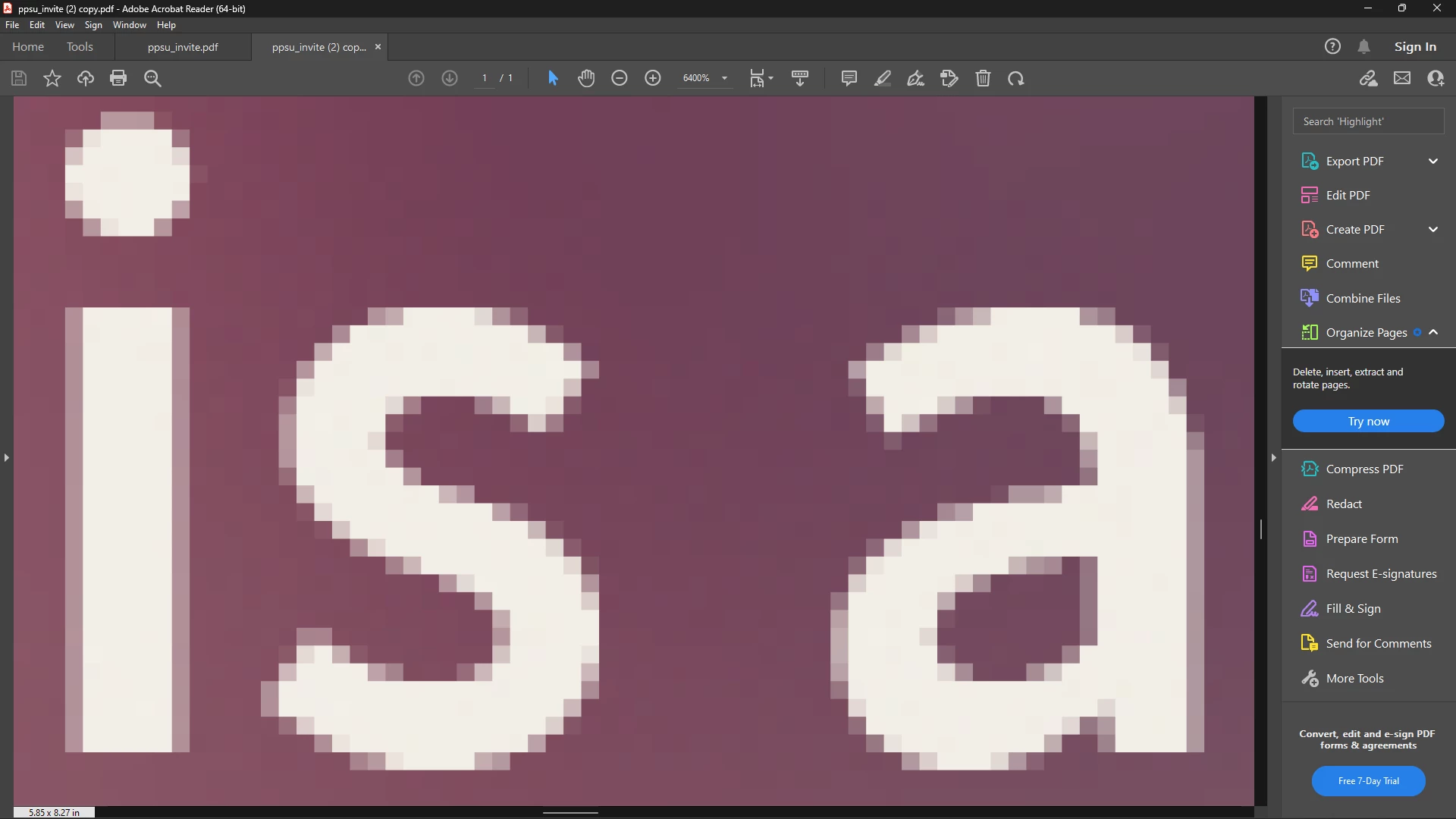
Does anyone know how can I achieve 1 photo type of quality?

 
This topic has been closed for replies.
Correct answer AyushRajgor

Could you provide the pdf and the psd (just the Type Layer/s and the background)? 


Hello, the issue is resolved. The fonts are Faux bold that why it is pixelated in export. I turned it off. now exported font is no more pixelated no matter how much I zoom. Also thanks for your help.

2 replies

c.pfaffenbichler
Community Expert
Community Expert
November 30, 2022

Worst case try using 

Type > Convert to Shape 

to create a Shape Layer, that should at least output as vector. 

c.pfaffenbichler
Community Expert
Community Expert
November 30, 2022

Could you please post a screenshot of the layered image open in Photoshop taken at View > 100% with the pertinent Panels (Toolbar, Layers, Channels, Options Bar, Character, …) visible? 

If it worked back then it seems unlikely but is a Faux Style involved? 

Inspiring
November 30, 2022

Hello,

I attached the screenshot.


c.pfaffenbichler
Community Expert
Community Expert
November 30, 2022

What is the format of the font (otf, ttf, …)?