
Window Maximizing When Activated Bug
Hello,
I'm having an issue in Photoshop cc 2017 where any time I click on the bar that you would click on in order to move a Photoshop window around it maximizes. An example would be imagine you have two Photoshop files open we'll call them File A and File B. Now let say you currently have File B active you're painting in it dodging burning ect.... now lets say you need to go to File A real quick for what ever reason. You go to click on the top bar of the File A window (one time) to activate it and bring it forward but it maximizes the window as if you had double clicked on the bar. Also if File A is maximized already and I'm working in File B and Click once to activate File A (the already maximized window) the file A window will de-maximize to the smaller option. So my question is how do i fix this\turn this off. lastly i know that you can maximize and de-maximize windows in most programs including Photoshop by double clicking the top bar but my issue is that it is maximizing when i click it only one time to activate a window that i need to work in. I've tested it and it only happens in Photoshop I've tried chrome and other programs and i don't have the issue. I've also used different mice and they all do it.
A little info
os: Windows 10
Photoshop cc 2017 most up to date as of Feb 10, 2017
Never had the issue until a few month ago and I've used Photoshop for years
I work with tabbing of windows turned off

File A and B are open. B is active.

need to work in File A so I Click on the File A bar ONE TIME only.
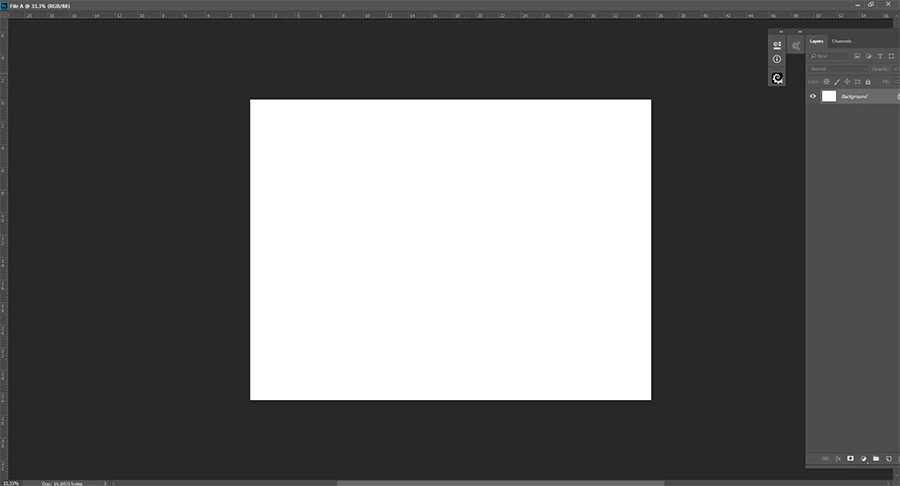
Immediately after clicking. The File A window maximizes.
How do I turn this off or fix it?
 AdChoices