
Windows 10 freezes/crashes every few minutes when Photoshop CC is running, help?
Hey so, since the latest Windows 10 update a couple weeks ago, I've found it nearly impossible to use Photoshop. Opening the program goes smoothly as usual, but after a few minutes of using the program, Windows will suddenly blink a black screen, pause, then come back to a blank screen and Photoshop with an error screen. I've attached the following: 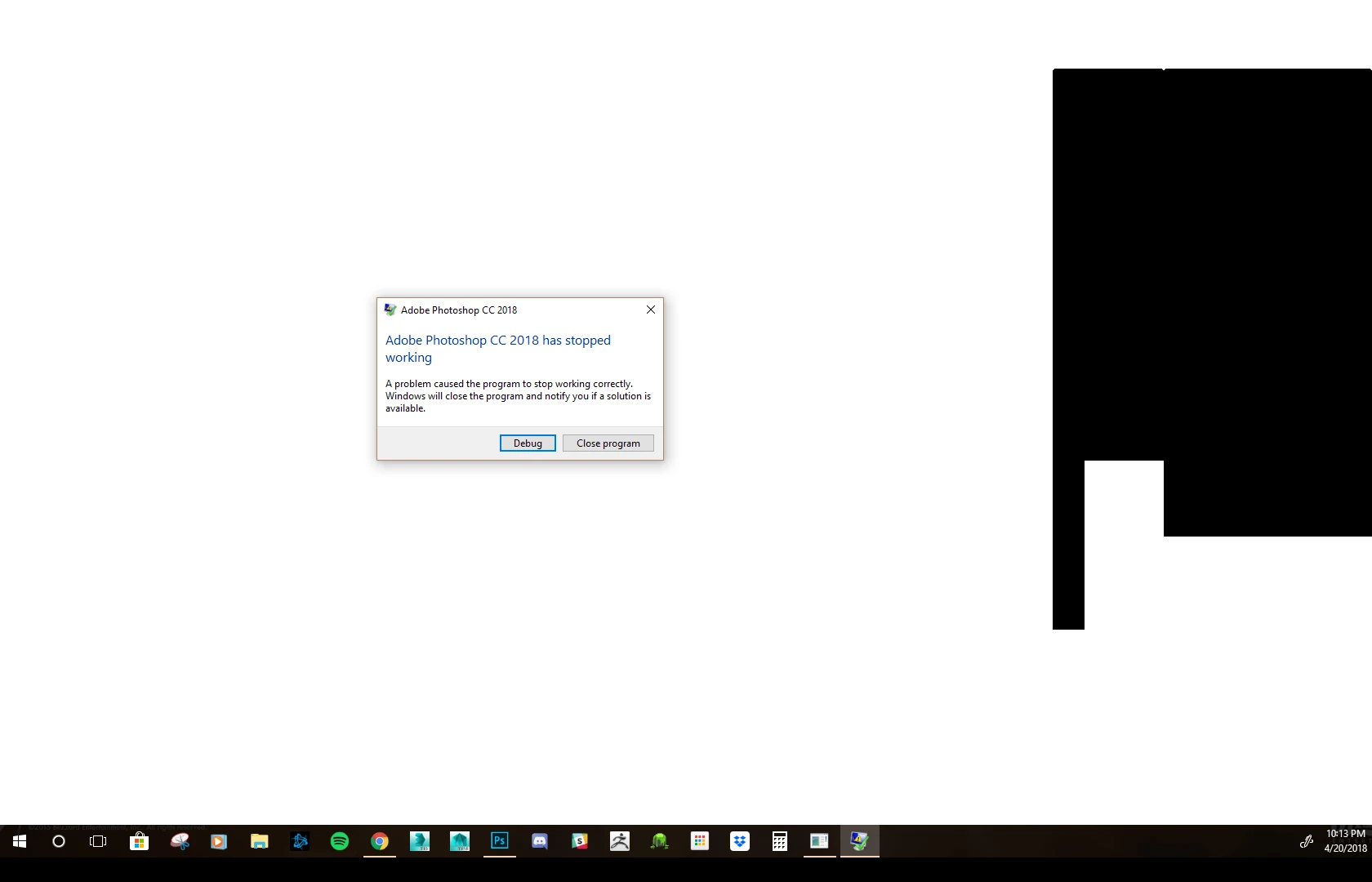
This never occurred before until the latest Windows update. This also only happens with Photoshop open. I've tried reinstalling my graphic card drivers, updating all drivers, and cleaning my drive for any errors. I've erased all temp files and reset some settings for the SSD. Nothing has worked so far. I'm getting exasperated because I'm an illustrator for a living, and this is severely delaying my work flow. Any possible suggestions for a solution are appreciated.
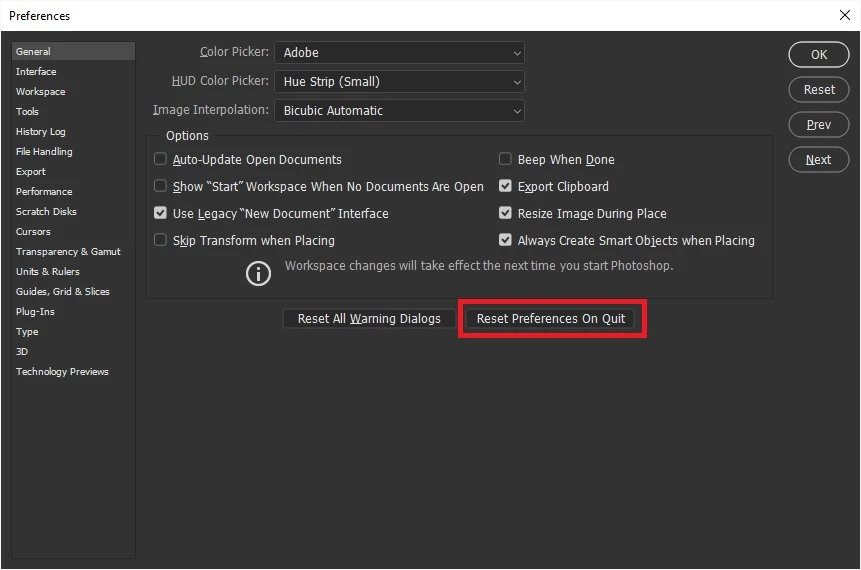
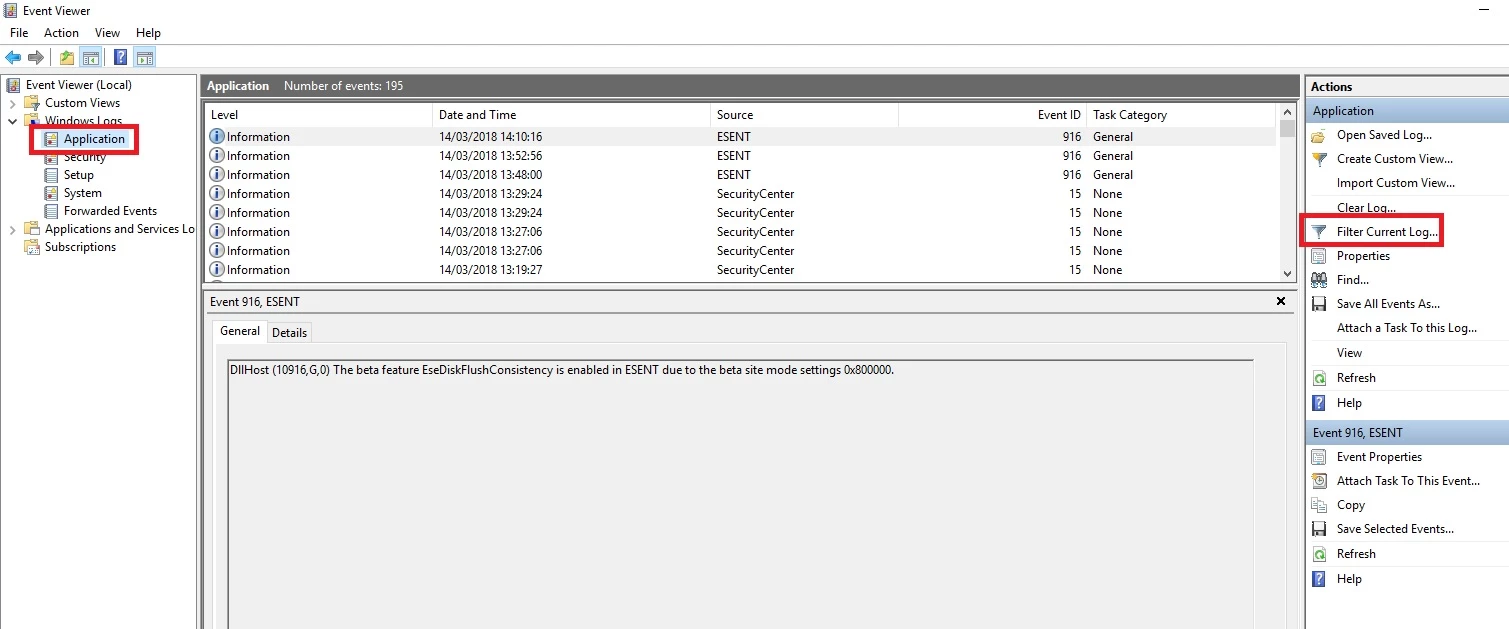
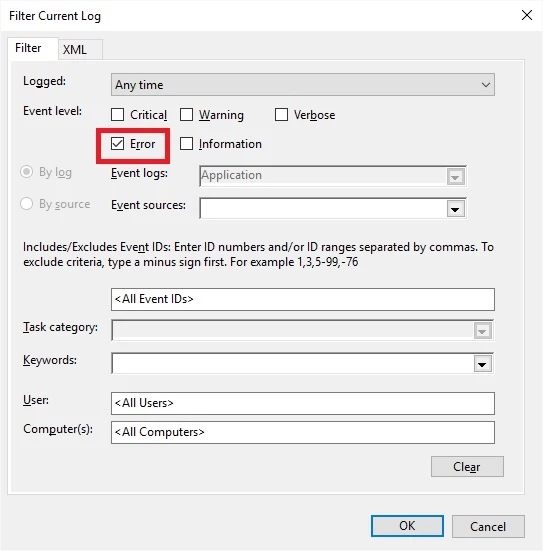
 AdChoices