Write permissions error in Mac PS 24.3, seemingly NOT Dropbox related
As so many people have posted about, I have suddenly (and I mean like in the last hour) started getting write permissions error when trying to save for web (as a JPEG or PNG):
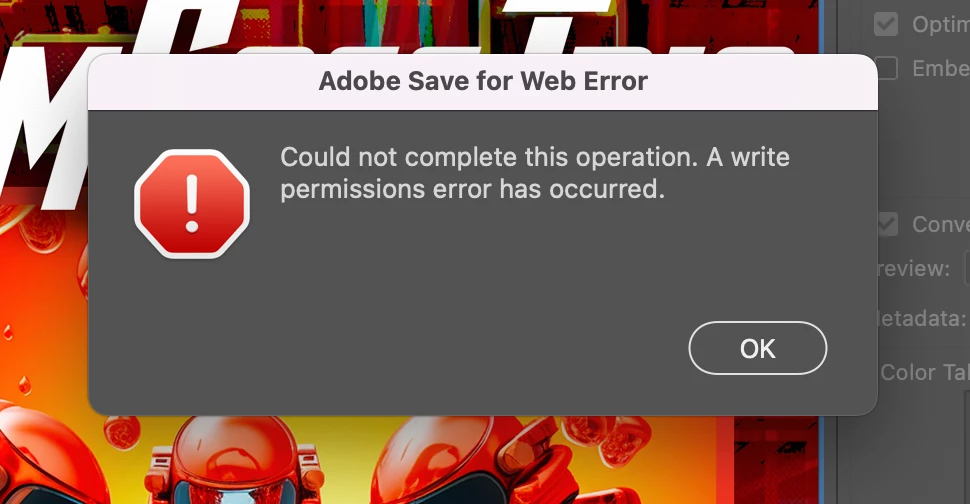
The truly weird parts are that a) I am using Dropbox but NOT auto-backing up any folders on my Mac (which seemed to be the problem for a lot of people with this issue), only syncing files manually as I need them; and b) this is a file I was working with earlier today and had successfully saved versions to web just a couple of hours ago... when I came back and tried again, I could not save a copy to web. I tried different folders, all with no luck, even the folder the main PSD is in. I quit, restarted, reopened the PSD, same situation.
As with others, I CAN "Export As..." successfully, but no Save for Web options work. I checked my privacy settings, nothing has changed about the access PS has had to my drive, and I don't know how anything COULD have changed in the last couple of hours.
I am updating Photoshop now, I will see if this fixes it... but any insights would be super helpful.
Thanks in advance, community!
Matt
 AdChoices