
zoom result trouble
Hi folks,
Headache here, I describe you the trouble(s) I get, maybe someone had the same issue and got it resolved by magic or whatever else:
Open PS, open a file, file opens in a window wich fits the space at 66.7% pixelsize. (see attachment 1)
Downsizing at 50% is ok (see Picture 2)
Enlarging at more than 50% doesn't show the result (picture doesn't enlarge but red area moves in the navigator window)
Enlarging starts to show result again at 3200% (wich is not so useful for me...)
Problem occured both with zoom window tick and without
Same occurs when double click on a file to open PS
In full screen with tools mode, about the same happens. zooming until 50% is ok, from 50% or it doesn't show or it cronks the ratio in the frame in the best scenario case. (see picture 3, but it's in a window this one I know)
Ontop of that on my last try I did a quick stack of layers and tried to save it in order to move to my 2nd computer to actually work but it returned a "can't save because of error program" 😂😂
I tried GPU troubleshooting with no result, also reset my video cache, rebooted everything a few times..., and I write you my setup down below
macos 10.15.7
PS 22.1
glgpu[0].GLVersion="2.1"
glgpu[0].IsIntegratedGLGPU=0
glgpu[0].GLMemoryMB=8176
glgpu[0].GLName="16915971"
glgpu[0].GLVendor="AMD"
glgpu[0].GLRenderer="16915971"
glgpu[0].HasGLNPOTSupport=1
glgpu[0].CanCompileProgramGLSL=1
glgpu[0].GLFrameBufferOK=1
clgpu[0].CLPlatformVersion="OpenCL 1.2 (Jun 8 2020 17:36:15)"
clgpu[0].CLDeviceVersion="1.2"
clgpu[0].IsIntegratedCLGPU=1
clgpu[0].CLMemoryMB=1610
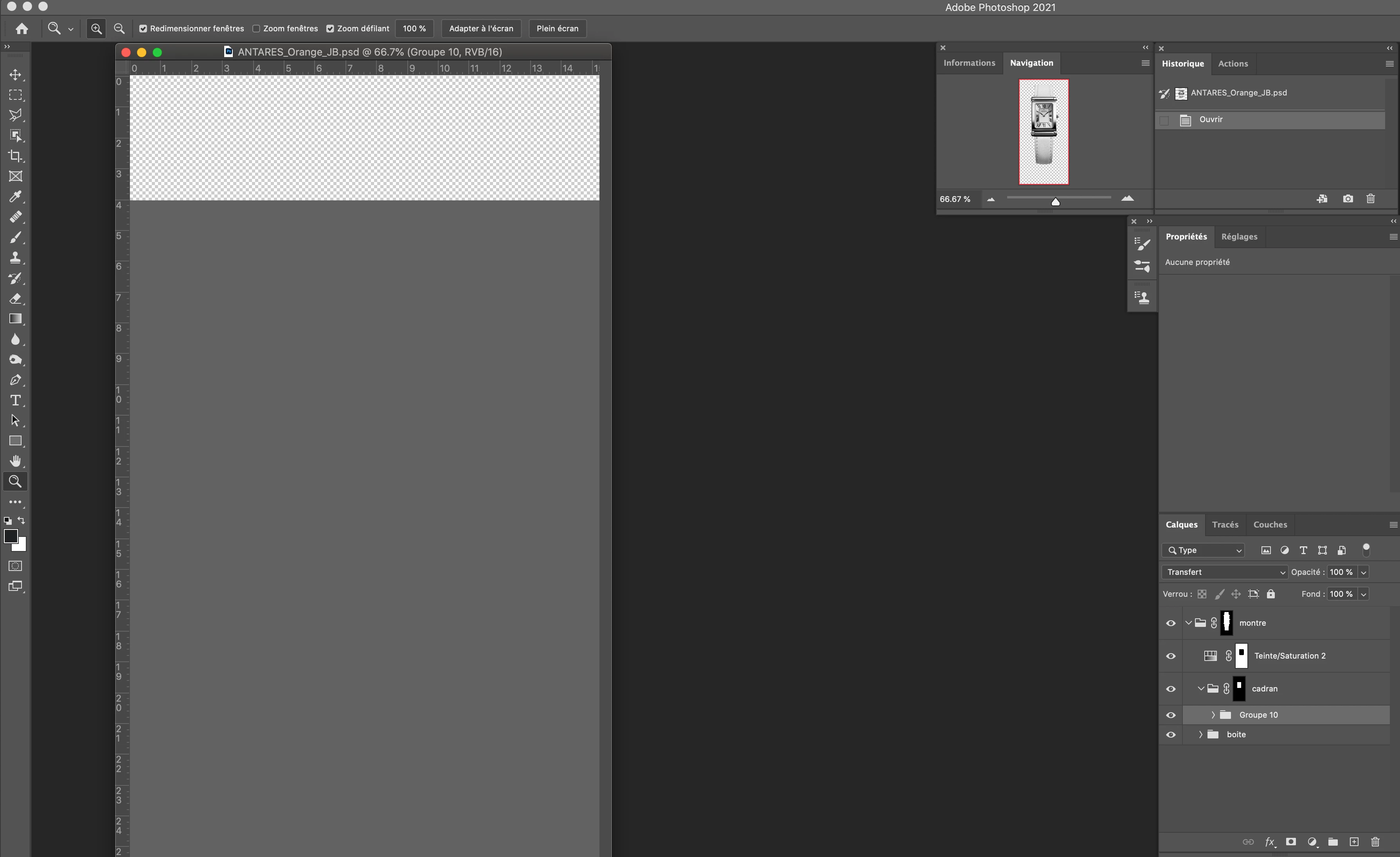 1
1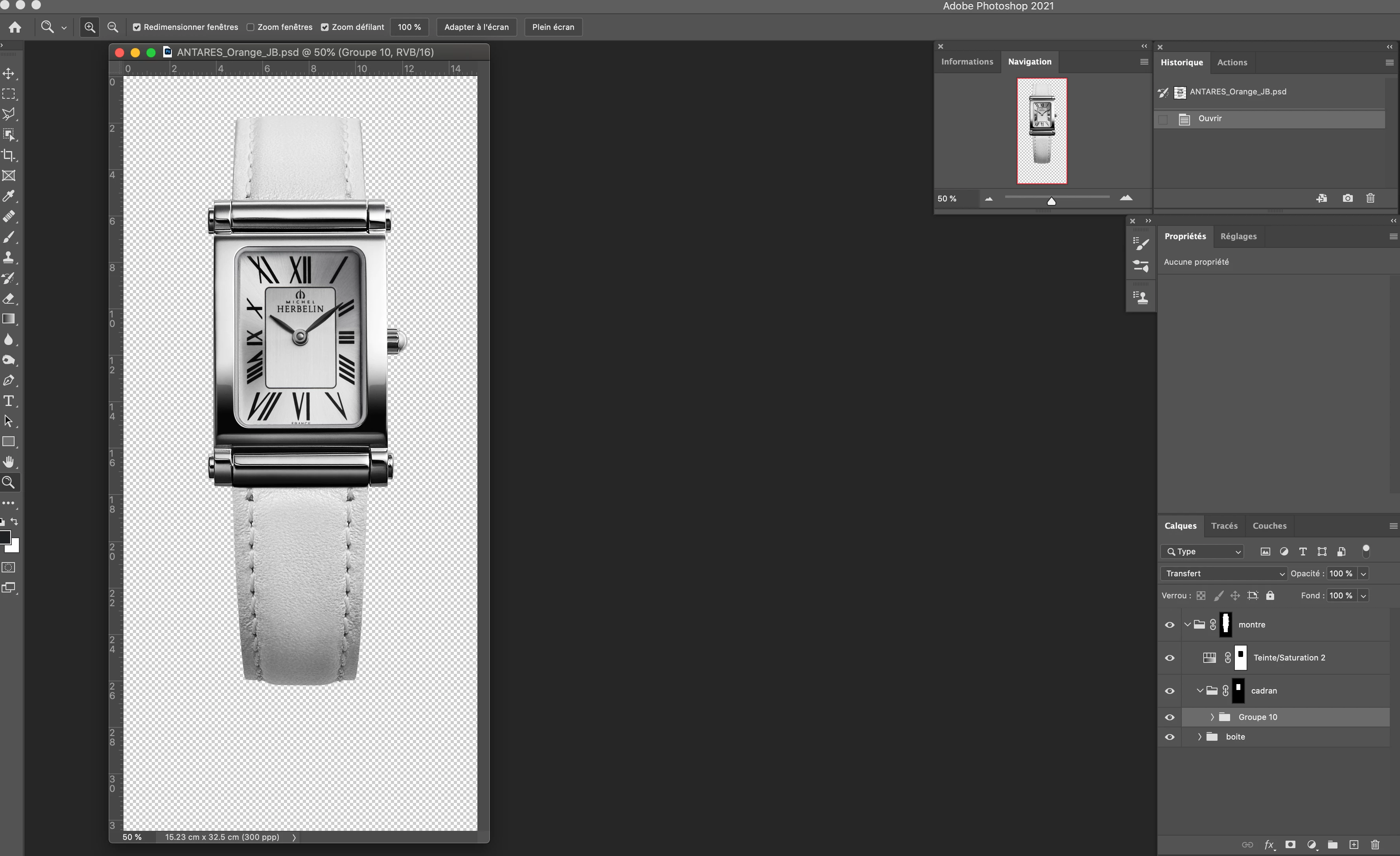 2
2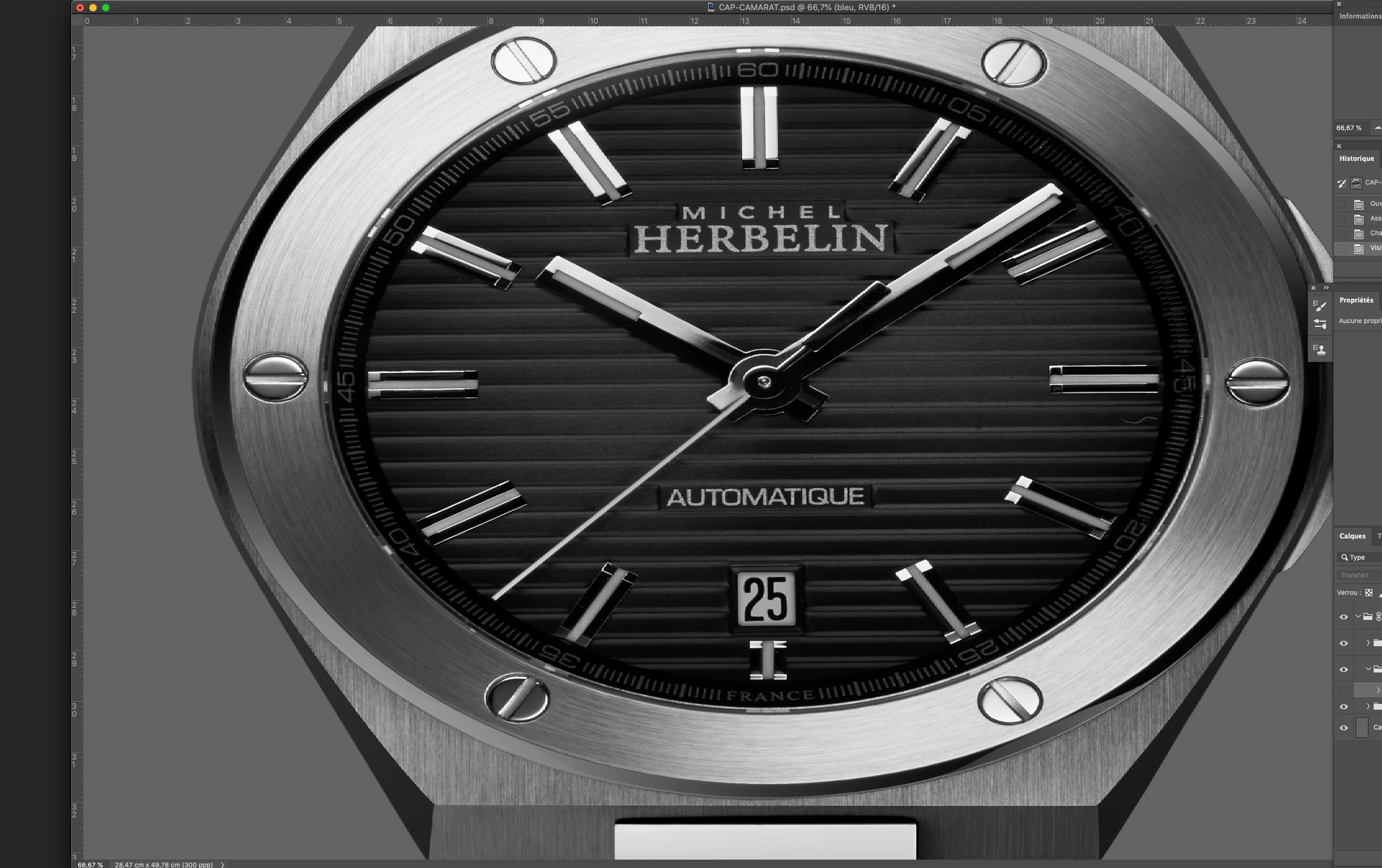 3
3
 AdChoices