Participant
September 10, 2021
Answered

Zoom Tool Broken Past 500%

  • September 10, 2021
  • 2 replies
  • 1088 views

Hey all,


I'm getting a weird issue when I use the Zoom tool past 500%. I do a lot of precise movements in Photoshop so I need to be able to zoom in that far. As I zoom past 500%, it becomes all oddly pixelated. Attached is a screenshot of what an entire black-covered canvas looks like when I zoom in. I've tried resetting my preferences and uninstalling/reinstalling Photoshop.
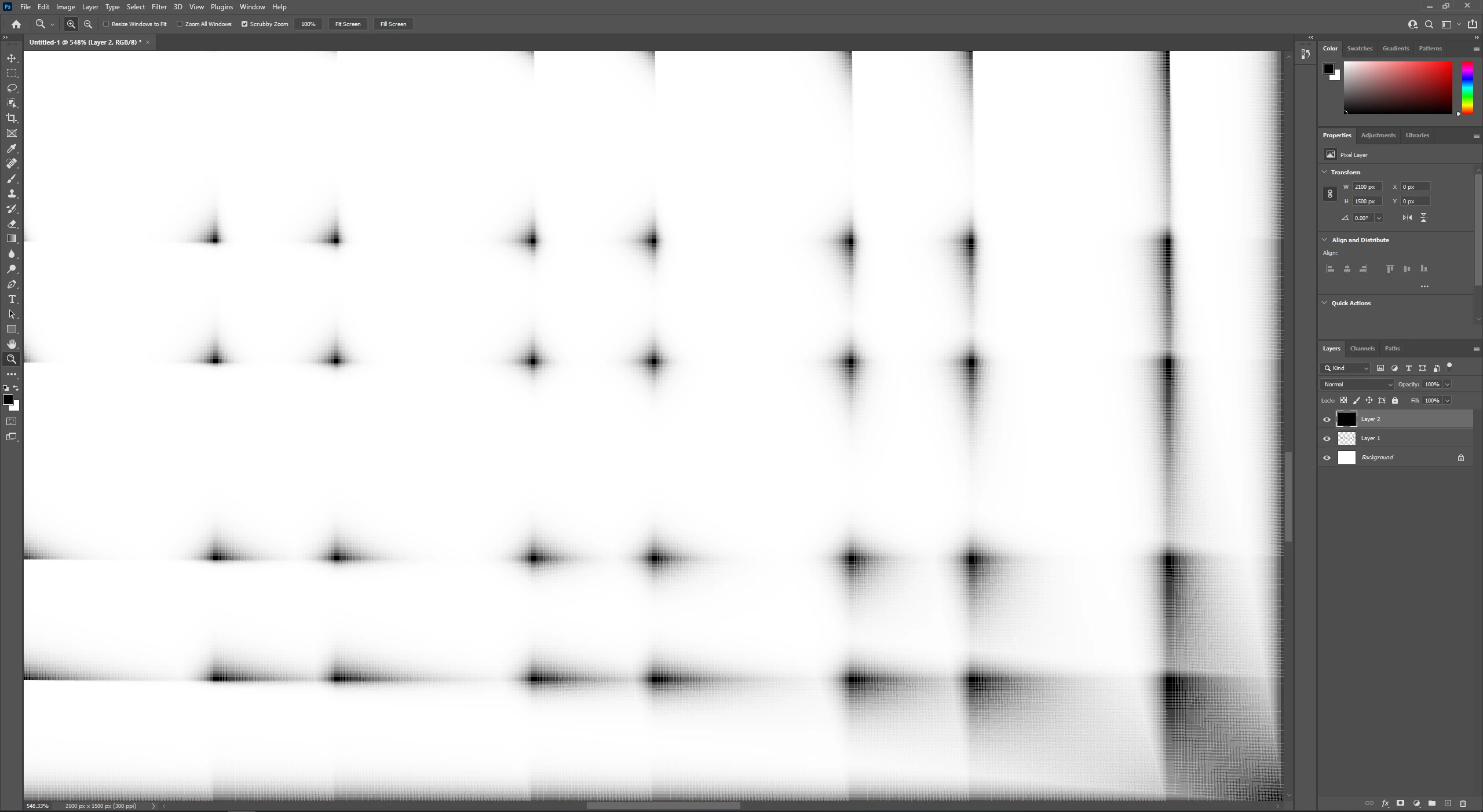
 

Any thoughts? Thanks in advance.

This topic has been closed for replies.
Correct answer markb9370468

I see now that the issue is caused by the pixel grid. I've disabled that and it fixed the issue. I guess I can't use the pixel grid anymore (no loss there for me, though!).

2 replies

Jeff Arola
Community Expert
Community Expert
September 10, 2021

In photoshop go to Edit>Preferences>Technology Previews, check Deactivate Native Canvas and restart photoshop.

studio_anyone
Participant
February 9, 2022

Thank You~! Very Mush~!

markb9370468AuthorCorrect answer
Participant
September 10, 2021

I see now that the issue is caused by the pixel grid. I've disabled that and it fixed the issue. I guess I can't use the pixel grid anymore (no loss there for me, though!).