Participant
April 28, 2022
Answered

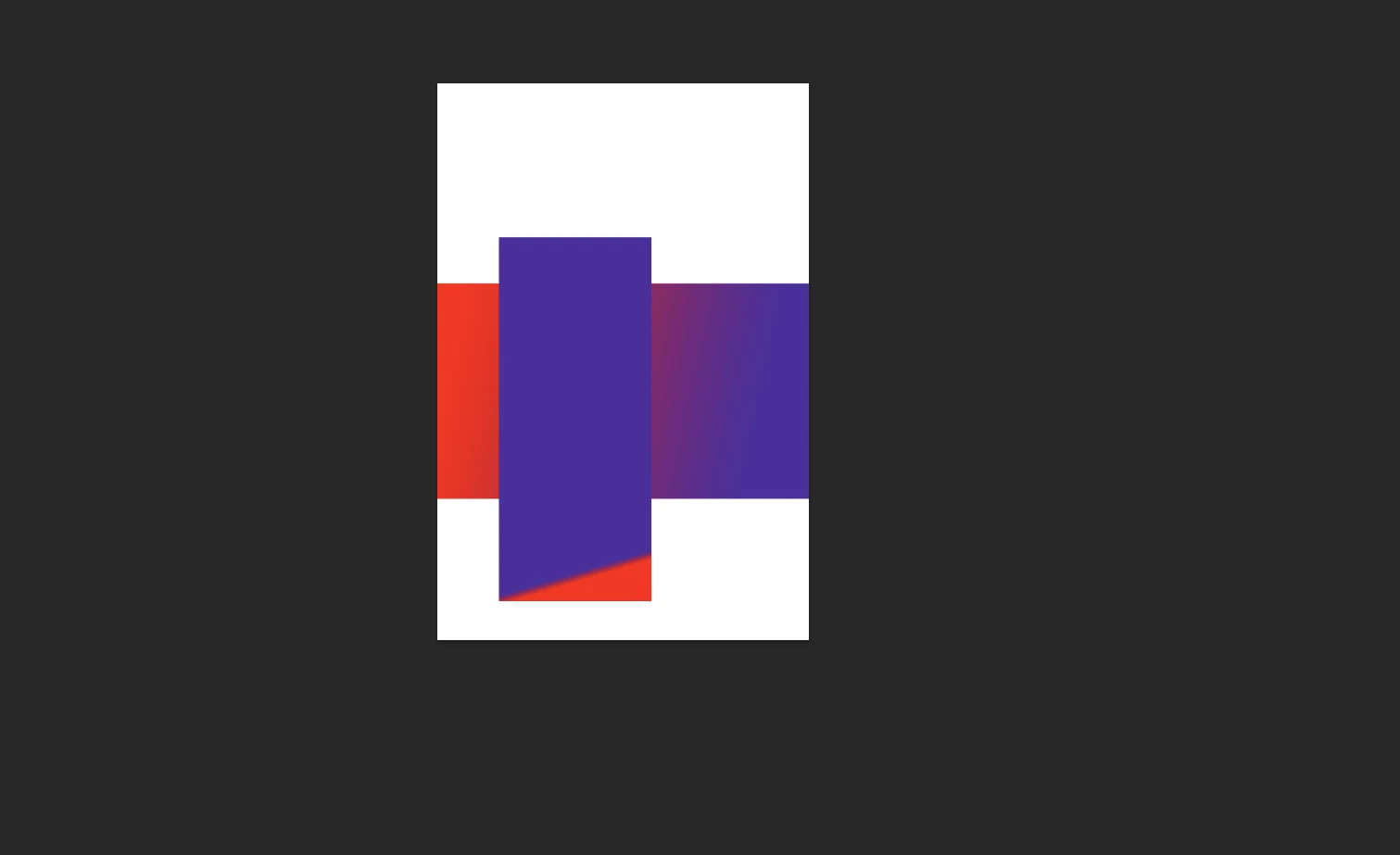
Zoomed in sides extend off the page, has anyone seen this bug?

  • April 28, 2022
  • 4 replies
  • 355 views

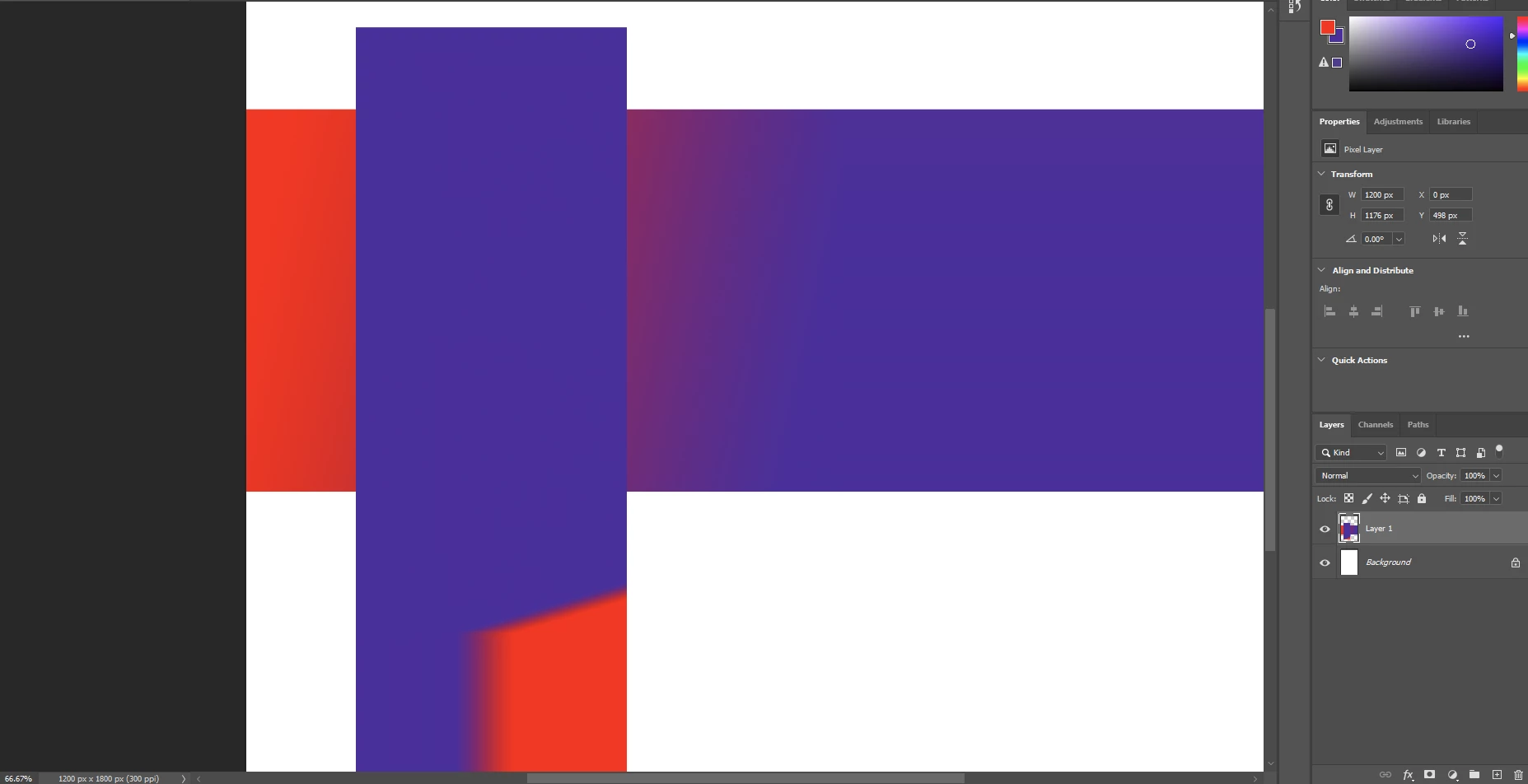
Somthing that happens no matter what version of photoshop I'm in, this bizzare extending edge happens when you zoom in too close or get the artboard too close to the edge. Has anyone else experienced somthing simlar? I'm using a windows PC also. 
This topic has been closed for replies.
Correct answer J453

@SwaytheCrowd Try this: Go to Preferences > Technology Previews... and check "Disable Native Canvas" - then restart Photoshop. Does the problem still occur?

4 replies

Participant
April 28, 2022

That worked! Thank you. 

Mark.Dahm
Community Manager
Community Manager
September 14, 2022

We believe that underlying issues (which were temporarily addressed by selecting the ‘Deactivate native canvas button’ in Technology Preview) have been fixed, and you may now de-select that button for future Photoshop sessions. Please let us know if any of these issues return once the native canvas has been re-activated.

J453Correct answer
Legend
April 28, 2022

@SwaytheCrowd Try this: Go to Preferences > Technology Previews... and check "Disable Native Canvas" - then restart Photoshop. Does the problem still occur?

Participant
April 28, 2022

Turned off  Overscroll and reopened it and it is still there. Somthing I tried to highlight here is that it also happens to things like the rulers, or the selection boxes. (used a diffrent photo to show whats happening better.) 

CShubert
Community Manager
Community Manager
April 28, 2022

Hi @SwaytheCrowd ,

Could this be because of overscroll?

Close your files. Go to Preferences > Tools... and uncheck "Overscroll." Reopen your files. Does it behave as you expect now?

Thank you,