Participating Frequently
January 13, 2022
Answered

Zooming-in bug

  • January 13, 2022
  • 3 replies
  • 585 views

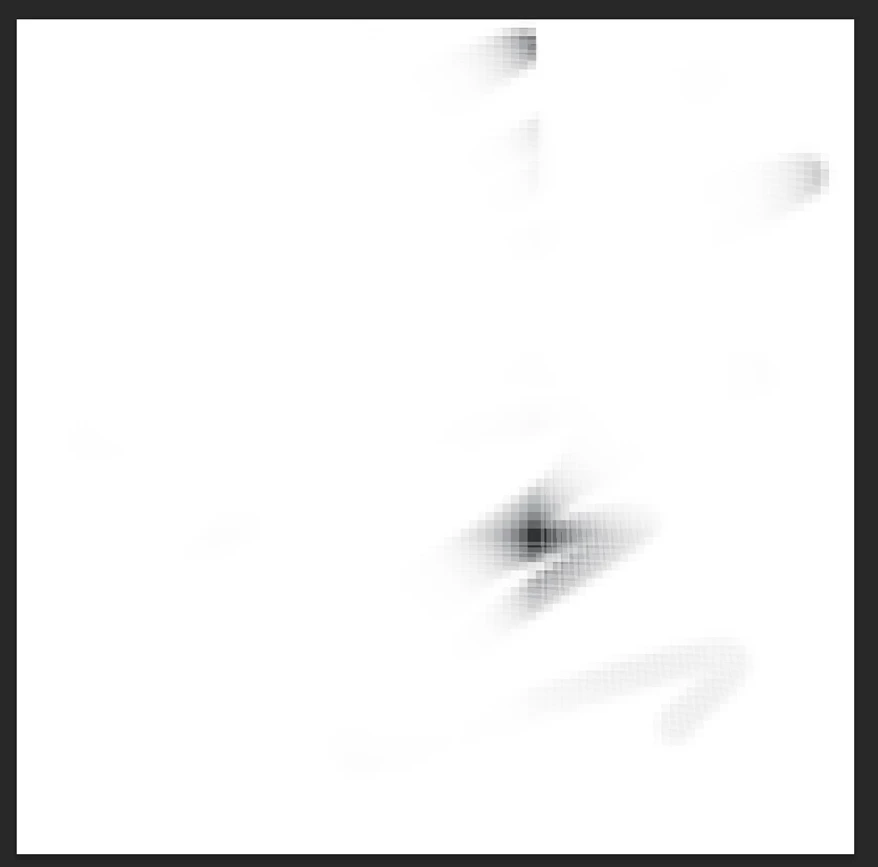
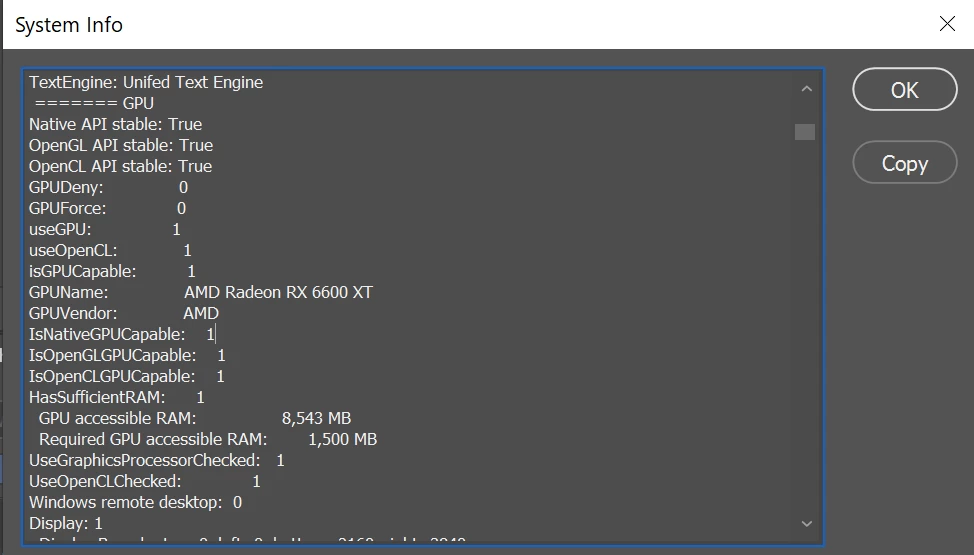
Hi, I've got this problem that happens when I zoom in too far. The problem is solved by turning off GPU accerleration, but I would like to actually be able to use GPU acceleration. Is there a more specific feature I can disable to fix this bug?

thanks!


First image is an image before zooming in

Second image is after zooming in

 

Photoshop 23.0.0.0

Operating System: Windows 10 64-bit
Version: 10 or greater 10.0.19043.1288
System architecture: AMD CPU Family:15, Model:1, Stepping:0 with MMX, SSE Integer, SSE FP, SSE2, SSE3, SSE4.1, SSE4.2, AVX, AVX2, HyperThreading
Physical processor count: 8
Logical processor count: 16
Processor speed: 3800 MHz
Built-in memory: 32694 MB
Free memory: 19460 MB
Memory available to Photoshop: 25131 MB


This topic has been closed for replies.
Correct answer Ged_Traynor

Hi

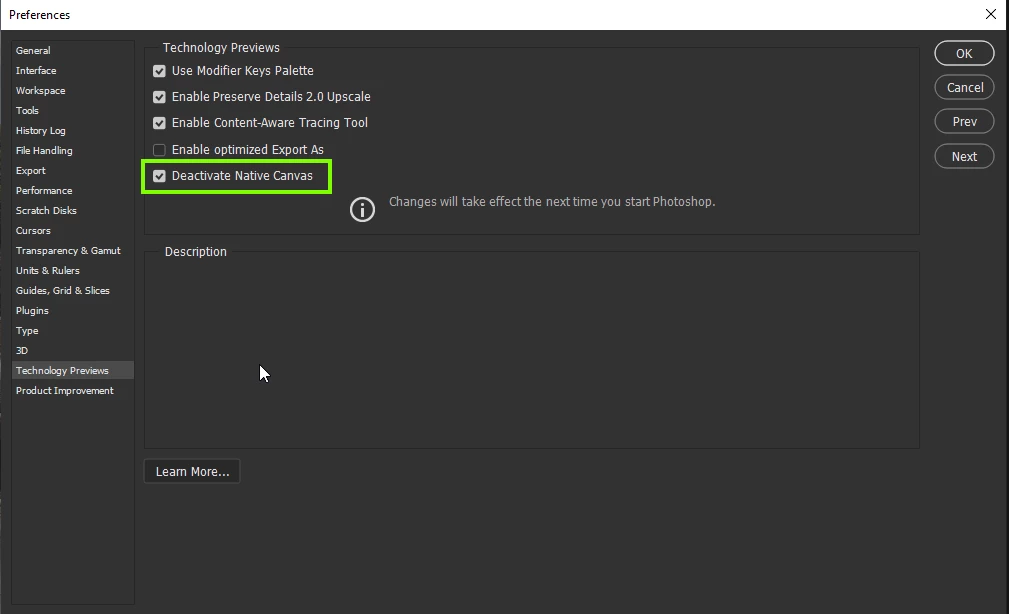
Have you tried updating Photoshop from the Creative Cloud app, the current version is 23.1, also try enabling this option in preferences and restarting Photoshop to see if it helps

3 replies

Participating Frequently
January 13, 2022

Thanks so much, disabling native canvas did the trick!

Ged_Traynor
Community Expert
Ged_TraynorCommunity ExpertCorrect answer
Community Expert
January 13, 2022

Hi

Have you tried updating Photoshop from the Creative Cloud app, the current version is 23.1, also try enabling this option in preferences and restarting Photoshop to see if it helps

Participating Frequently
January 13, 2022

I forgot to mention that I'm using a Huion 4K Kamvas Pro 16 GT 1561