Known Participant
July 7, 2021
Answered

アドビストックで購入したフォトショのテンプレートの文字変更について

  • July 7, 2021
  • 1 reply
  • 1113 views

表題の通りなのですが、購入したテンプレートの文字を変更したいのですが方法がわかりません。

どのように文字変更をすればよいのでしょうか?

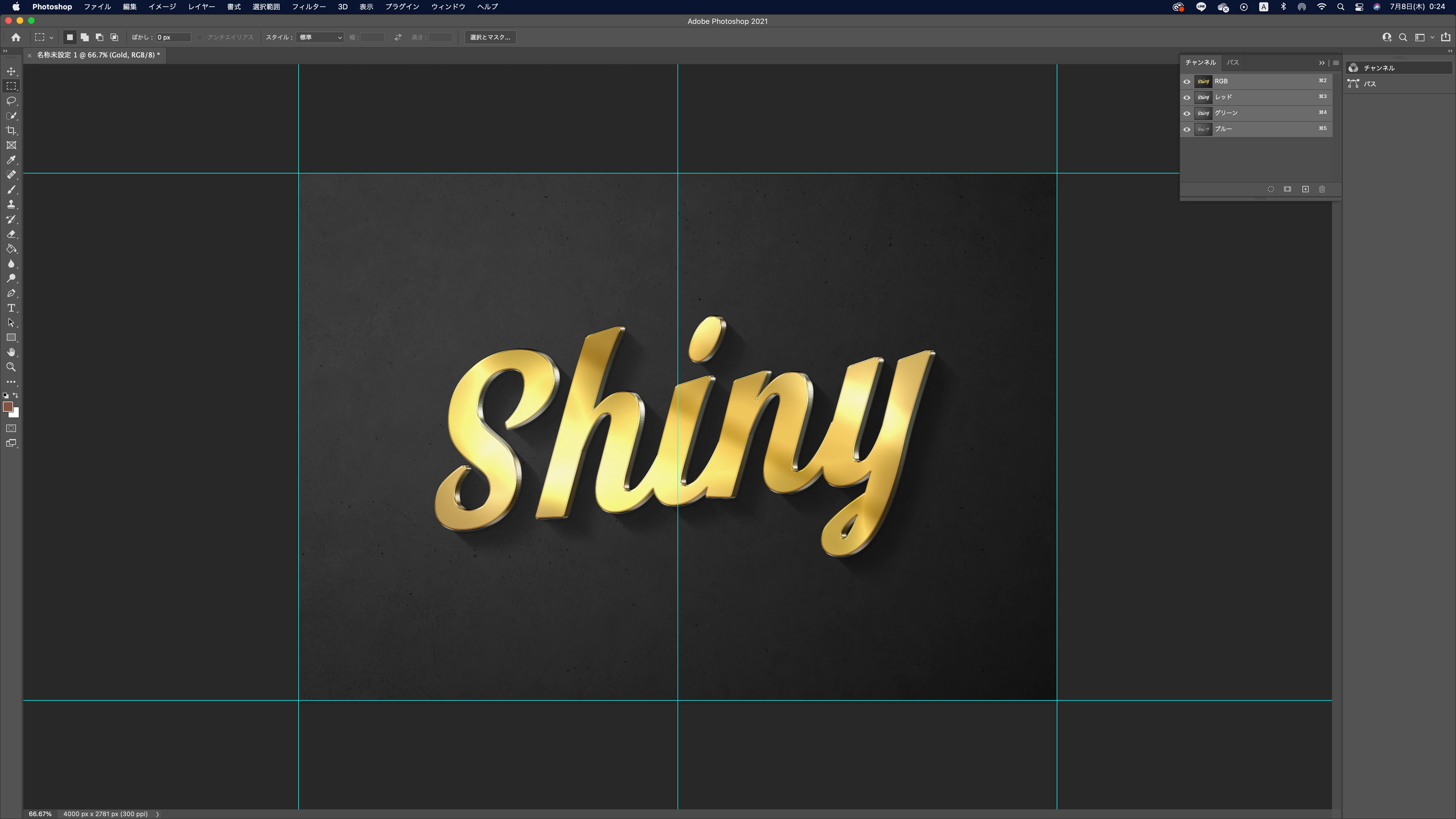
画像添付いたします。

この「shiny」の文字はテンプレートのままです。


購入した商品リンクはこちらです。

https://stock.adobe.com/jp/templates/gold-text-effect-style-mockup/414736288?prev_url=detail

よろしくお願いいたします!
This topic has been closed for replies.
Correct answer Ged_Traynor

うまくいきません( ;  ; )


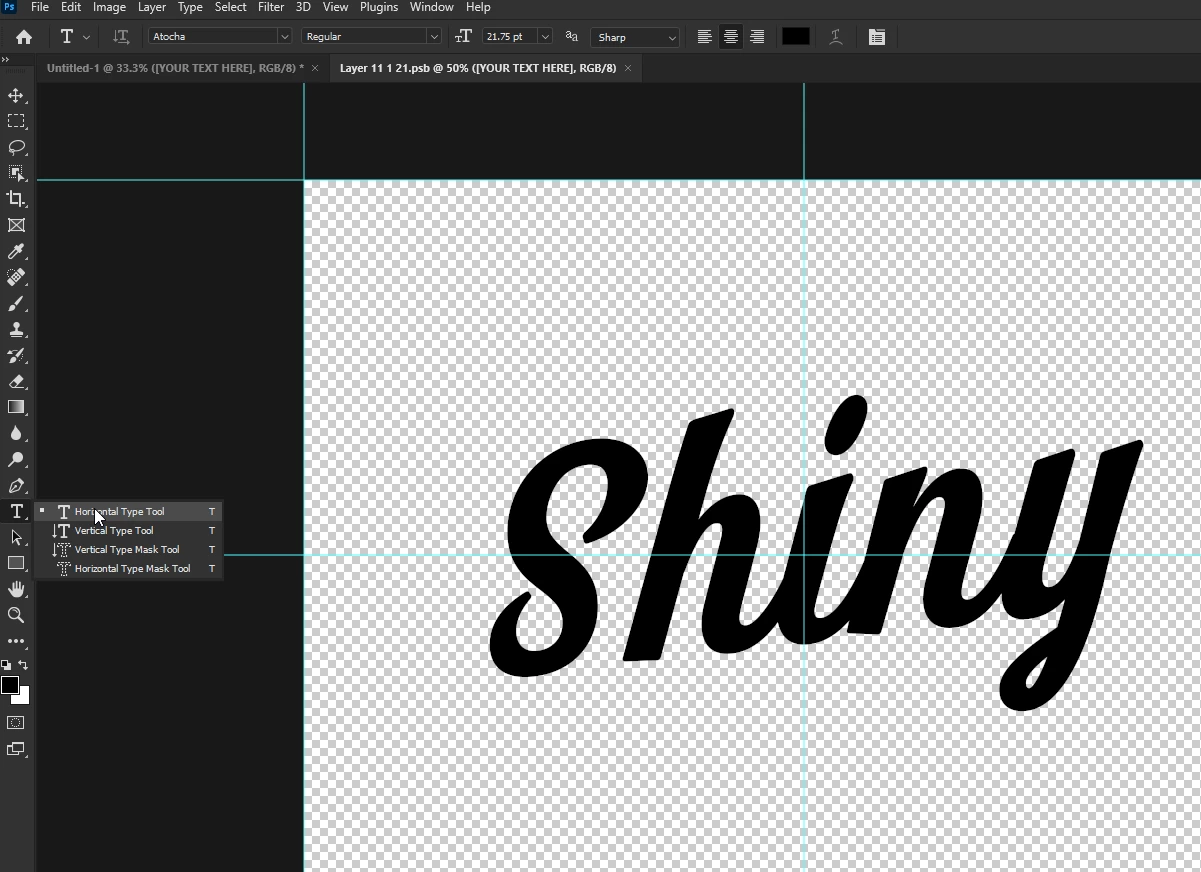
You need to select the Type Tool

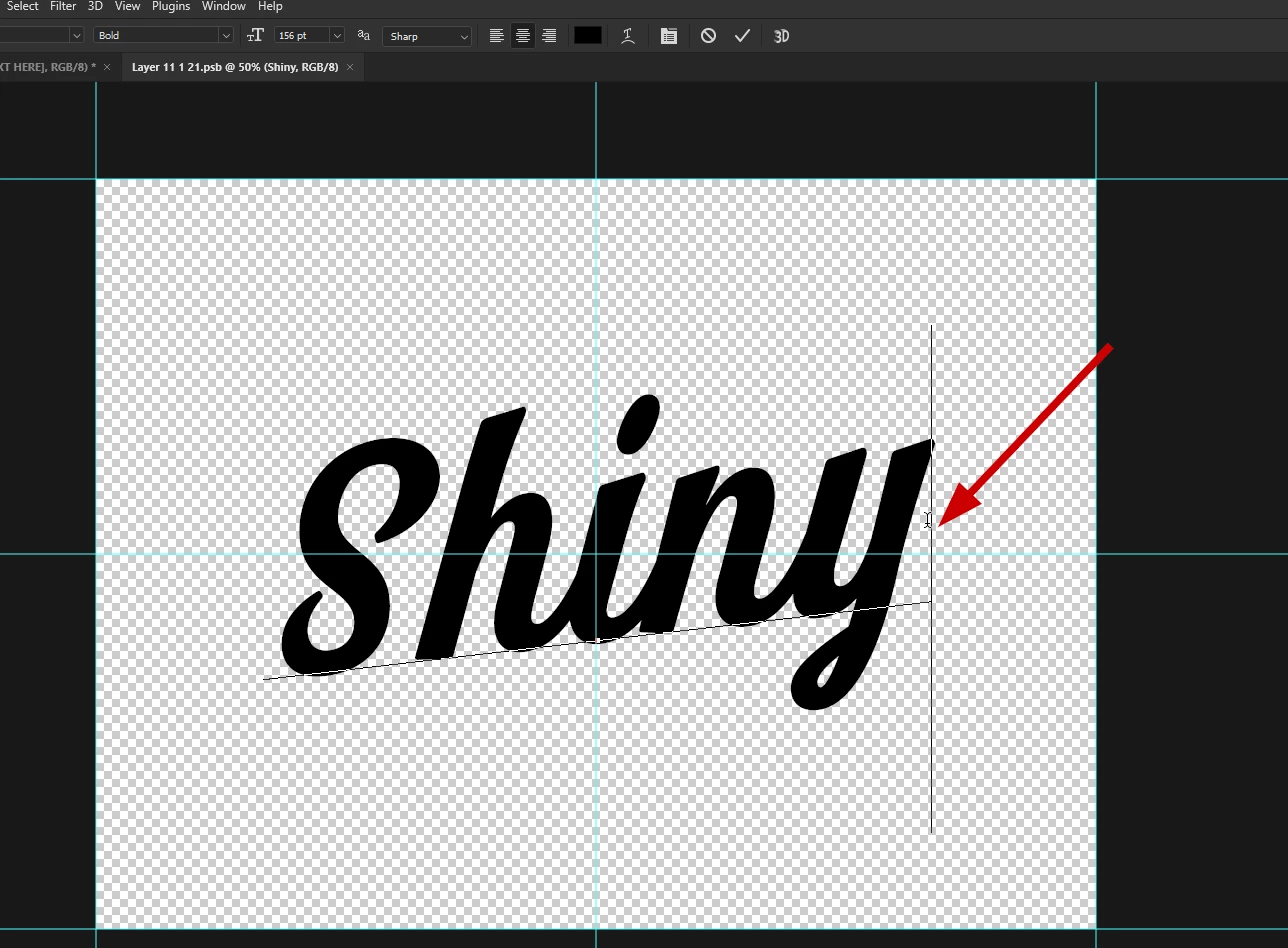
Insert your cursor here, hit the back space key and then you can type what you want

1 reply

Ged_Traynor
Community Expert
Community Expert
July 7, 2021

Hi

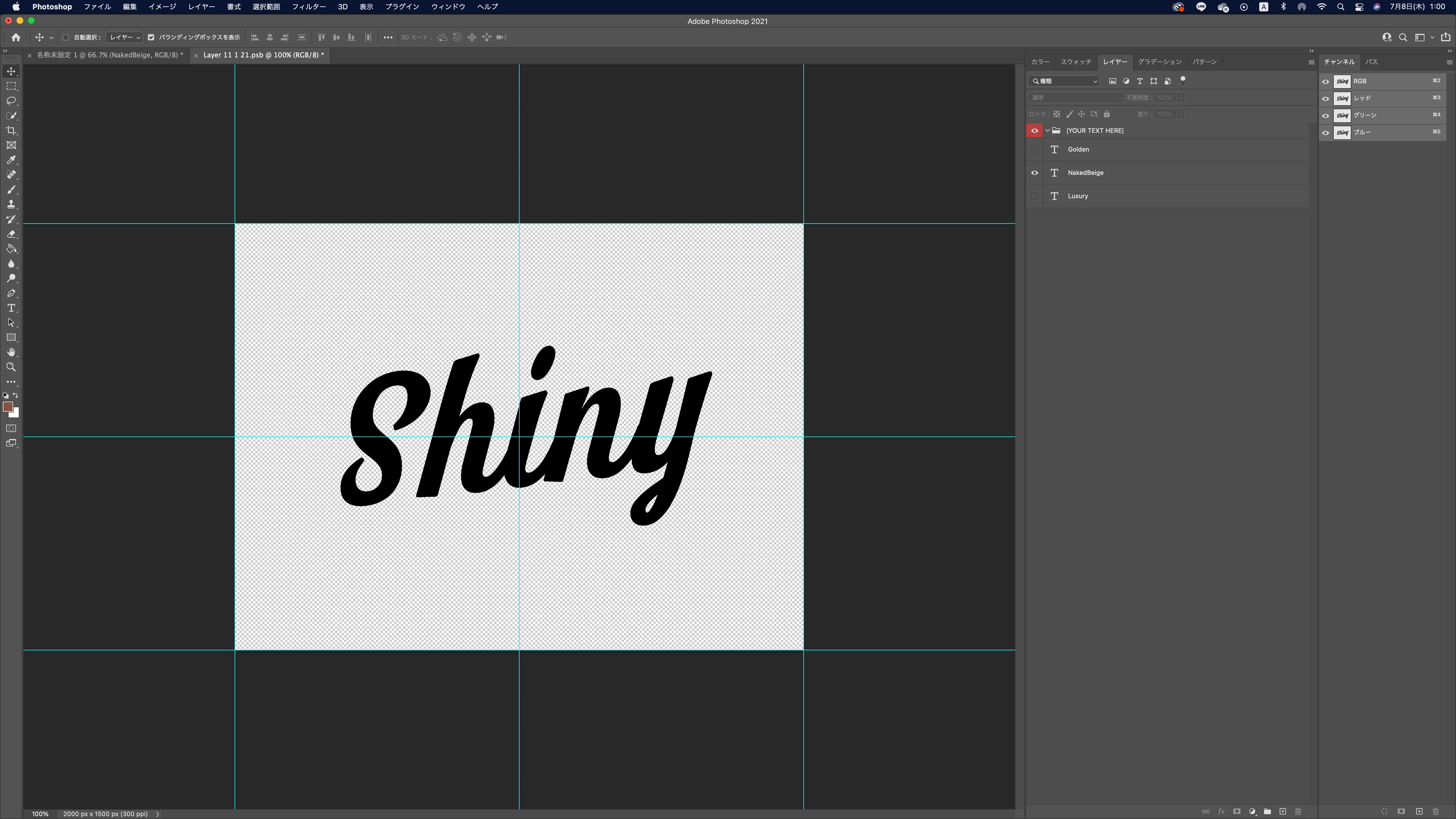
You need to double click here to open the smart object and then you can edit the text, after making the edit just close the window and click yes to save the changes


Known Participant
July 7, 2021

そうですよね、そう思ったのですが変わらないのです。

Ged_Traynor
Community Expert
Community Expert
July 7, 2021

It's working fine for me