Participant
September 7, 2022
Question

마지막 업데이트 이후 오류

  • September 7, 2022
  • 3 replies
  • 359 views

Liquify를 사용할 때마다 오류가 나타나고 꺼집니다. 그리고 키보드 단축키를 저장하는 것은 다시 켤 때마다 쓸모가 없습니다.
업데이트 할 때마다 이상한 일이 계속 발생합니다 ...
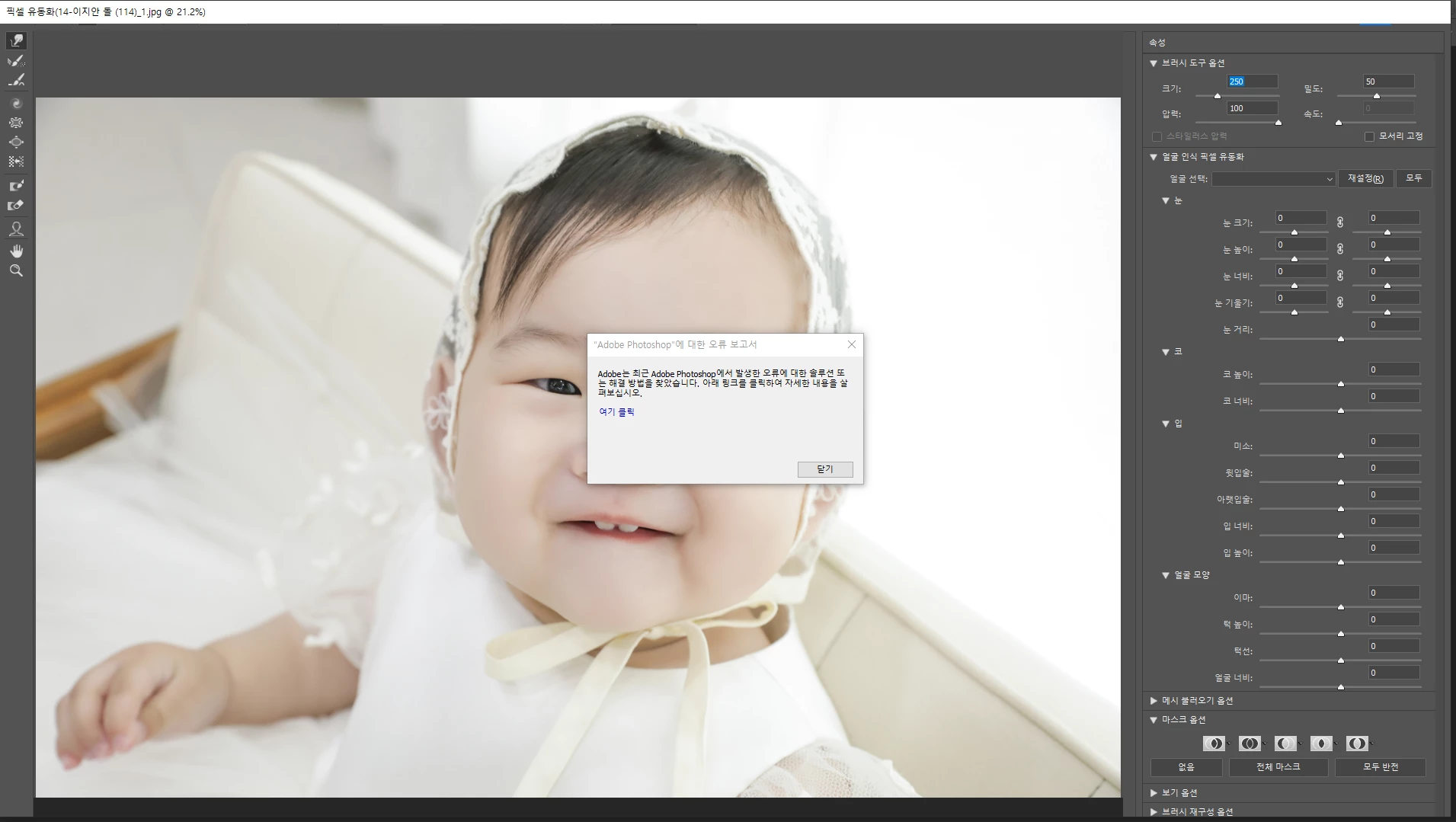
저에게 빠른 해결책을 말하십시오

This topic has been closed for replies.

3 replies

CShubert
Community Manager
Community Manager
September 8, 2022

Hi @ED HONG sorry to hear this.


Let's make sure we're in a default state and there are no stale settings somewhere: 

Restore your preferences using this manual method:  

https://helpx.adobe.com/photoshop/using/preferences.html#Manually 

Does it work correctly? 

If that doesn't solve it, you can quit Photoshop and put the Settings folder back. 


It may help if we could see your Photoshop System Info. Launch Photoshop, and select Help >System Info...and copy/paste the text in a reply.  


Thank you,

Known Participant
September 8, 2022

대부분 그래픽 카드 업데이트가 잘 안 되어 있거나

성능이 낮은 내장 그래픽으로 구독이 되서 문제가 있더라구요


그 부분을 한 번 확인 해보시면 좋을 것 같습니다.

Inspiring
September 8, 2022

GPU 업데이트 하거나

혹시 노트북 쓰시면 아래 처럼 듀얼 그래픽 일 수 있다보니 단일로도 바꿔보세요 ! ㅎ


https://zkim0115.tistory.com/481