
Participant
December 1, 2024
Question

Generative fill broken

  • December 1, 2024
  • 1 reply
  • 214 views

For the past couple of weeks, every time I use generative fill it leaves a very visible patch on whatever I'm editing. It doesn't even try to blend it in anymore. I have emailed about this but I haven't had any response. 
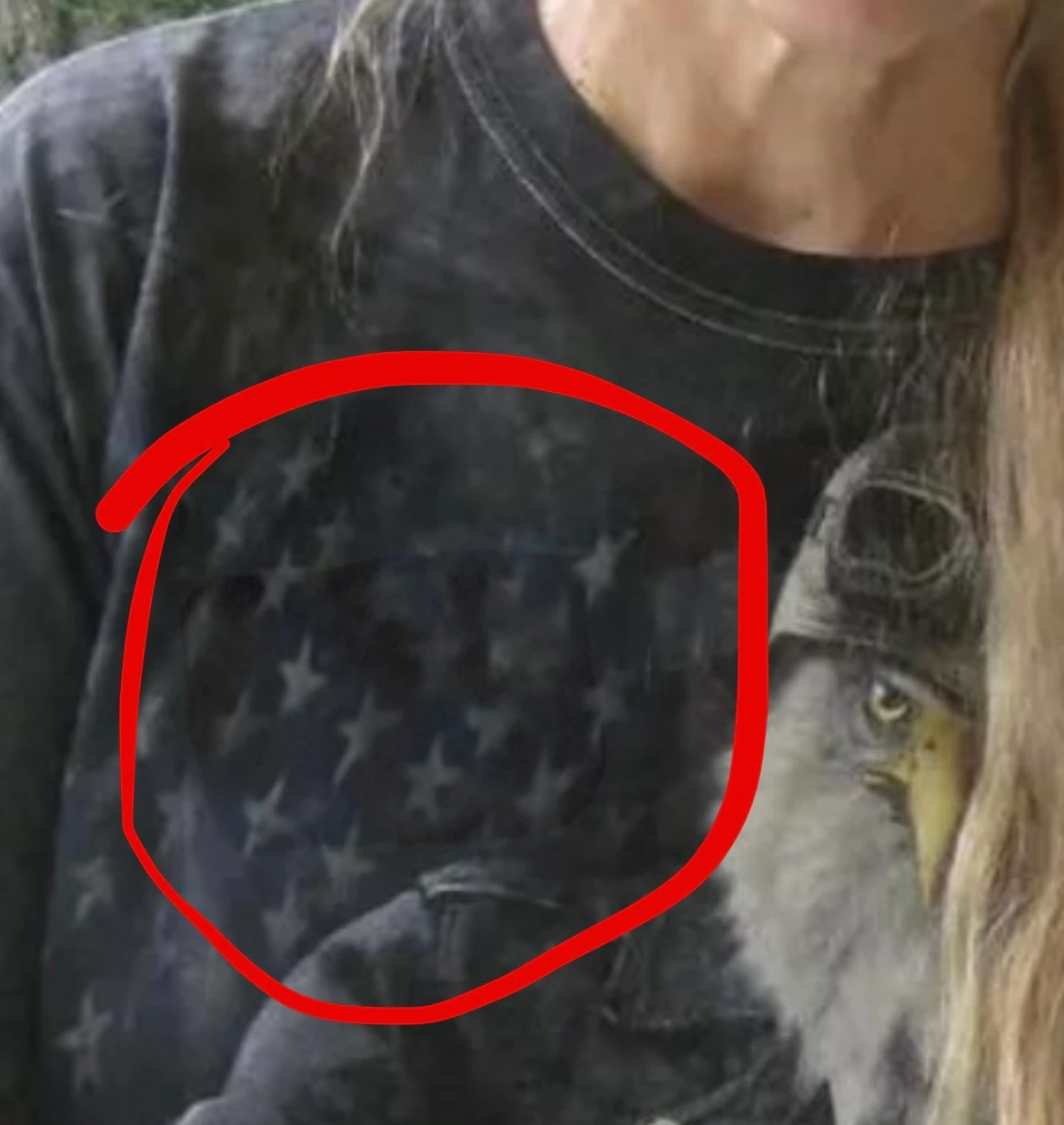
 It is completely unusable. 
Are you aware of this problem, and working on a fix? It just seems to be getting worse, and  the patches are difficult to get rid of, so I've cancelled my subscription renewal until it's fixed.

This topic has been closed for replies.

1 reply

Community Manager
December 3, 2024

Hi @Leavemycarling


I’m sorry to hear about your experience with Generative Fill. To help us investigate and address this issue effectively, could you share a few more details? Specifically, let us know which platform you’re using (desktop, mobile, or web), the exact prompt you entered, and the steps you followed when using the feature.


This information will help us replicate the problem on our end and work towards a solution.


Regards,

Sonali

Participating Frequently
December 3, 2024

Same issue, happens even when I leave the prompt completely empty -- a noticeable edge/border to the fill. I can usually over-size the generative fill selection, then blend the mask a bit myself, but it's annoying and wasn't previously an issue (which is to say, generative fill is getting worse as time goes on...).


Platform: PC (Ryzen 7 5800X, 48GB RAM, Radeon RX 6700XT). Photoshop version: 25.


Replicate all you want.