Participant
July 7, 2025
Question

PNG Issues

  • July 7, 2025
  • 2 replies
  • 347 views

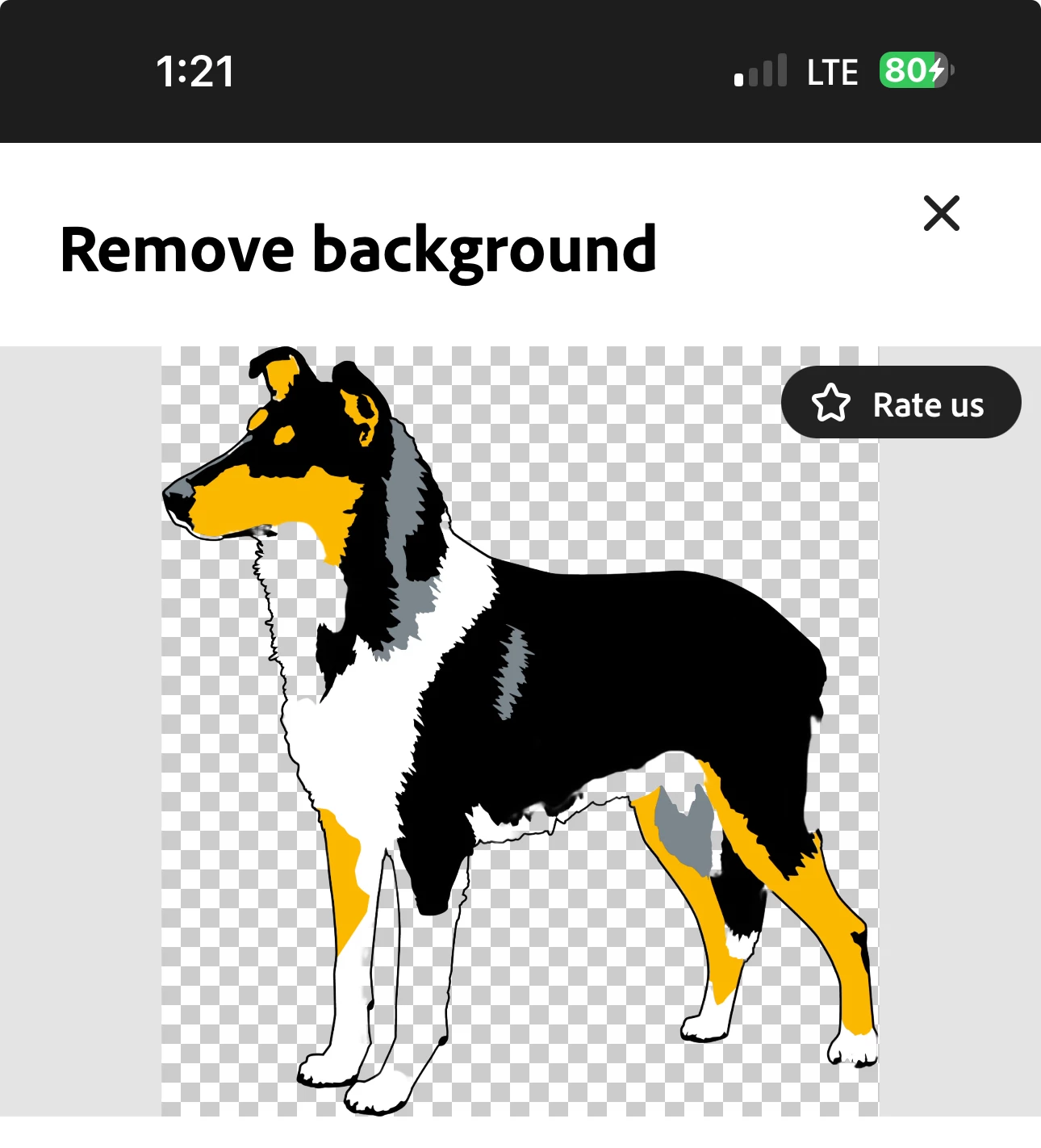
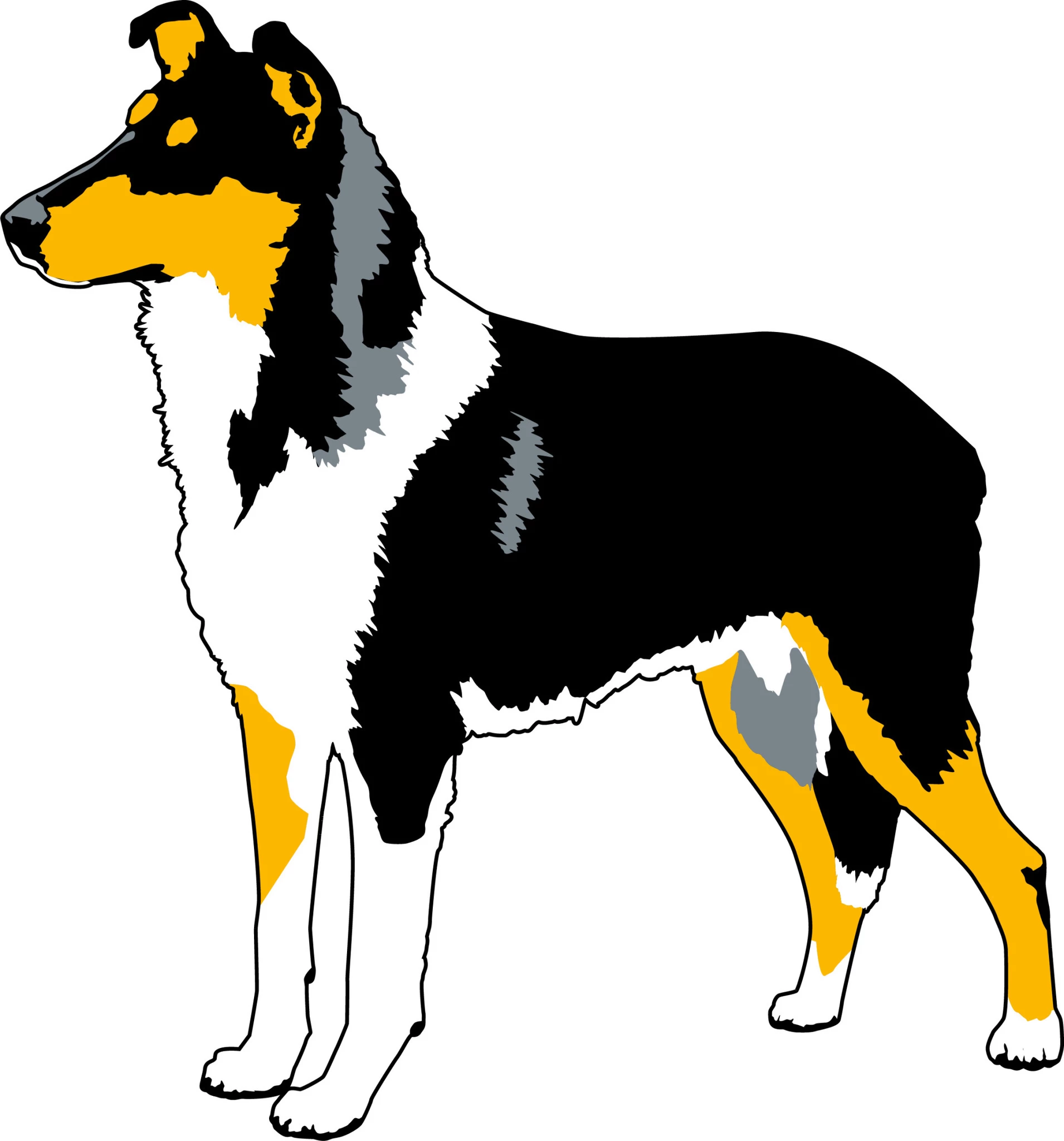
I downloaded an image and saved as a PNG. I used it several times. Today when I tried to use it, it was a jpeg!  If I try to remove the background (it's a collie) even though the image is completely outlined with a black line, it removes parts of legs and the ruff(chest area) so it's unusable. Help! I added a screen shot of what happens when I try to remove the background. 

Thanks,


Sue 


2 replies

kglad
Community Expert
Community Expert
July 7, 2025

... assuming this is a photoshop issue 

kglad
Community Expert
Community Expert
July 7, 2025

in the future, to find the best place to post your message, use the list here, https://community.adobe.com/

p.s. i don't think the adobe website, and forums in particular, are easy to navigate, so don't spend a lot of time searching that forum list. do your best and we'll move the post (like this one has already been moved) if it helps you get responses.


<"moved from using the community bugs">
jane-e
Community Expert
Community Expert
July 7, 2025

@Susan K384170332abo 


Your second screenshot does not look like Photoshop. Please confirm which Adobe application you are using, which version, and your OS.


if you are using Photoshop for desktop, as guessed by kglad, then try this:

  • Select the white area with the magic wand tool and invert the selection so that the dog is selected
  • enter the selected mask workspace to clean up the selection
  • create a mask to hide the white area, non- destructively


When you downloaded the image, did you make a copy of it before working on it? What format was it in originally?


If you are not using Photoshop for desktop, please tell us what you are using. This image could easily have been created in vector instead of raster.


Jane

Participant
July 7, 2025
It's Adobe Express app.

Sue

Get Outlook for iOS<>