


Participant
November 7, 2024
Question

2025: SOURCE VIDEO RESOLUTION NOT BEING RECOGNIZED IN THE EXPORT WINDOW

  • November 7, 2024
  • 2 replies
  • 223 views

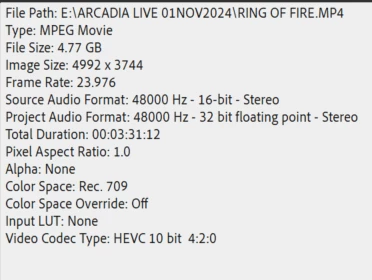
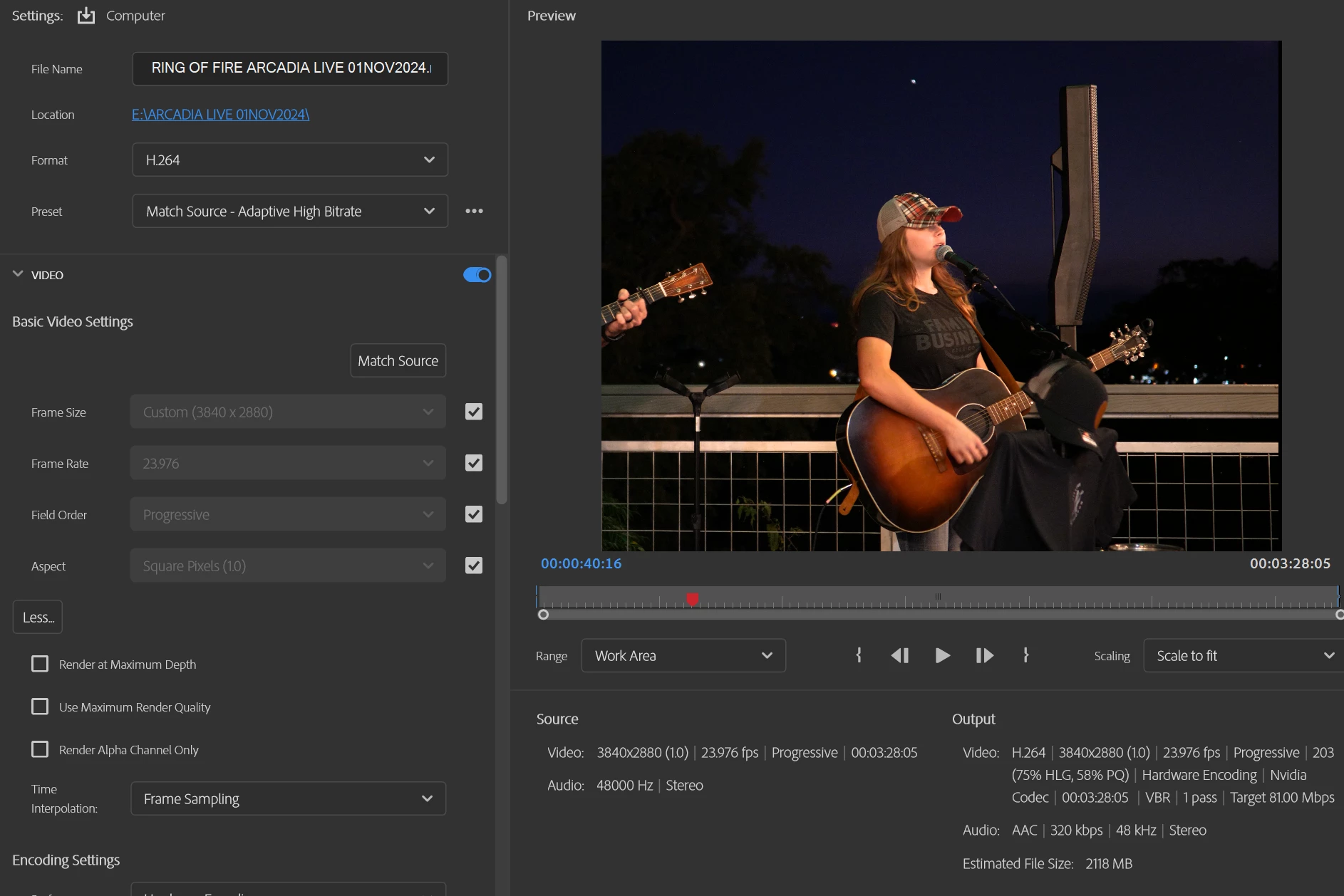
I have video footage recorded with a Panasonic GH5 in 4:3, 10 bit with 4992x3744 resolution that opens fine in PrE, but on the export page the source resolution is shown as 3840x2880.


Any suggestion on how to get the source file resolution to be recognized?


Properties from file:


Screen shot from export page


This topic has been closed for replies.

2 replies

Ann Bens
Community Expert
Community Expert
November 7, 2024

You most likely reached the max resolution.

The source is showing the sequence setting, not the file.

Your sequence is set to 3840x2880 also.

Hardware encoding also has its limits.


On a side note if you could export as such what is the file used for.

Legend
November 7, 2024

4992x3744 is not among the resolutions Premiere Elements can work in. 4K video in Premiere Elements is 3840x2160 at 30p only.

Ann Bens
Community Expert
Community Expert
November 7, 2024

@Steve Grisetti 

make that 50/60p up to 300

This Elements is somewhat different under the hood.

todd_0210Author
Participant
November 7, 2024

Thank you for the clarification