Participant
July 25, 2020
Question

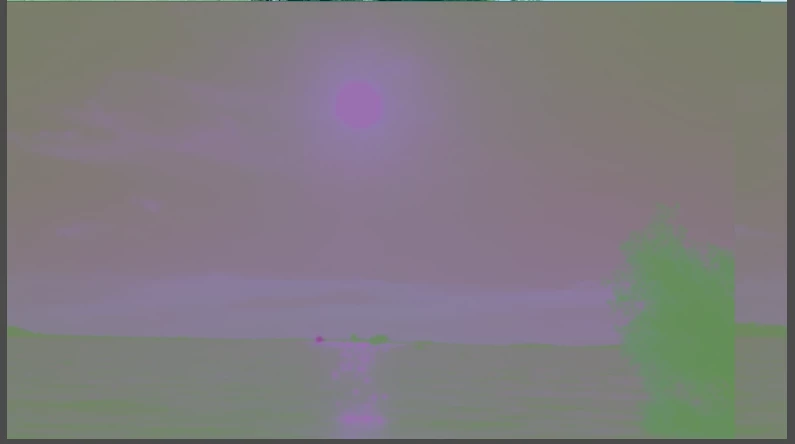
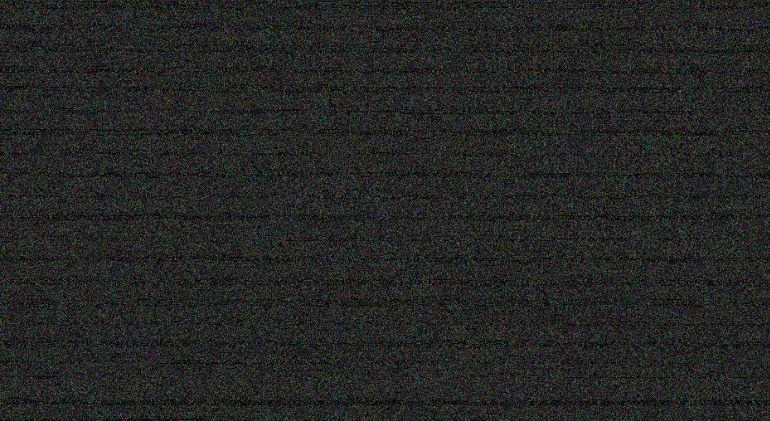
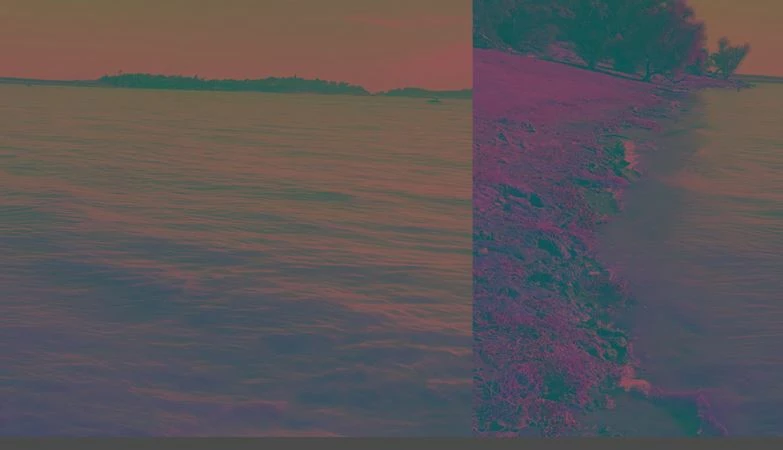
4k videos continuously glitching and distorting. Please help.

  • July 25, 2020
  • 2 replies
  • 267 views

Hello, I have been having a lot of problems with adobe premiere elements. My videos, which were recorded on an iphone se, in 4k 60fps, upon playback, or after rendering or exporting the video,  glitch in many ways, such as flashing rapidly, changing to random colors, overlapping video and changing the picture (For example, the video clip plays the image from another video, even after deleting it and replacing it on the timeline.), and the cross disolve makes it extremely distorted. This has been very frustrating as I have tried updating the drivers, calling support, and a lot of other things, yet nothing has been able to solve the problem. I am using the most updated version of adobe elements, my proccessor is an Intel(R) Core(TM) i710750 H CPU @ 2.60GHz 2.59 GHz. My graphics card is a NVIDIA GeForce RTX 2060. Im using an MS-Windows system. If there's anything else I need to include, please let me know.

Thank you,

Scott
This topic has been closed for replies.

2 replies

Community Expert
July 25, 2020

SWBURGER,


Would you share a clip via DropBox or similar?  I want to see if it works on my computer.  I ask because I have a (weak) hunch that 4K at 60fps using the iPhone HEVC codec may not be working.   30fps yes, but maybe not 60.  4K at 60fps is limited to a very few cameras!

SWBURGERAuthor
Participant
July 25, 2020

I think this has to do with the type of video I'm using, is the 4k video from iphones compatable with windows version of adobe elements?


Legend
July 25, 2020

Version 2020 is supposed to be able to work with HEVC video, though Windows may need some modification to fully read the codec.

https://community.adobe.com/t5/premiere-elements/faq-what-should-i-do-if-premiere-elements-2020-fails-to-import-hevc-media-files-in-windows-10/td-p/10953097?page=1


But your screens don't indicate a codec issue. They indicate an outdated video driver.

Have you downloaded the GeForce Experience software from nVidia? I recommend you do and then use it to update your driver, which Windows doesn't always do. As of this morning the current driver is dated 7/9/2020. Do you have this driver?