Adobe Common files
Following an edit, which of the Adobe Common folders can I safely delete ... or just the contained files relating to the project?
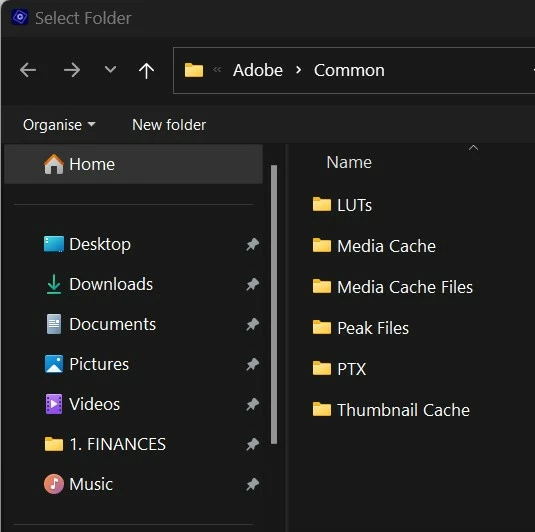

Following an edit, which of the Adobe Common folders can I safely delete ... or just the contained files relating to the project?

YOUR locations will be set according to your installed drives
Every time I start a project I set my project and work files to F:\Adobe
(F is MY drive for temporary files, your drive letter may be different)
I work in EXPERT view to be able to control every aspect of my project
Click EDIT and then PREFERENCES and then SCRATCHDISKS
I set every one of the options to F:\Adobe
PrE then automatically creates sub-folders as needed
F:\Adobe\Adobe Premiere Elements Audio Previews
F:\Adobe\Adobe Premiere Elements Captured Audio
F:\Adobe\Adobe Premiere Elements Captured Video
F:\Adobe\Adobe Premiere Elements Video Previews
F:\Adobe\Encoded Files
F:\Adobe\Layouts
F:\Adobe\Peak Files
Already have an account? Login
Enter your E-mail address. We'll send you an e-mail with instructions to reset your password.
