


Question
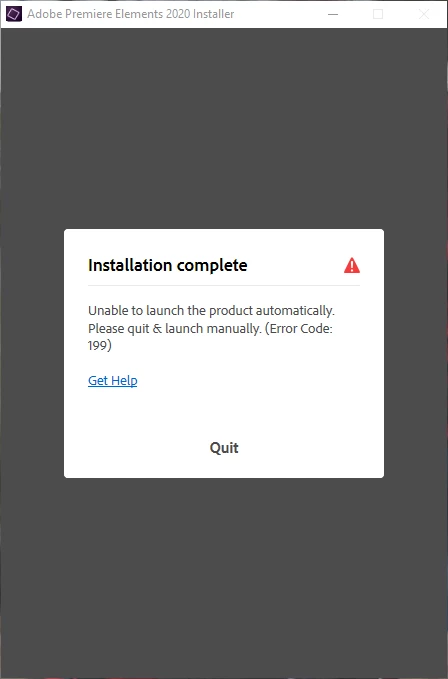
Adobe Elements Error
I purchased Adobe Elements a few months ago. I decided I wanted to get a new SSD because my original one was too small. I tried to transfer my apps over, but they did not work. I tried uninstalling and was still unable to put them on the new SSD. I decided I would just keep Photoshop and Premier on my original SSD, and save my work elsewhere. The issue is now when I go to reinstall I get an error Code: 199. I clicked the get help link, there was no error code listed on the site. I tried restarting my computer, but I still can't reinstall. If anyone knows how to fix this problem, i'd greatly appreciate it.
 AdChoices