


Participant
March 31, 2017
Question

Adobe Premiere Elements 14 Won't Open

  • March 31, 2017
  • 1 reply
  • 472 views

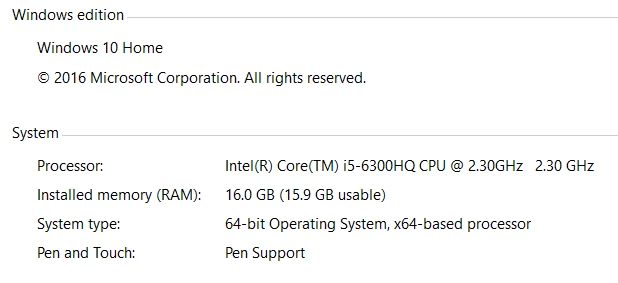
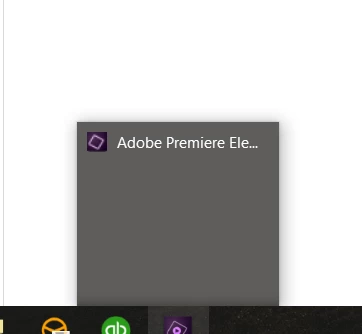
If I remember correctly, the software crashed about a week ago.  Ever since then, this is what I get(see imagaes below).  You can click on the icon on the task bar once it is "open" but the programs window will not show up on the screen. 

I have uninstalled the software from my computer and then re installed it from a fresh download.  What do I do???  I desperately need this to work.  Thanks in advance!
    This topic has been closed for replies.

    1 reply

    kglad
    Community Expert
    Community Expert
    March 31, 2017
    bdogleAuthor
    Participant
    April 3, 2017

    I attempted to hold ALT, CRT, SHFT while the software was booting up... nothing happened.

                        -     C:\Users\[user name]\AppData\Roaming\Adobe\Premiere Elements\14.0     -

    After reading more, I renamed the 14.0 foler, but left it in place.  I then started the software... same issues.

    I then moved the folder 14.0 to my desktop.  I then started the software... same issue.

    I have found that if i click on the icon on the start bar, the screen will not change, but I can click in the right spot to get the software to proceed from the welcome screen. 

    Any suggestions.

    kglad
    Community Expert
    Community Expert
    April 3, 2017

    i didn't understand this, "..I have found that if i click on the icon on the start bar, the screen will not change, but I can click in the right spot to get the software to proceed from the welcome screen. "