


Participant
April 27, 2020
Answered

Adobe Premiere Elements 2020 - cannot bring in a jpg image via Add Media

  • April 27, 2020
  • 2 replies
  • 503 views

Hi Adobe Support. I recently purchased & installed Premiere Elements 2020. I am trying to add media but I'm getting an error message, can you please help.
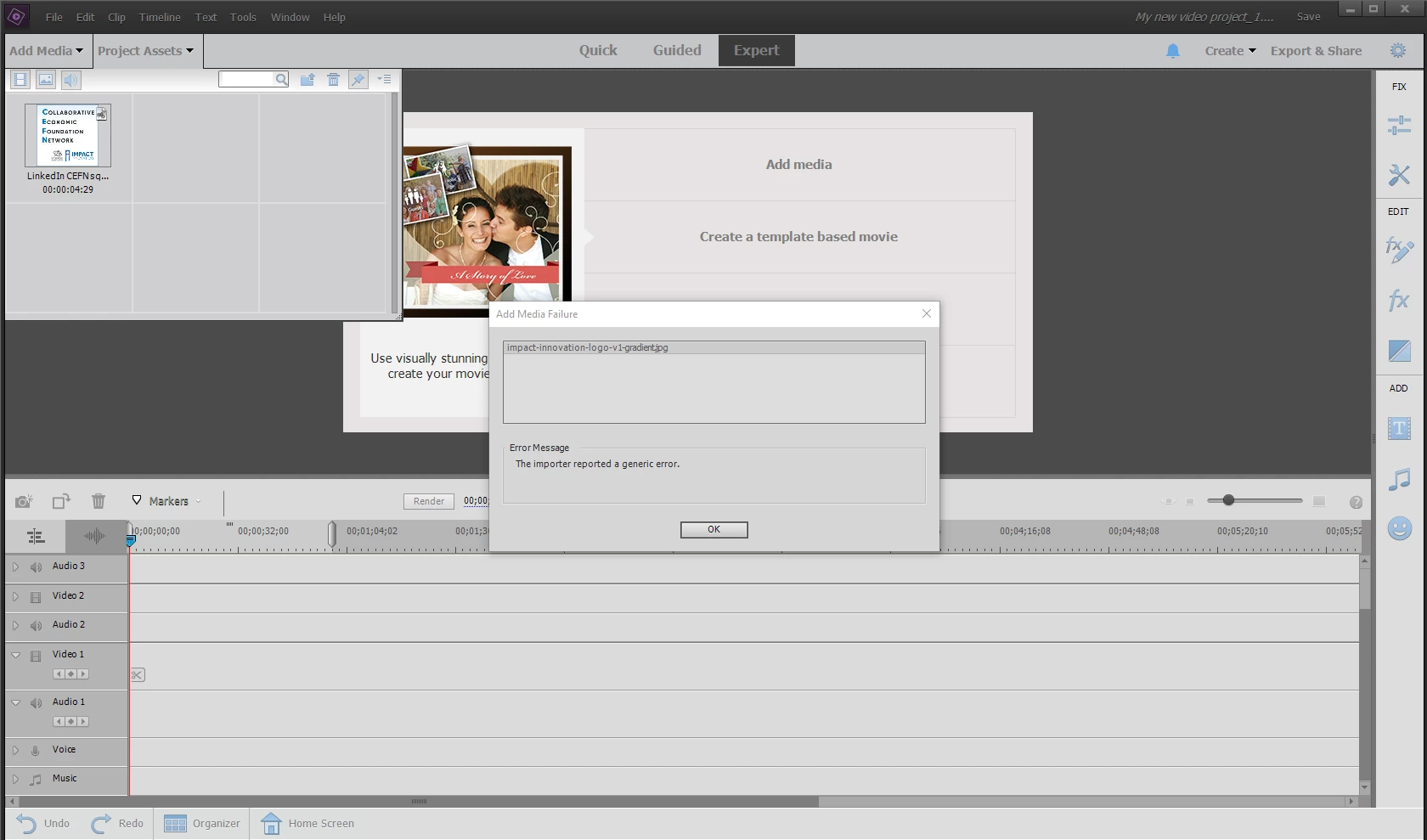
I've clicked onto Add Media, navigated to the folder in question and clicked on the image I wish to bring in, (a JPG image approx 130kb) with the following error message: The importer reported a generic error.
The image opens in many other programs without fault. I have included a screenshot, if that helps?
Any help appreciated. Regards, Nick. 
This topic has been closed for replies.
Correct answer Steve Grisetti

I'm with Bob. This may be, for instance, a CMYK JPEG, which doesn't work in Premiere Elemetns.

Saving it as a new JPEG will make it a RGB JPEG.

2 replies

Steve GrisettiCorrect answer
Legend
April 27, 2020

I'm with Bob. This may be, for instance, a CMYK JPEG, which doesn't work in Premiere Elemetns.

Saving it as a new JPEG will make it a RGB JPEG.

Participant
January 6, 2022

THANK YOU SO MUCH - this was the solution. I have always been stymied by how some jpg files will import and others will not. Opened the files in Corel Photo Paint and then exported them again as RGB instead of CMYK.

Peru Bob
Community Expert
Community Expert
April 27, 2020

Try opening it in Photoshop Elements and save a copy of it.  See if that works.