


Adobe Premiere Elements 2024: Adding videos to a project
Hi!
I posted some threads on here a few months back asking for help and got some great support - thanks again!
At the time I had achieved what i wanted to, and i havent used the Adobe Premiere Elements 2024 software since.
Now, i've come to use it again and i'm facing some issues.... maybe i'm doing something wrong... and would apreciate some help.
I have a 'project' that i created months ago. I'm finding it easy to edit the segments of video in the project.
However, i want to add other videos into the project and this is where i'm struggling.
I am going to 'Add media'>'Elements Organizer'... then i have some videos in there that i added months back...
So, i select the fil and click 'Add file'... and it adds it... great!
However... i cant then open that video to edit... and it shows differently to the other video segments already in the project... in that it is greyed out....
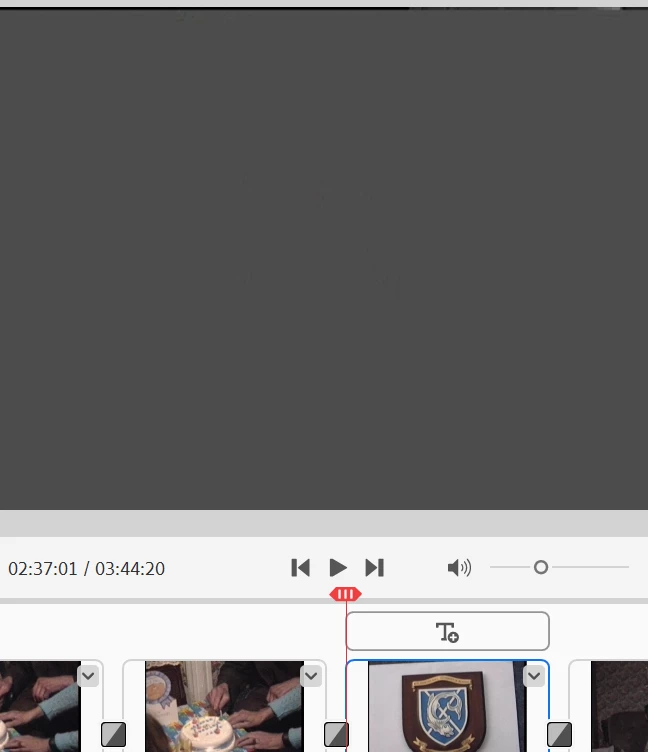
Any advice appeciated!
Thanks
 AdChoices