


Inspiring
June 2, 2018
Answered

After main menu marker plays on any menu, always returns to menu 1

  • June 2, 2018
  • 2 replies
  • 354 views

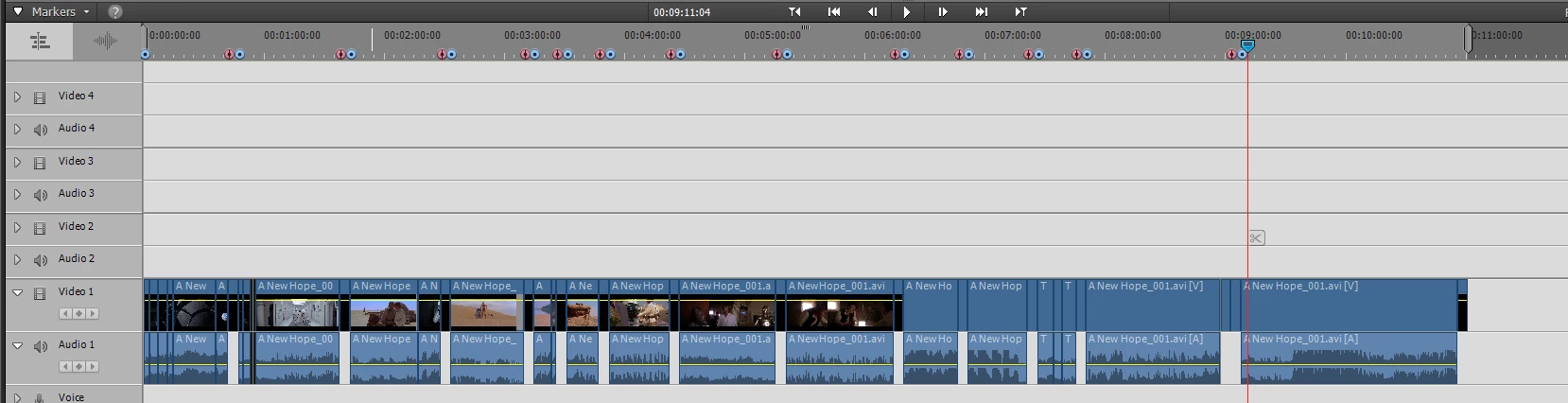
I have edited a project and burned it to DVD.   It has 14 main menu markers.   Selecting a menu items plays that item and then returns to the main menu.

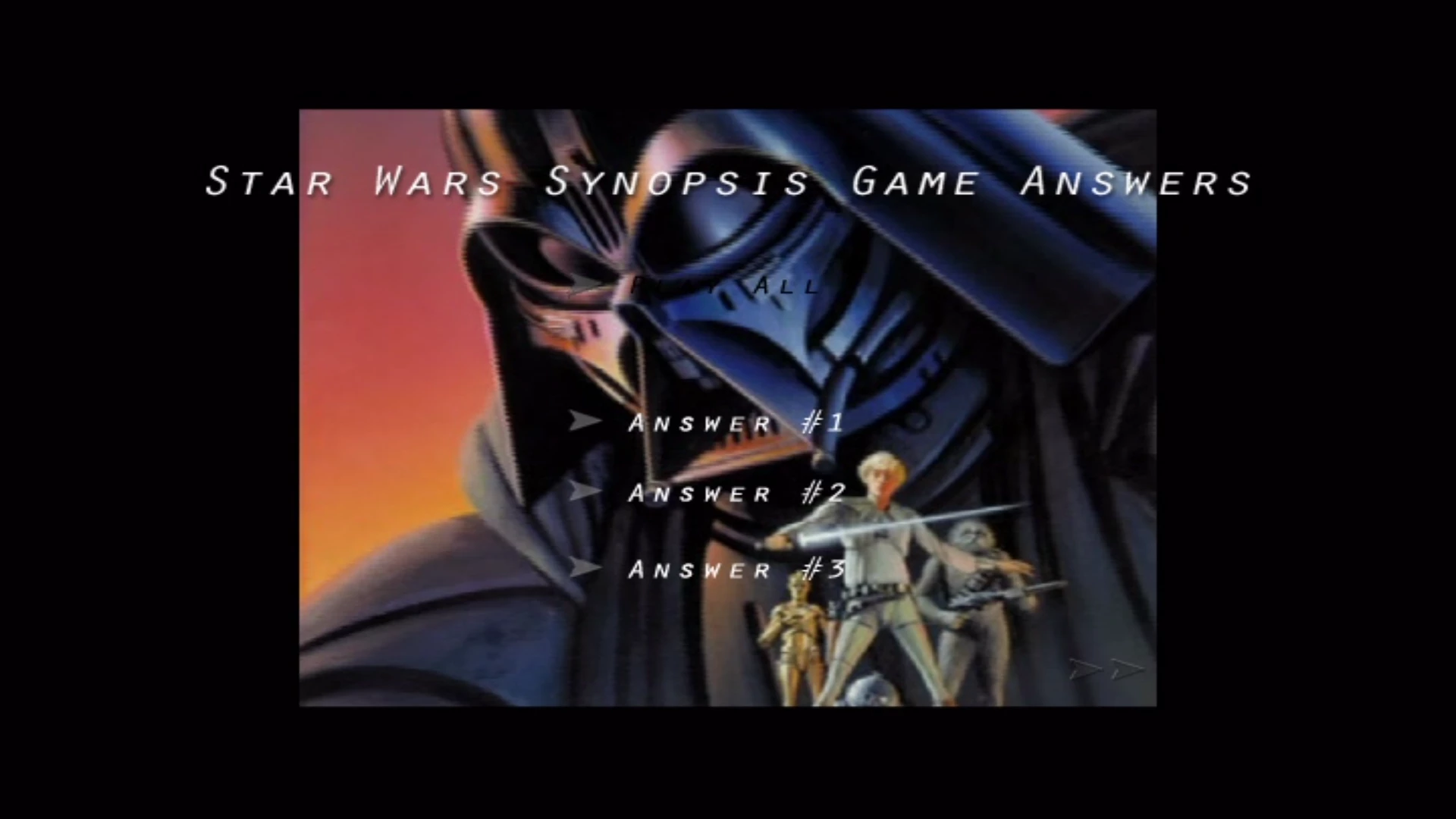
The issue is, if I select a menu item on menu, after the video clip plays, it always returns to menu 1.

I would like a video clips to return to the same menu they were selected when the video clip is finished playing.

Here is what my project looks like:
And here are what my menus look like:

Menu 1:
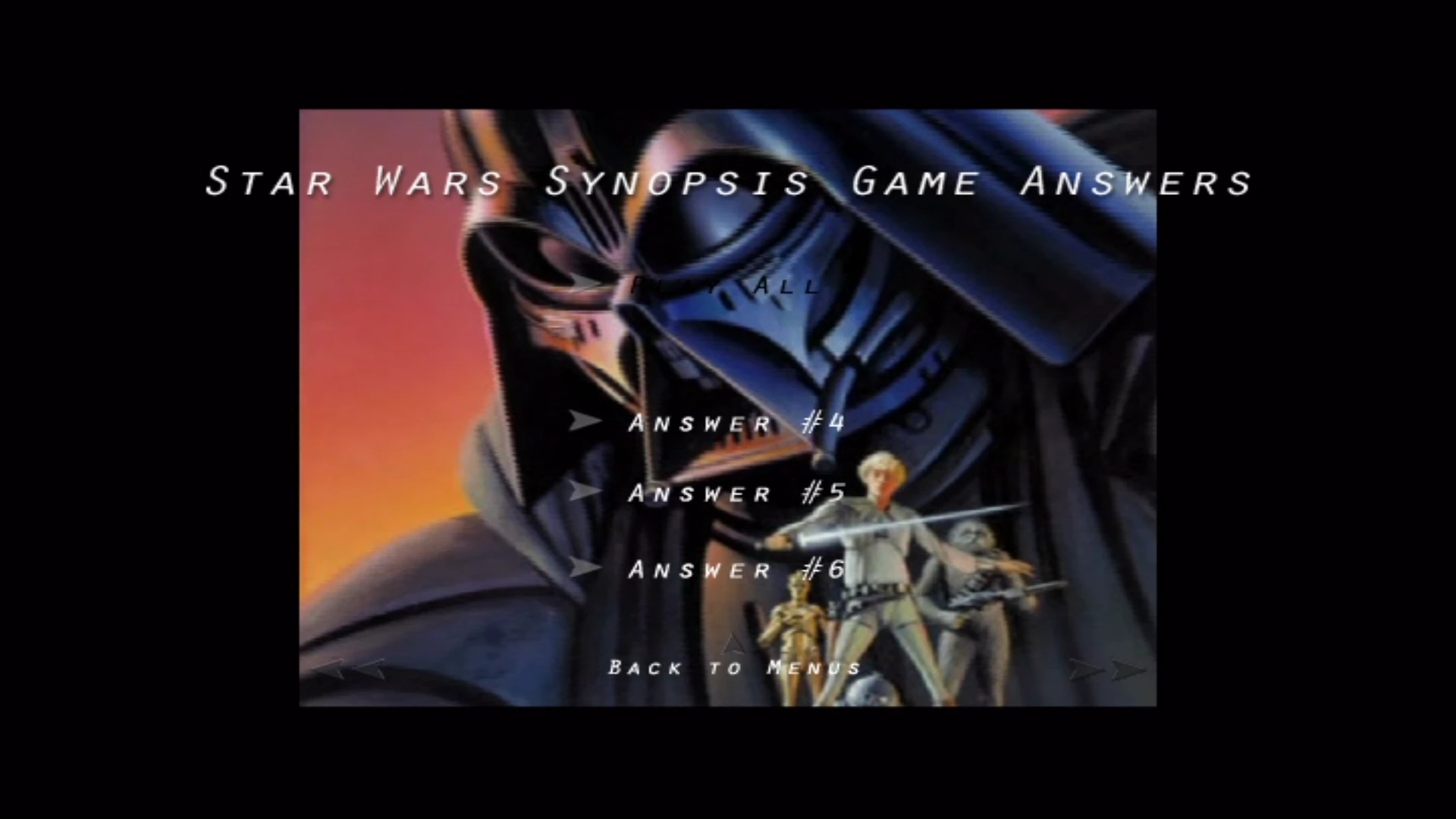
Menu 2:
Menu 3:
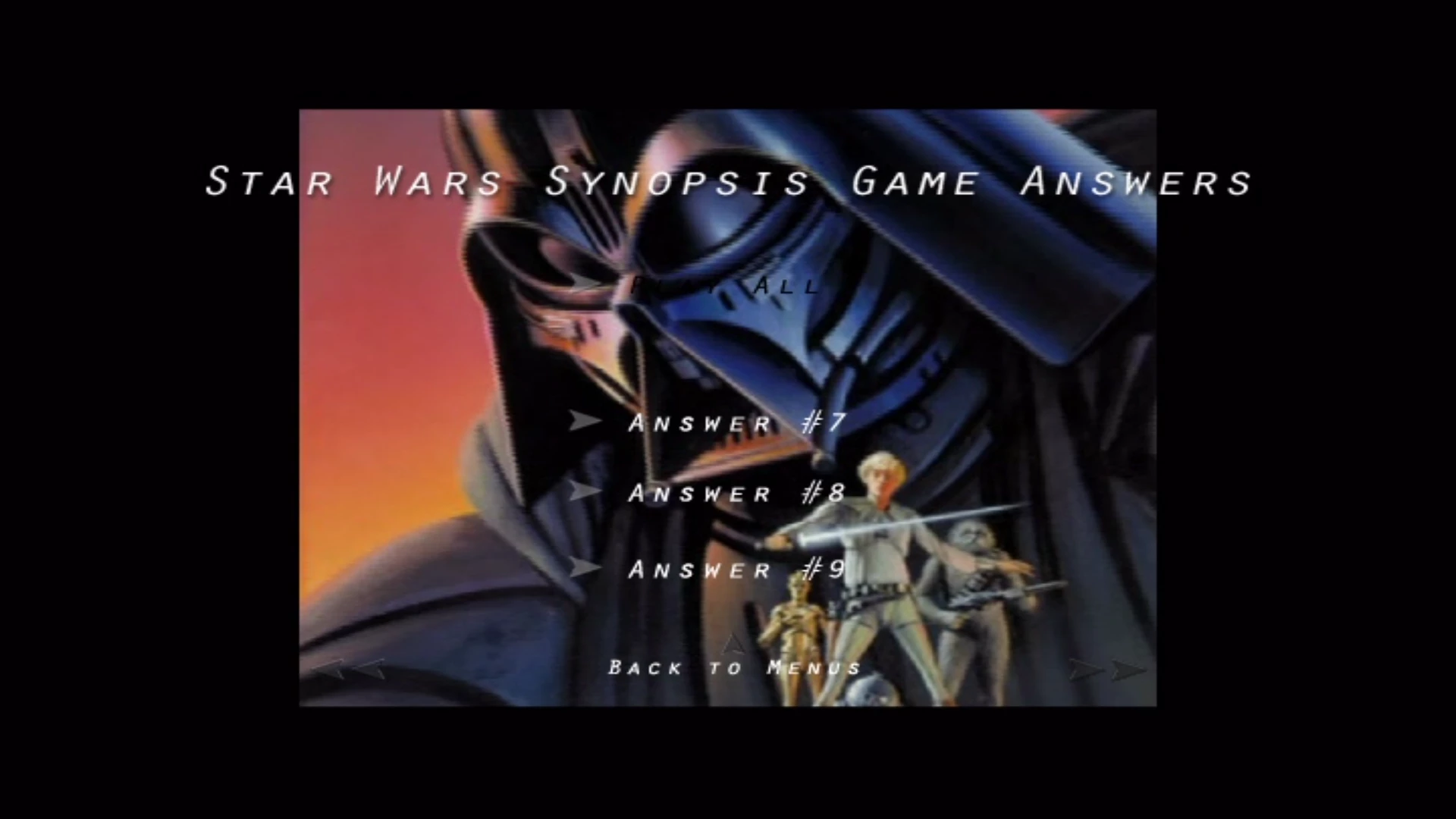
Menu 4:
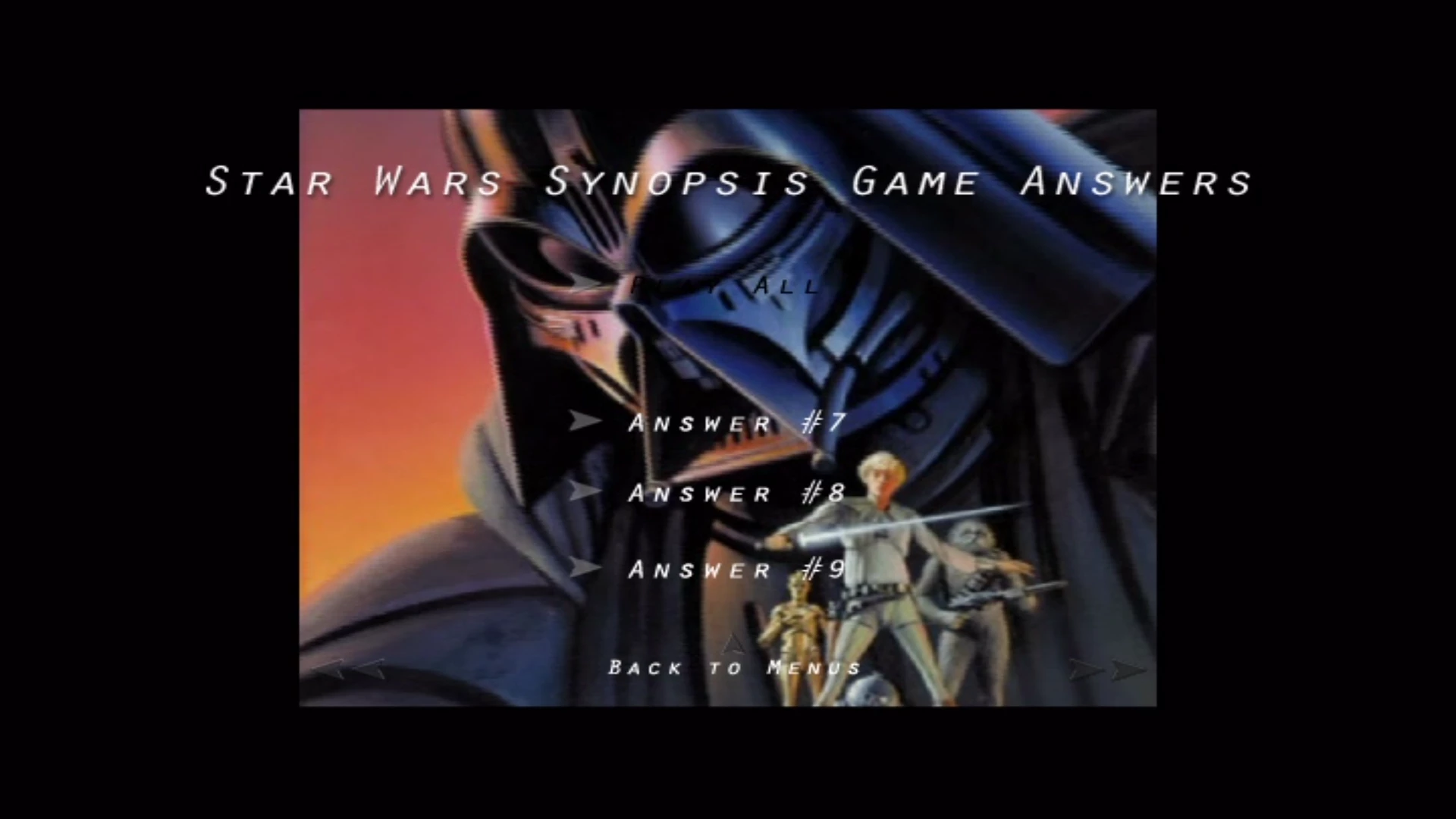
If I select an item on Menu 3 (either Answer #7, Answer #8, Answer #9), after that clip finishes playing I would like it to return to Menu 3.

How can I do that?

    This topic has been closed for replies.
    Correct answer Steve Grisetti

    All DVDs produced by Premiere Elements return to the main menu after playing from any scene.

    If you'd like your disc to behave differently, you'll have to use a dedicated disc authoring program to create your movie menus. (You can still do all your editing in Premiere Elements. You just have to output the finished movie as an MPEG and then do your disc authoring in a third-party program. Not a big deal. It's how I always do it because, like you, I want to have more control how my disc behaves.)

    Affordable disc authoring programs include DVD Architect (I love it so much I wrote a book on it) and Nero.

    2 replies

    Legend
    June 2, 2018

    DVD Architect is currently published by Magix. However, if you're just looking for basic disc authoring, an old copy of DVD Architect Studio 5 will likely work fine.

    The professional versions include things like options for multiple language audio tracks and subtitles.

    Steve GrisettiCorrect answer
    Legend
    June 2, 2018

    All DVDs produced by Premiere Elements return to the main menu after playing from any scene.

    If you'd like your disc to behave differently, you'll have to use a dedicated disc authoring program to create your movie menus. (You can still do all your editing in Premiere Elements. You just have to output the finished movie as an MPEG and then do your disc authoring in a third-party program. Not a big deal. It's how I always do it because, like you, I want to have more control how my disc behaves.)

    Affordable disc authoring programs include DVD Architect (I love it so much I wrote a book on it) and Nero.

    Inspiring
    June 2, 2018

    Thank you.   What is the latest version of DVD Architect?  And who is the publisher?  I see one by Sony and another by Vegas.