berndm28791450
Participating Frequently
February 11, 2019
Question

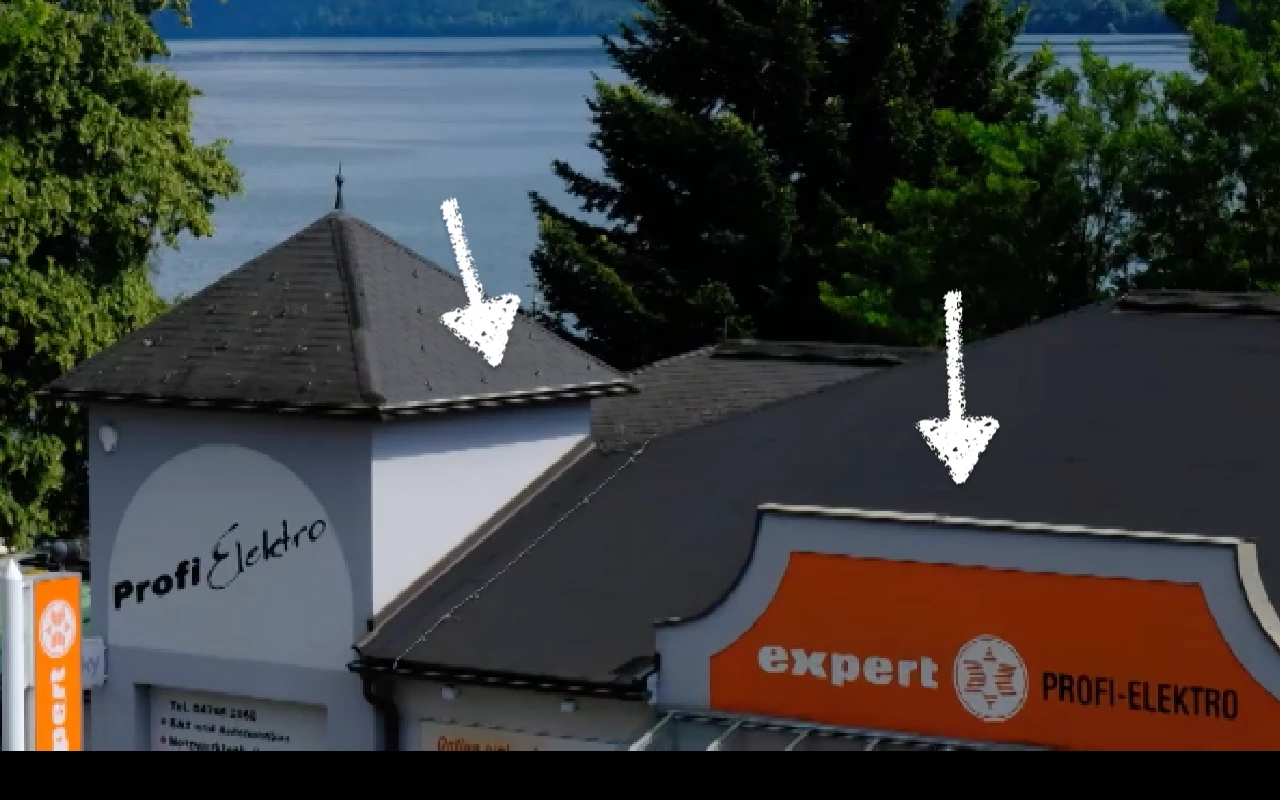
Aliasing effects after rendering

  • February 11, 2019
  • 3 replies
  • 305 views

Hello,

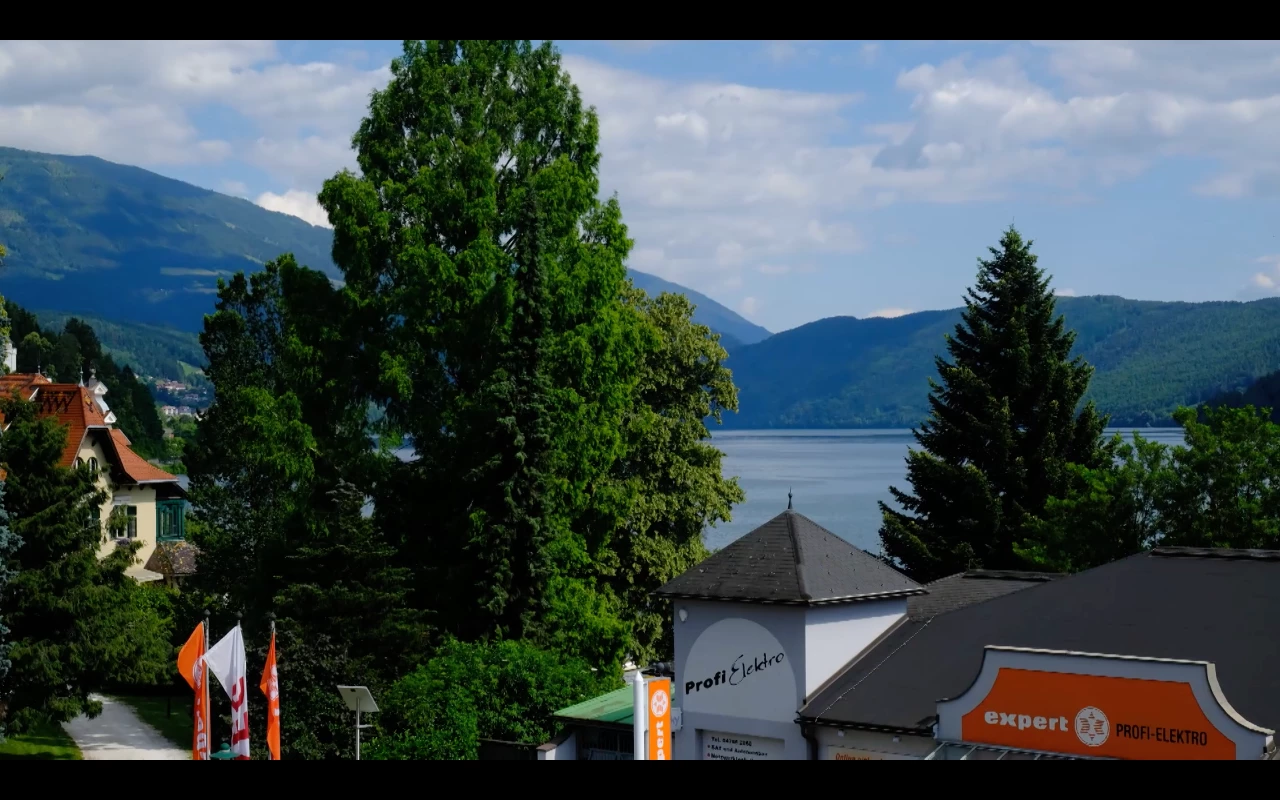
after finishing a project there are a lot aliasing artefacts by still images.

mp4 - 30 fps

What can I do, to avoid this?
    This topic has been closed for replies.

    3 replies

    Legend
    February 13, 2019

    What happens if you right-click on the photo on the timeline and, from the Clip sub-menu, you set the Field Options to Flicker Removal?

    berndm28791450
    Participating Frequently
    February 13, 2019

    Nothing happens - the pic is the same with aliasing artefacts -

    I tried each of the options and rendered the test-film - no difference

    Legend
    February 12, 2019

    What is your source video? What model of camcorder is it coming from and what is the video's resolution and format?

    berndm28791450
    Participating Frequently
    February 13, 2019

    Hello Steve,

    there are no aliasing artefacts in the video clips -

    only in still images they can be seen

    berndm28791450
    Participating Frequently
    February 11, 2019

    in addition -

    there is no difference if resolution is 1.980 x 1.080 or 1.280 x 720

    The pic has 5.000 x 3.000

    Community Expert
    February 11, 2019

    What are your output settings?  What happens if you raise the bit rate?

    Legend
    February 11, 2019

    Looks like you're using an interlaced project or output setting to me.

    If you look under the Edit menu, what is listed on the General page under Project Settings?

    What is your source video? What model of camcorder is it coming from and what is the video's resolution and format?