Inspiring
October 6, 2019
Answered

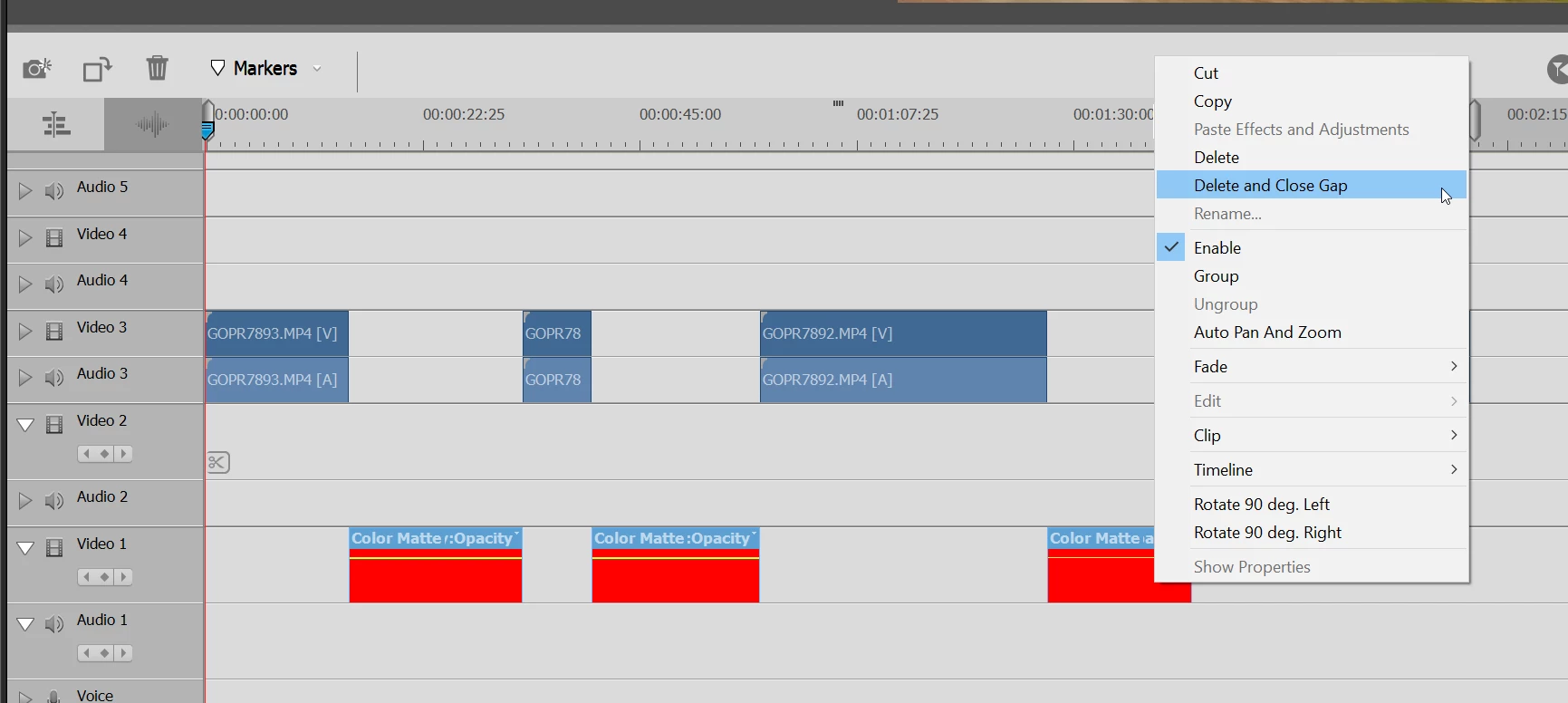
Another Close Gap Issue (Adobe Premiere Elements 2020)

Tested on Windows 10.

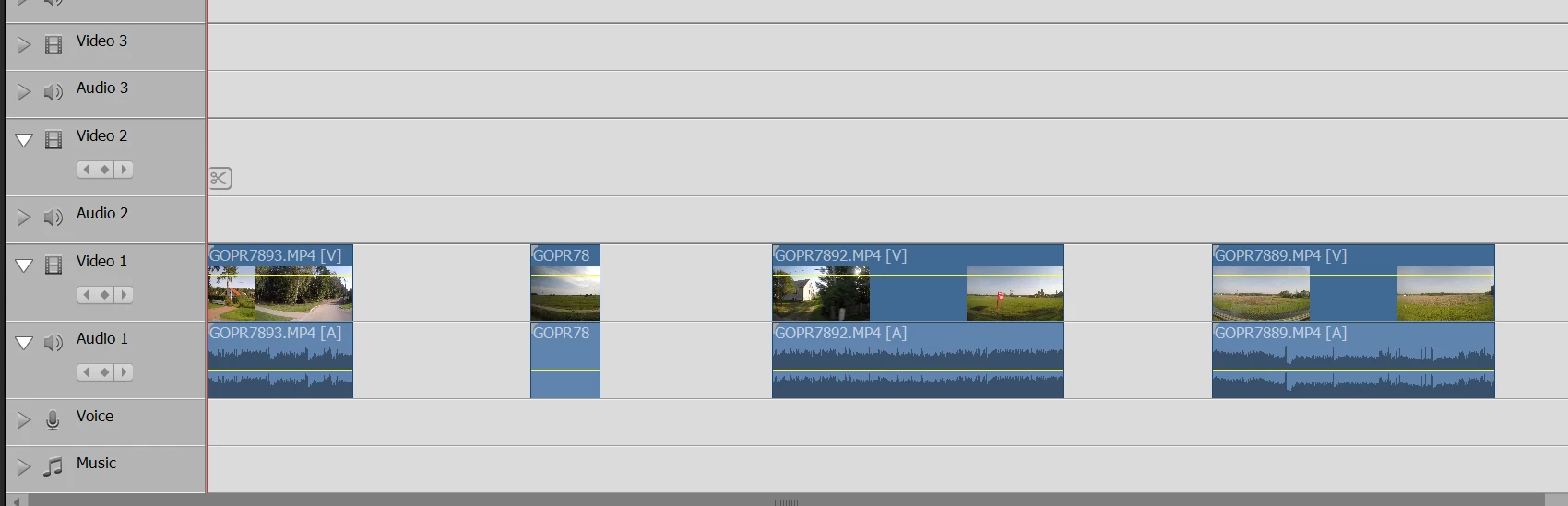
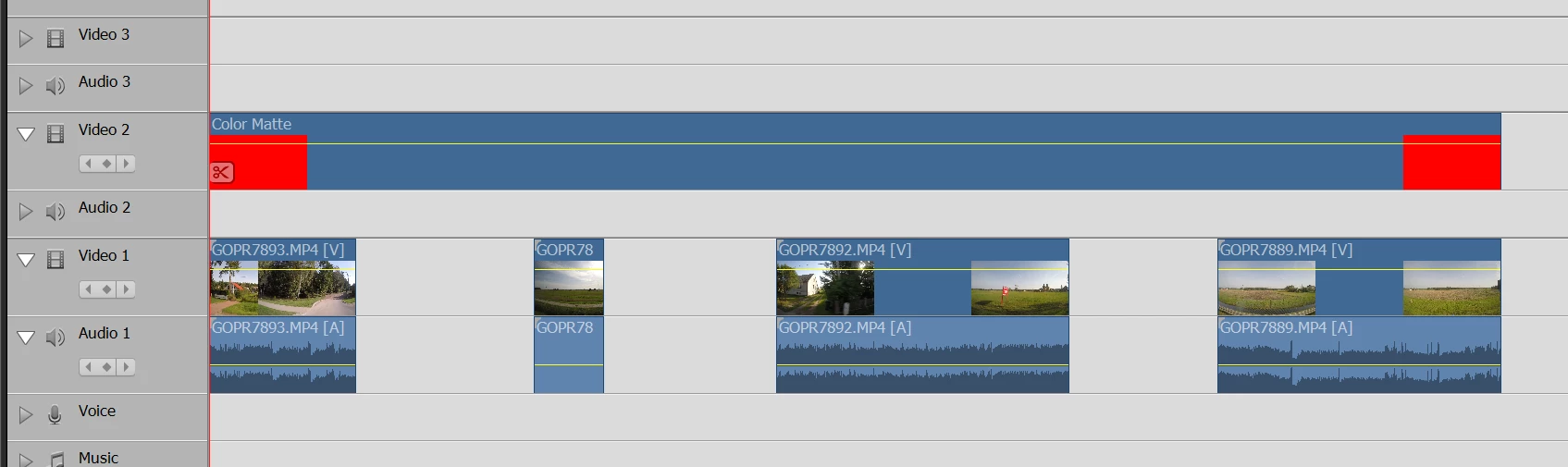
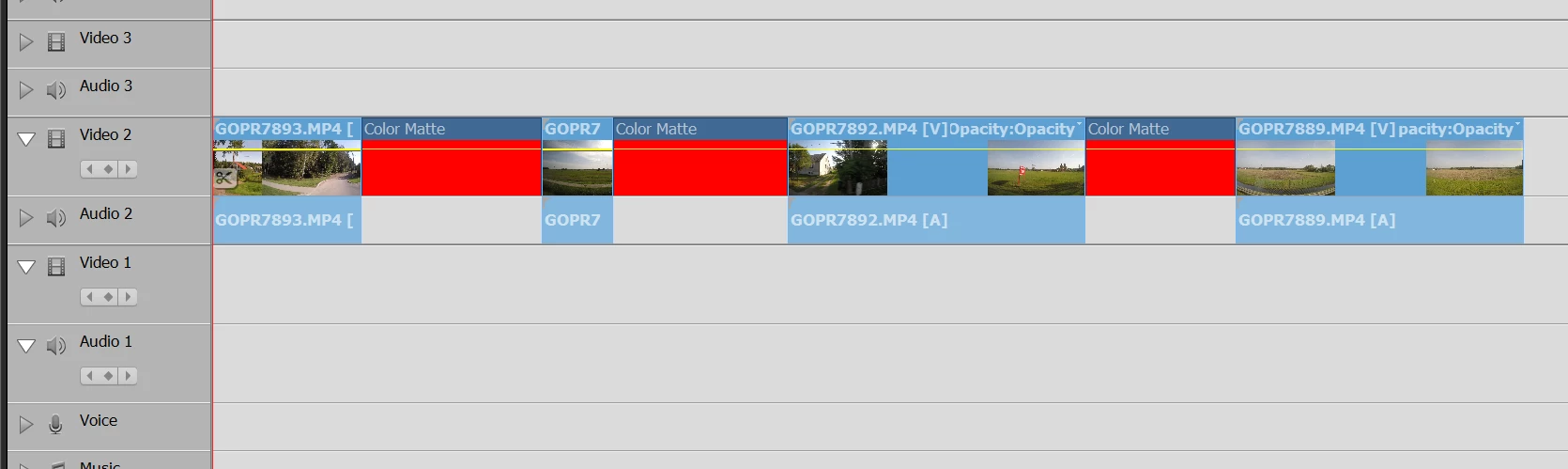
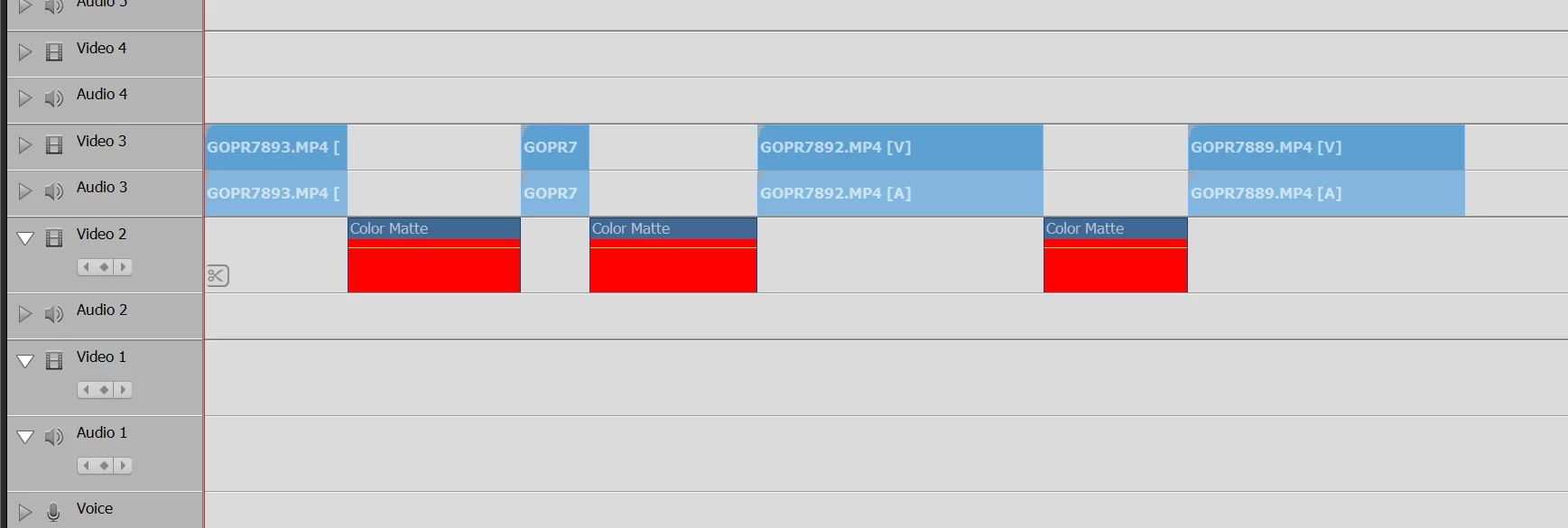
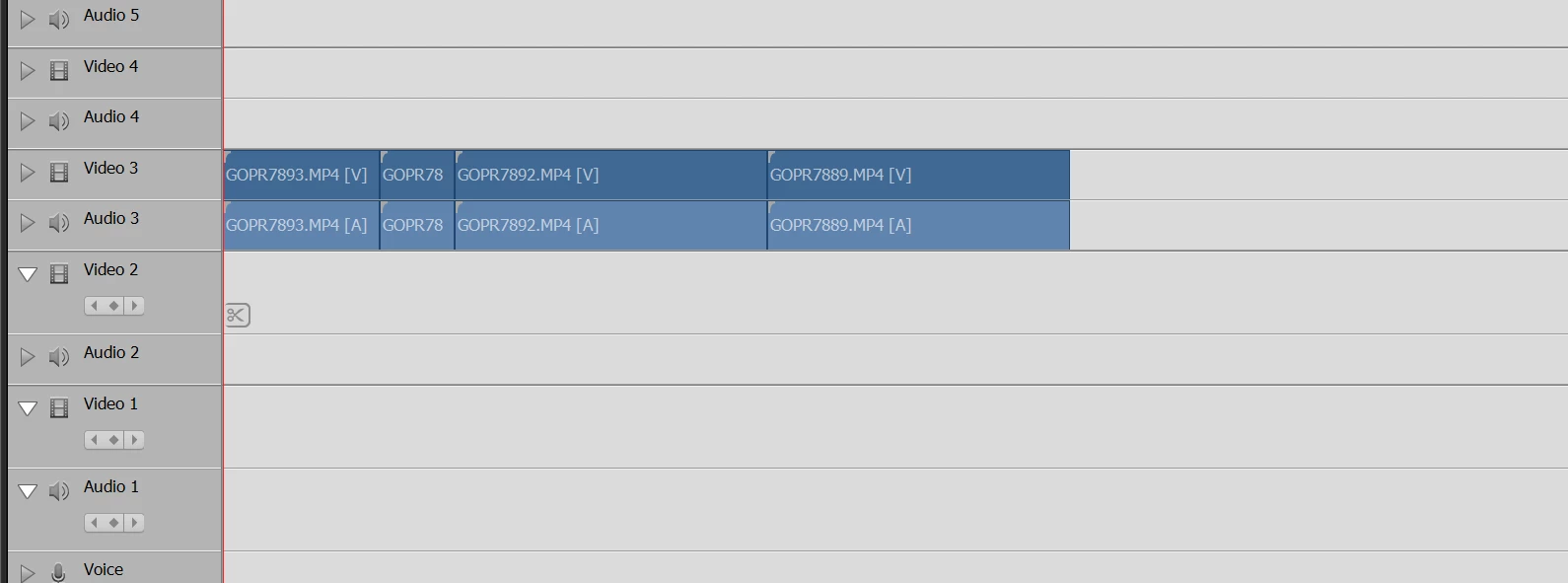
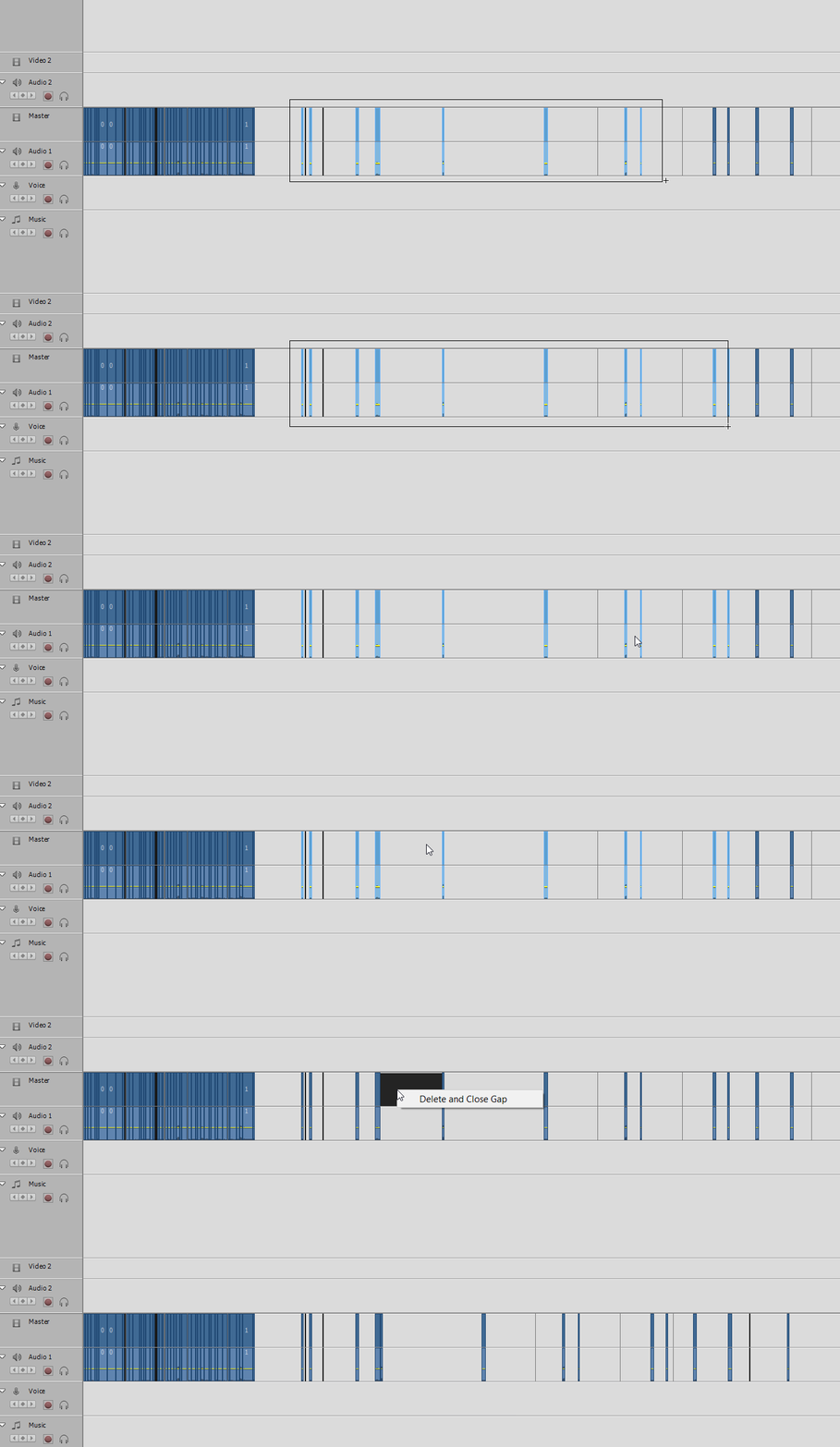
After multiple clips are selected via lasso method, I would expect the gap to be closed for all clips selected not just one.


Side question - does anybody know how to select all clips on a single track (not all tracks) via a keyboard shortcut?


Thx
 

    This topic is closed to new replies. Start a new post to keep the conversation going.
    Ann Bens
    Ann BensCorrect answer
    Community Expert
    October 14, 2019

    I think you are using the wrong videotool.

    All that stuff you want is in Premiere Pro.

    Workaround as Delete and Close Gap will only work on track 1.


    15 replies

    Legend
    October 6, 2019

    There is no keyboard shortcut for selecting a track of video.

    Translate