


Another No Playback Sound or Any Sound in PE Discussion
I also have absolutely no sound. I had sound for the first 4 months of 2017 with PE 15 but all of the sudden, sound stopped in May. Seemingly right after the March Windows update. Anyway, I have read through and tried everything I read in the forums and on the internet. I have changed the audio settings to everything possible as well as tried a million times for what the settings should be. I have made sure to have updated audio drivers as well as rolled back the drivers back to when it should have been working when I first installed Premiere Elements. I am beside myself why I can't get ANY audio out of Premiere Elements 15 running Windows 10 Enterprise with Fall Creator's update installed on a Dell XPS 15 9550.
Also have cleared all the media cache and file cache, restarted PE after every change. Also have Uninstalled, cleaned out all left over files, and reinstalled multiple times.
Have also tried external usb sound cards with external speakers with changing the preferences in PE. Still, no sound.
Sound works as expected in every other program but still, no playback sound in PE for anything in PE including previews of added included sounds.
See the screenshots below. Also tried changing Default Input to "none" with no change in results.
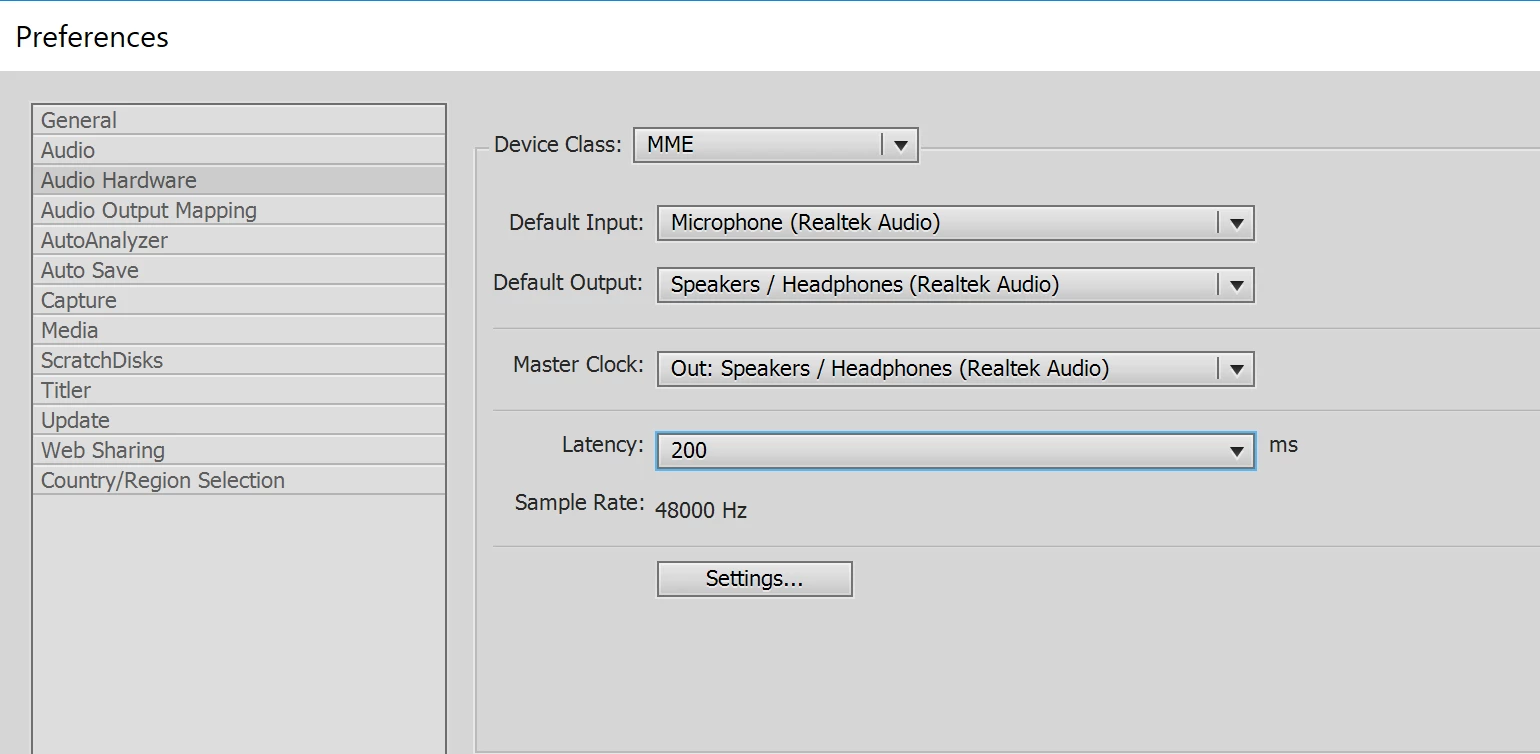
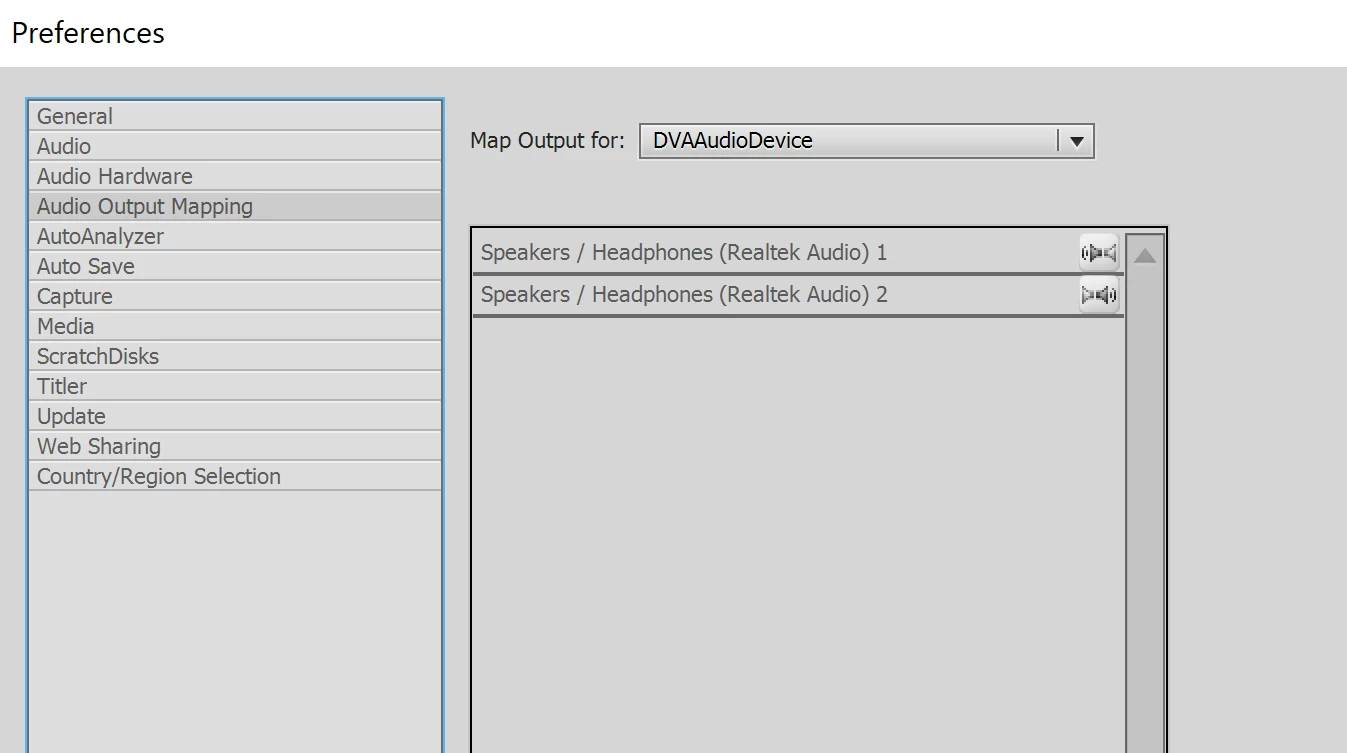
The only thing I haven't tried is wiping the Laptop and reinstalling Windows with the latest Fall Creator's Update directly.
Does anyone have any other possible thoughts? I have literally spent a MASSIVE amount of hours on this. Please help stop the insanity.
 AdChoices