Participant
January 2, 2024
Question

Another no sound issue

  • January 2, 2024
  • 1 reply
  • 127 views

Premeire Elements 2020 MacBook Air 2015 also new Mac Mini 2023

No Sound

TYried ALL combinations and Permutations
 

This topic has been closed for replies.

1 reply

Legend
January 3, 2024

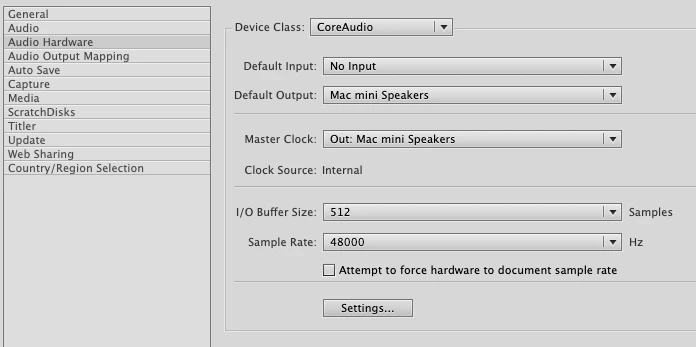
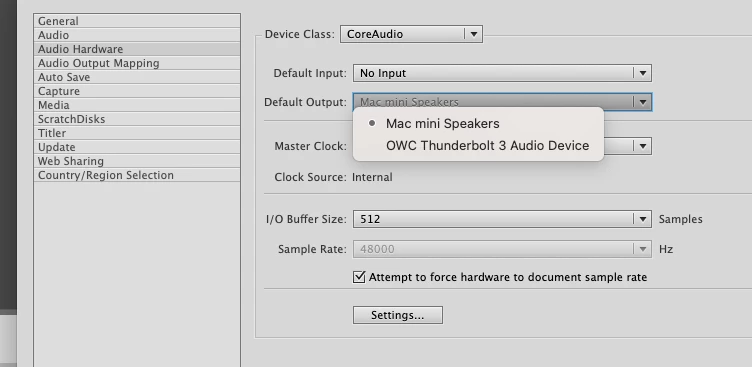
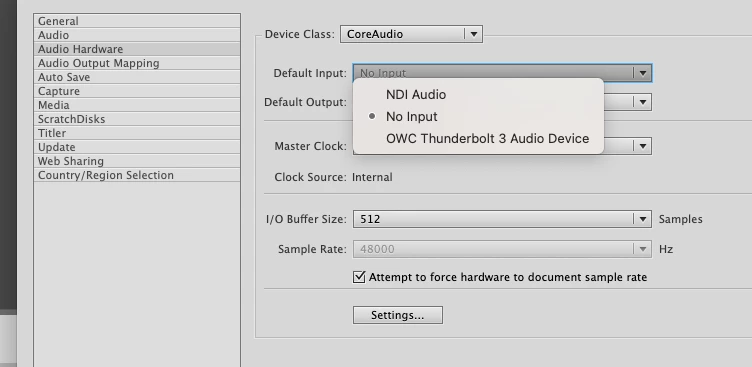
Assuming there is sound with all of your applications, the settings you need to play with are in Premiere Elements' Preferences, in Audio Hardware -- so you're in the right place.  You just have to find the right combination of Input and Output.

Participant
January 3, 2024

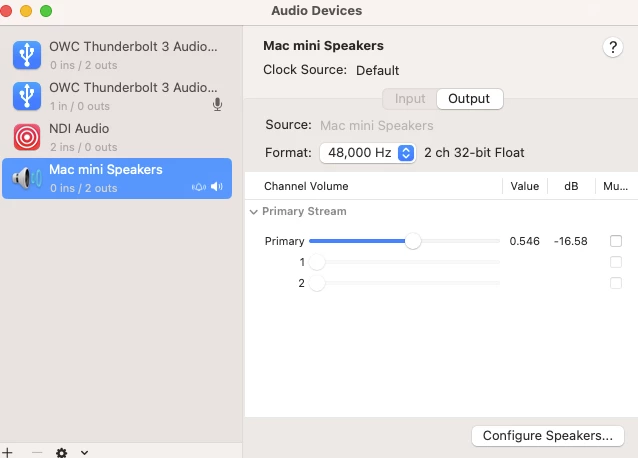
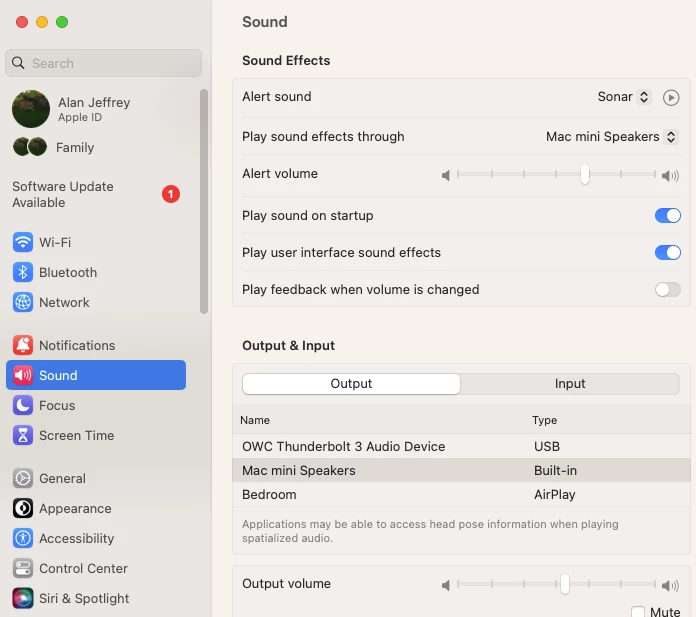
Hi Steve! Thanks for replying. You may notice that there are relatively few permutations of my audio hardware choices. I have tried them all. None work. Only when I choose "Edit"  by right clicking the sound in the timeline will sound play. But this will only play through Apple's Music app, of course out of synch.

The only other possible wrinkle is I'm using an OWC Thunderbolt 3 Dock via Thuderbolt. But I've tried different combinations of this, with headphones and get the same result.