Participant
March 11, 2019
Answered

Aspect ratio

  • March 11, 2019
  • 2 replies
  • 1039 views

I play fortnite on a stretched resolution and when I try to upload a video to youtube I get black bars. Im assuming because I play on stretched res. How do I change the aspect ratio in premiere elemnts 14?

    This topic has been closed for replies.
    Correct answer Bill Sprague

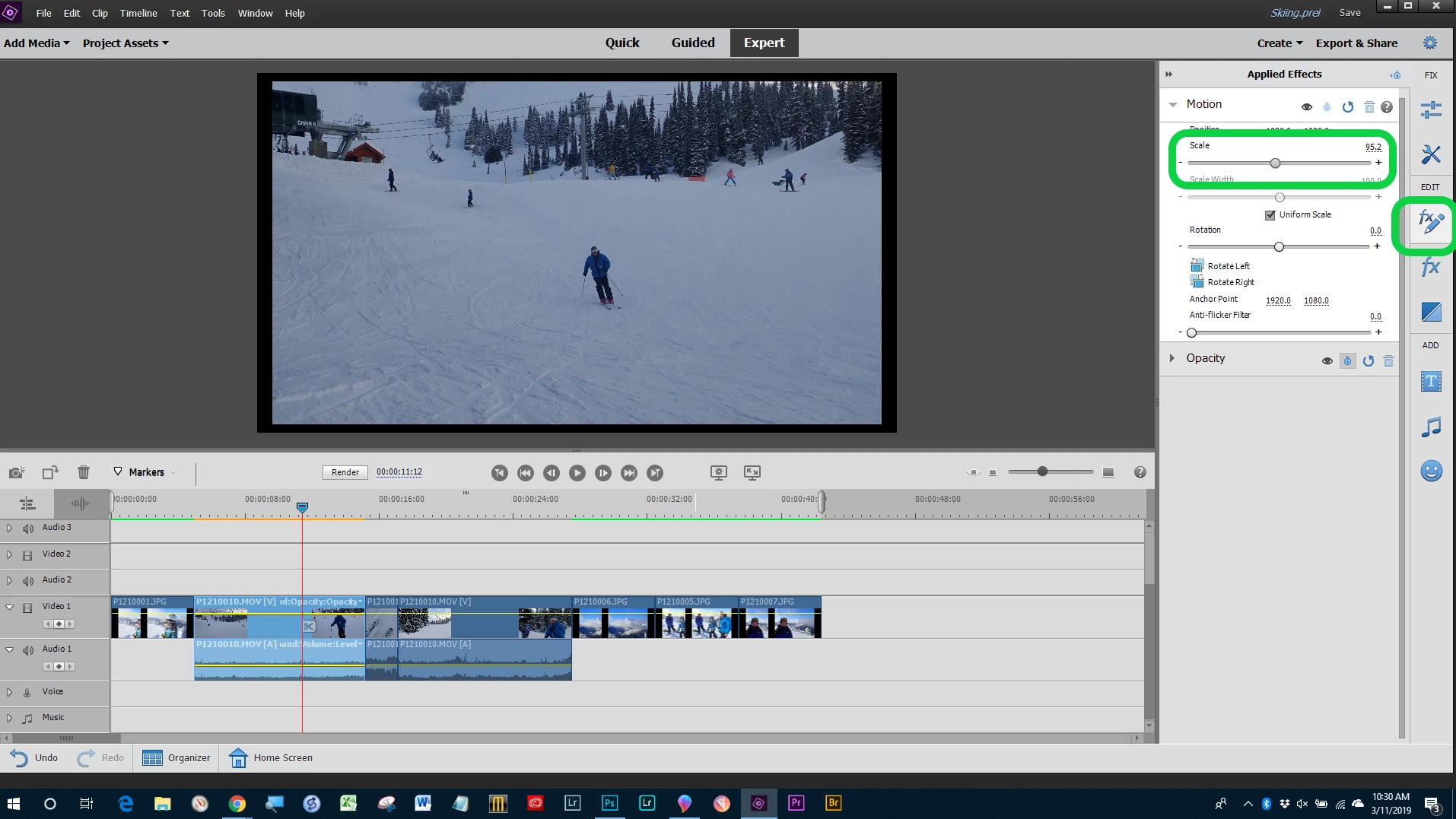
    You can't change the aspect ratio as that would distort the image.  Instead you can change the "scale" to remove the black bars and enlarge the image. 

    Start with setting up a project to the aspect ratio you want, scale the clips to fit and output to the desired aspect ratio.

    2 replies

    xtreezy_Author
    Participant
    March 11, 2019

    Thanks for clearing that up lol. all the videos I saw on how to get rid of black bars mentioned aspect ratio. appreciate your help!

    Community Expert
    March 11, 2019

    You are welcome! 

    In photography we call it "cropping".  In video somehow using that same word gets confusing.  "Scaling" seems to work better.

    Bill SpragueCommunity ExpertCorrect answer
    Community Expert
    March 11, 2019

    You can't change the aspect ratio as that would distort the image.  Instead you can change the "scale" to remove the black bars and enlarge the image. 

    Start with setting up a project to the aspect ratio you want, scale the clips to fit and output to the desired aspect ratio.

    xtreezy_Author
    Participant
    March 11, 2019

    Thanks for clearing that up lol. all the videos I saw on how to get rid of black bars mentioned aspect ratio. appreciate your help!

    Helpful CommentActions