
Question
Aspect Ratio not working
I am having a few issues with the aspect ratio.
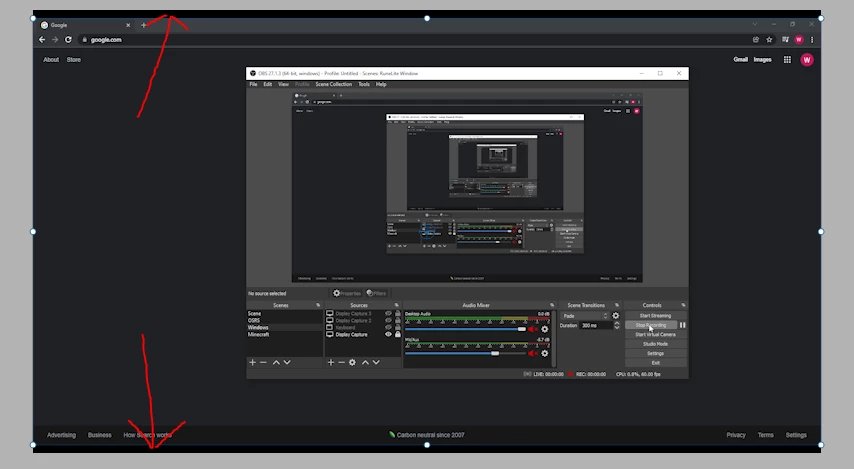
I had been using elements for a few months without this issue. When I would record and upload the file to Elements it would fit into Premiere just fine. Now, any new recording is widescreen and I have to manually fit it to the screen each time unless I want black lines above and below my video. I have not changed any settings on my computer, my recoridng software, or in Premiere.
I have tried forcing selected project presets and that does not do a thing. What do I need to do to have my recording be full screen without having to always manually adjust?


 AdChoices