


Answered
Bad Export Quality of Premier Elements 2020
I have been trying multiple things and I cannot for the life of me get the quality of my videos reasonable.
I screen record while I am drawing with flashback and the quality is great when I export it from the flashback editor (I only have the free version so I cannot edit videos in flashback.) 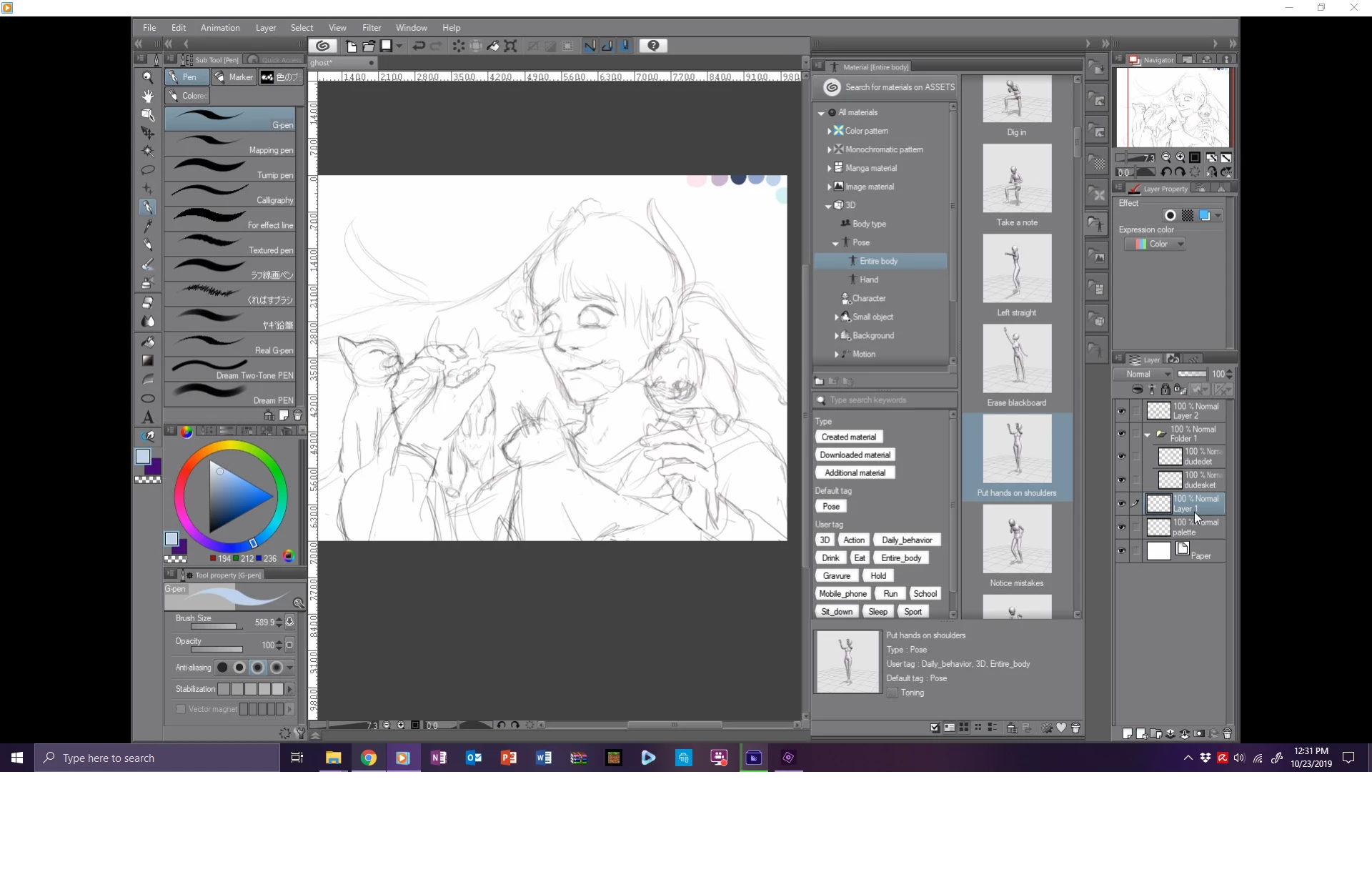
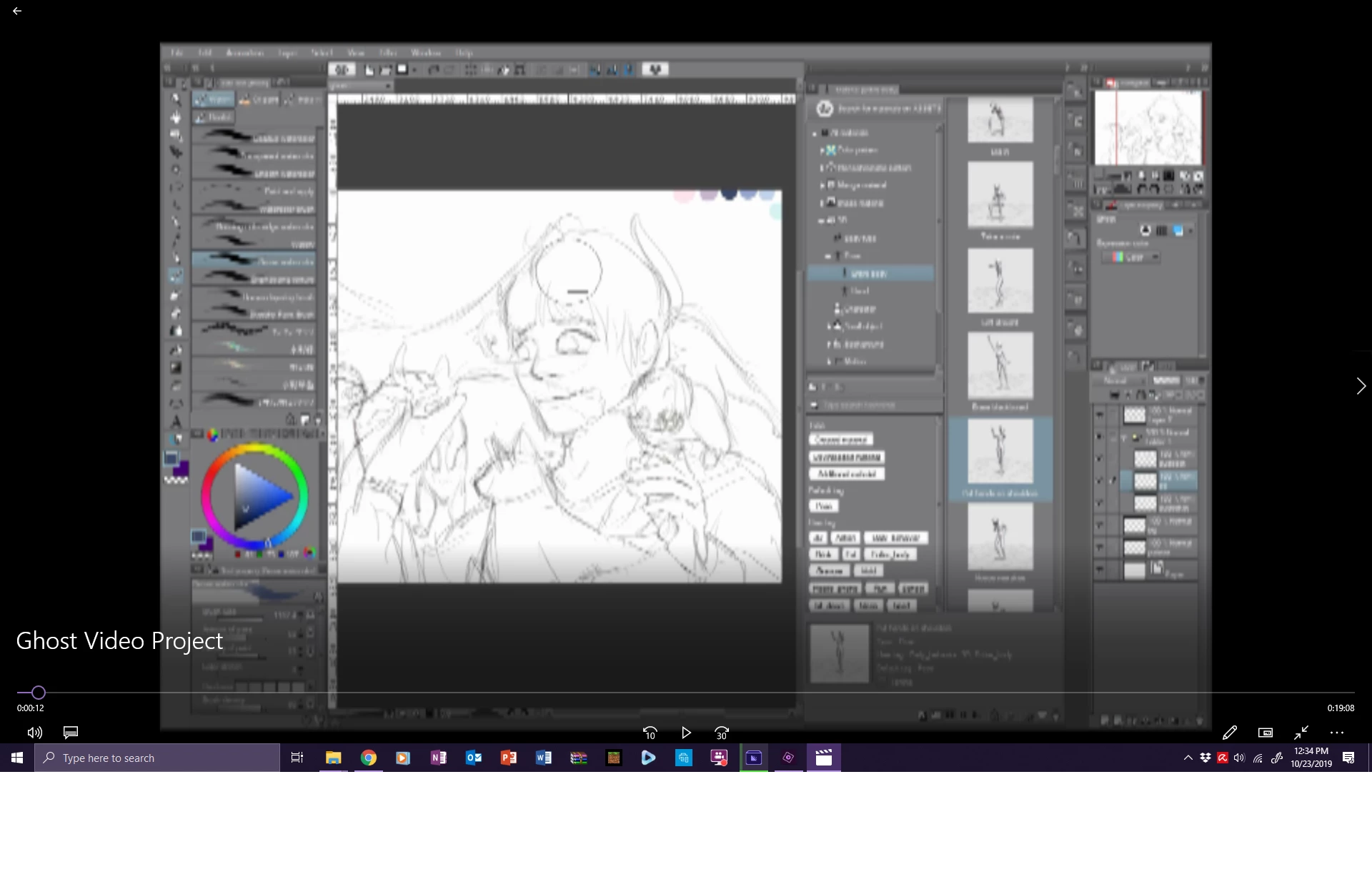
The top is great, you can read the text and video plays fine. The bottom is after I place it into premier, speed up the video, and then export it. It looks AWFUL and I am unsure of what to do because I have limited time. I have tried rendering the whole video before exporting at all the highest quality settings and nothing is changing.
I just need help. It's frustrating and I am short on time.

 AdChoices