


Dsky3
Participating Frequently
August 7, 2018
Question

Black frames between video transitions

  • August 7, 2018
  • 2 replies
  • 1617 views

Hi all,

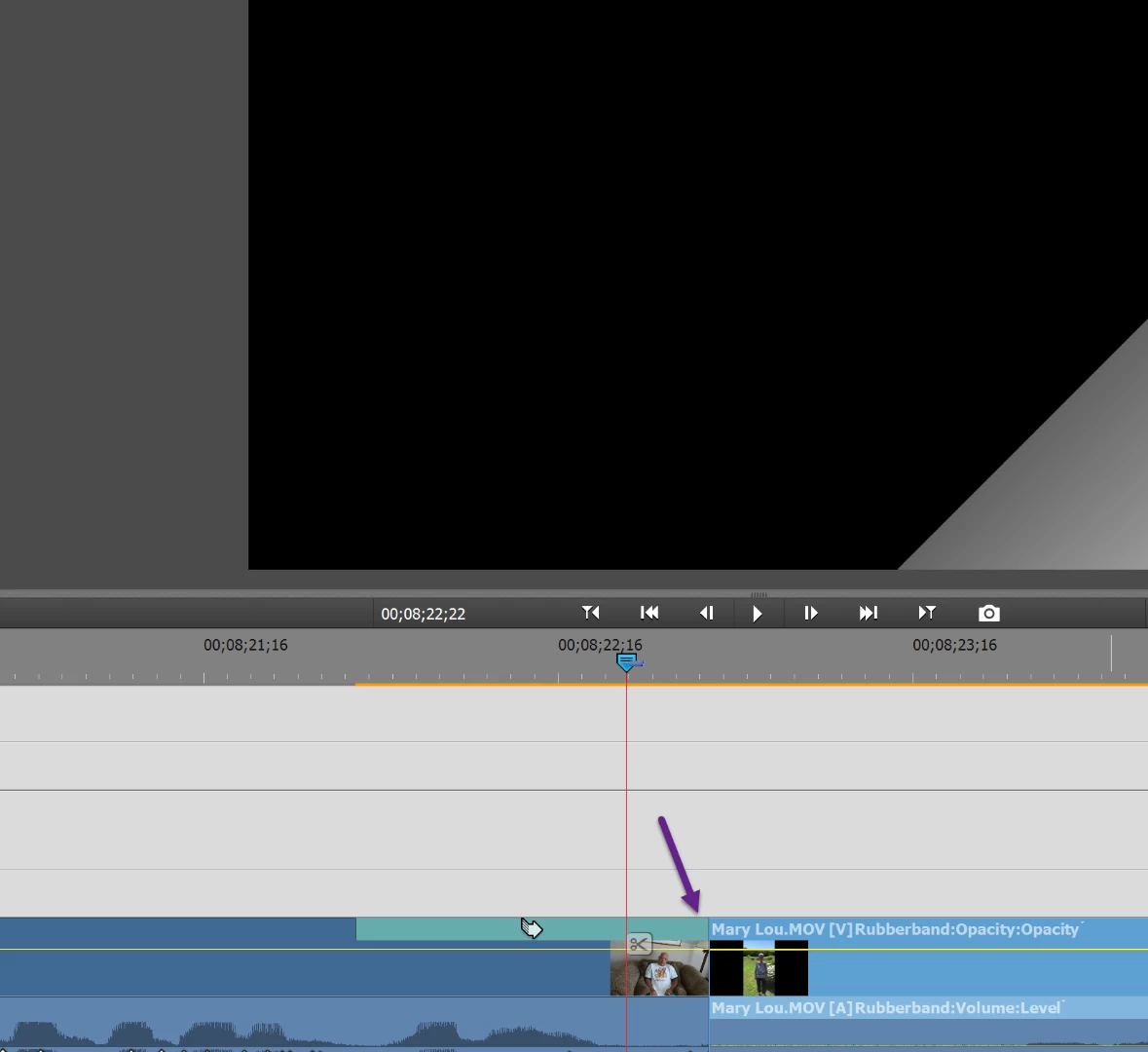
I continue to have a few instances on my latest project timeline, where there is about half a second or so of black, even when using a transition effect, and my video clips are snug against each other in my timeline. Anyone know the fix for this, as I feel it is a fairly common editing problem in Premiere Elements, I just haven't seen an answer that works for me yet. Screen shot attached
This topic has been closed for replies.

2 replies

Legend
August 7, 2018

What is at the beginning of the Mary Lou video clip if you un-trim it all the way? Is there any black at all on this clip, even if you've trimmed it off?

Dsky3
Dsky3Author
Participating Frequently
August 8, 2018

No, her clip is 100% video, and no black.

Peru Bob
Community Expert
Community Expert
August 8, 2018

Both clips have no black at all , even the untrimmed parts?

Does it do it with all transitions?

Try updating or rolling back your graphics driver directly from the video card manufacturer’s site.

Community Expert
August 7, 2018

I have never seen that behavior.  Could you enlarge it further and post another screen shot?  The only logical thing I can think of is that there is something small between the clips.

Dsky3
Dsky3Author
Participating Frequently
August 8, 2018

Here's the closest zoom of the timeline premiere elements will do, and as you can see the video is very much under the scrubber, yet it's black under the page peel animation