


Answered
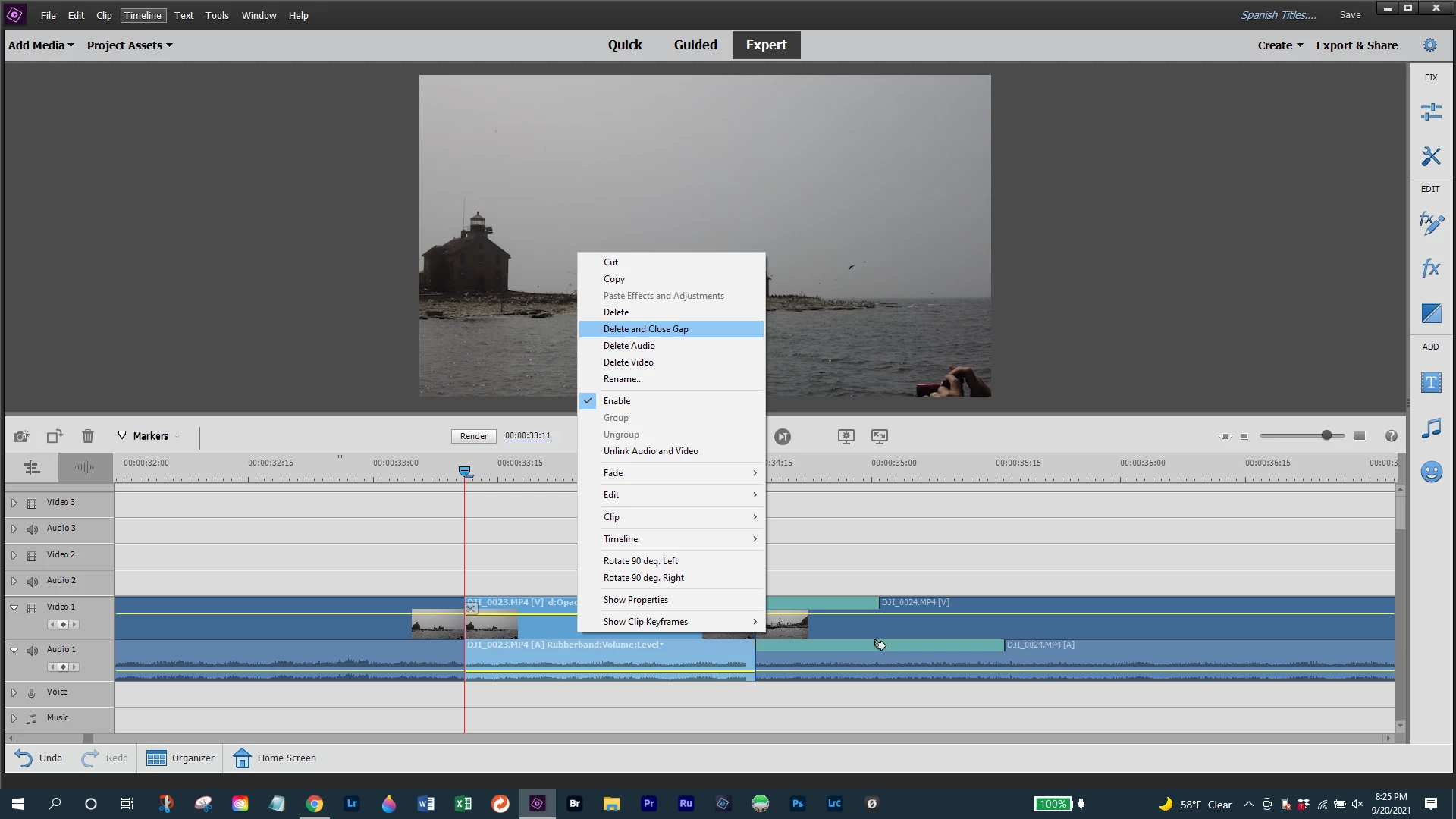
Can I delete and close gap in one step?
(I'm using 2021, version 19.)
In the expert mode, if I create a clip in the middle of my timeline, then right click it, Delete and Close Gap is not an option, so I choose Delete. That leaves a gap which I then have to right click, at which time I can Delete and Close Gap.
Is there a more efficient way to do this?


 AdChoices