


Cannot Update Presets in Adobe Premiere Elements 2019 for Instagram Please Help!
Dear Adobe,
I tried creating a new project and clicked "Change Settings"
I could not find the presets I wanted so I went to C:/ Program Files Adobe / Elements Organizer / Settings / Sequence Presets / NTSC / AVCHD
and copied and pasted instagram.sqpreset which has the properties described in
https://mariolurig.com/Instagram%201080x1080%20Square%2030i.sqpreset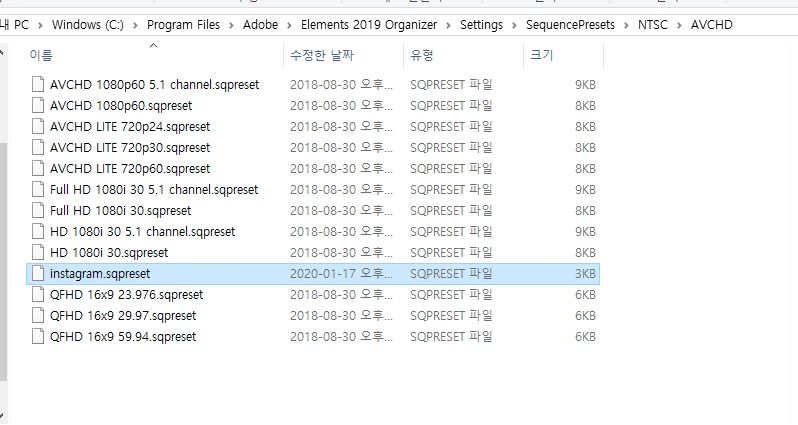
Now thereafter I tried to find it and I could not find it on Adobe Premiere 2019
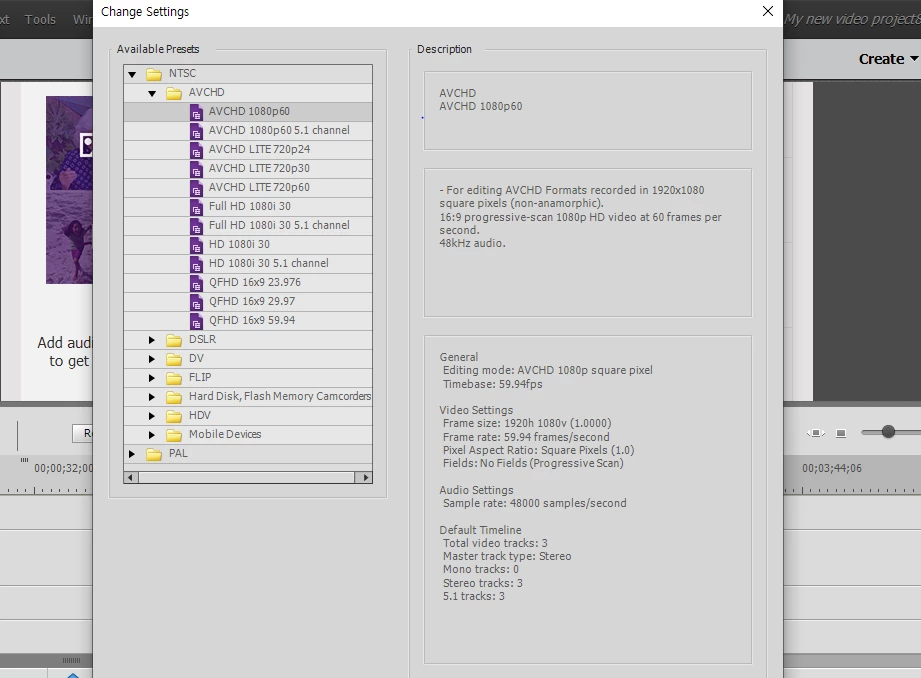
I tried closing the computer and program and restarting the computer and the program still could not find my new preset.
I would really like to upload videos for instagram and really require this preset. This is why I bought this program in the first place, because the salesperson told me that I could put a preset to create videos for instagram.
Please assist me in resolving this matter.
 AdChoices