
Participant
October 14, 2023
Question

Cant change linked account or activate

  • October 14, 2023
  • 2 replies
  • 383 views

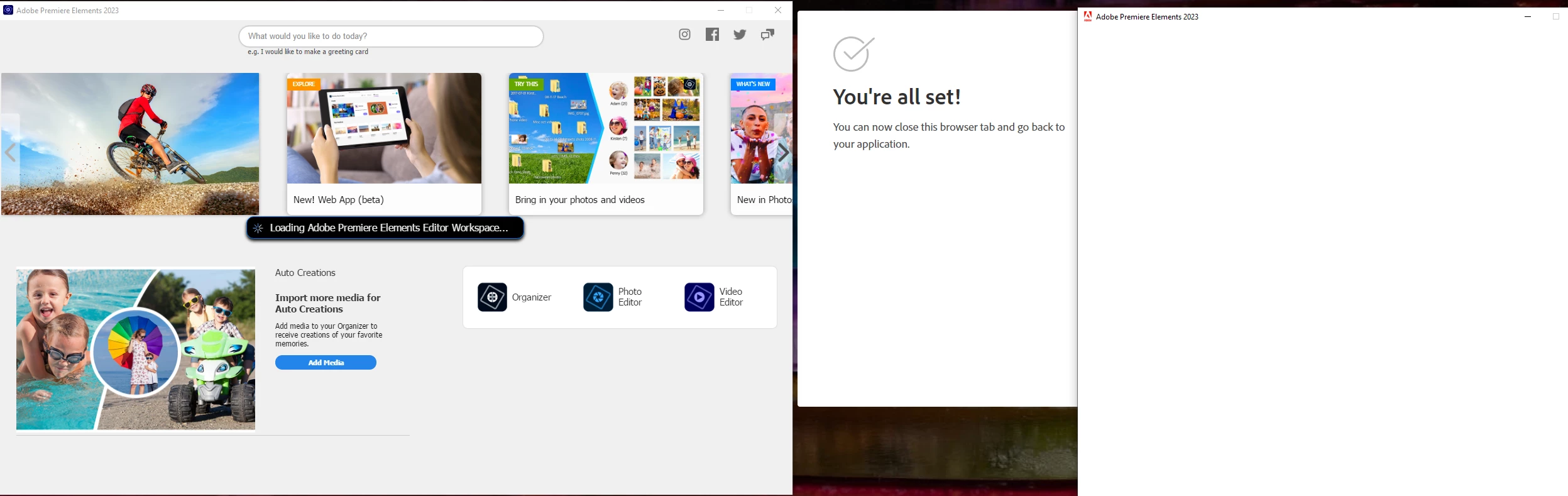
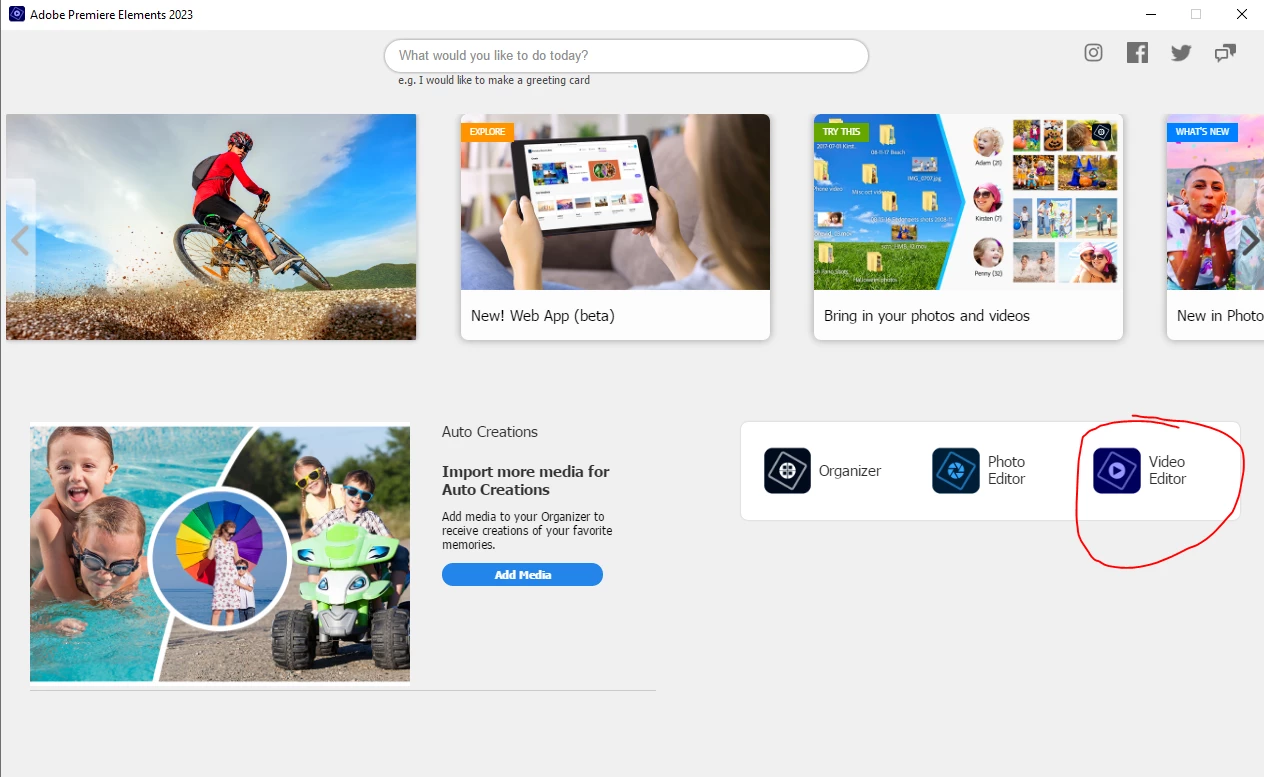
I am trying to change my linked email when I first click Video Editor shown in screenshot. when I click change account it takes me to google where it says im all set to close page and return to app. however the app just shows a white screen and I cant do anything. this is so frusterating.
This topic has been closed for replies.

2 replies

Community Expert
October 18, 2023

In my system, I can go to my Adobe account directly at:  https://account.adobe.com/.    On the right side of the page, half way down is a link for changing email.    I can get to the same place by opening Premiere Elements and selecting "Manage My Account" from the Help Menu.

Participating Frequently
October 19, 2023

Hello Bill, This app is seriously messed up. I am logged in with the email that i dont want as its linked to a trial version. when i press manage account it opens a browser that takes me to the account i want to be logged in as. the emails dont even match!!!! Help!! Can I get a refund and just buy with this other account?


John T Smith
Community Expert
Community Expert
October 19, 2023

Return https://helpx.adobe.com/au/x-productkb/policy-pricing/return-cancel-or-change-order.html
-https://community.adobe.com/t5/account-payment-plan-discussions/how-to-return-non-subscription-adobe-software/td-p/13040970

Legend
October 14, 2023

Try launching the splash screen by right-clicking and selecting Run as Administrator.

Participating Frequently
October 18, 2023

tried that already and that didnt work. seems to be an issue with the pop out browser window linking to the app itself...


Legend
October 18, 2023

What happens if you go to C:/Adobe/Adobe Premiere Elements 2023 and launch directly the PremiereElementsEditor.exe file?