


Known Participant
October 13, 2020
Question

Cliplength

  • October 13, 2020
  • 2 replies
  • 384 views

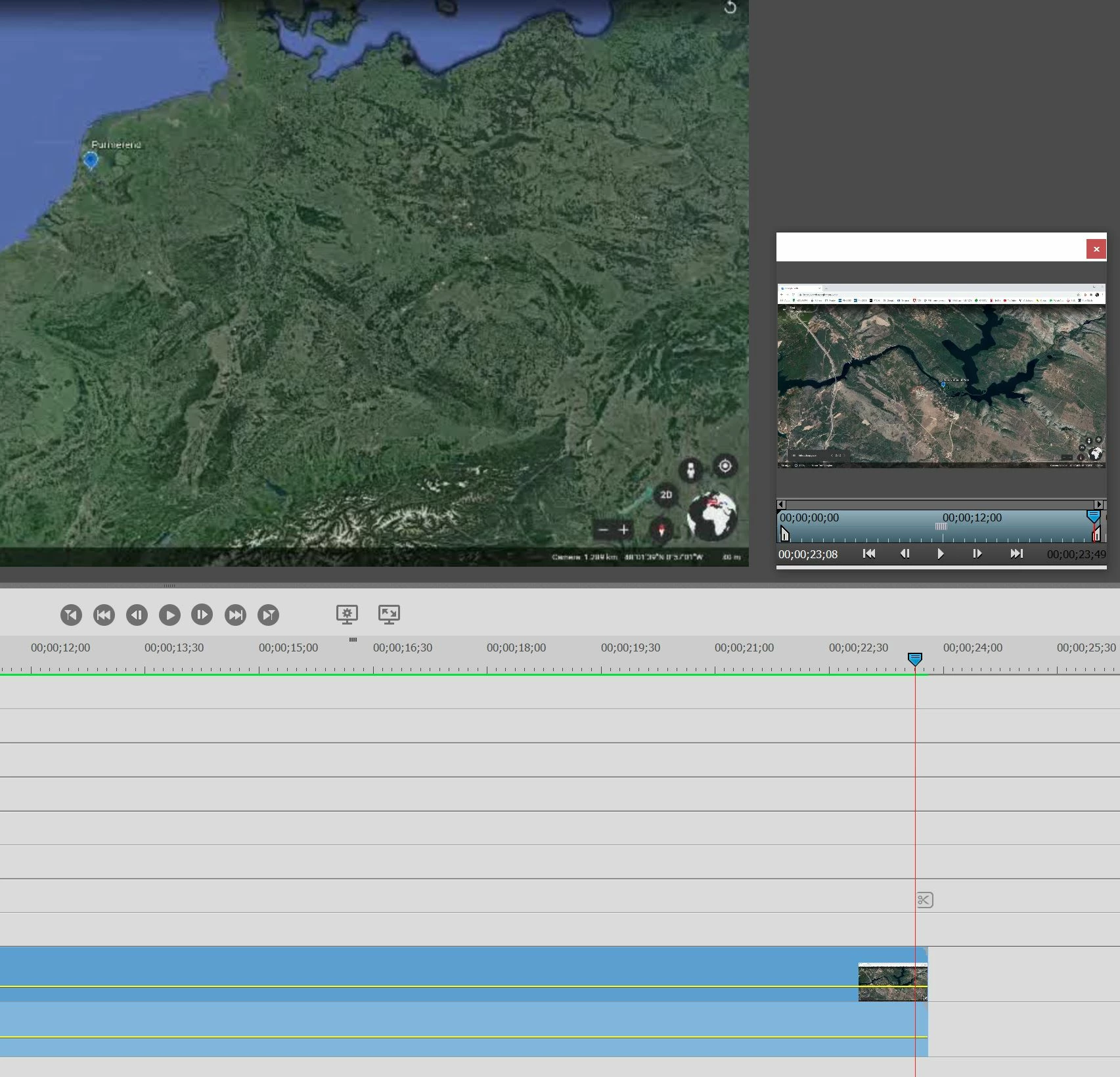
My clip cannot be shown until the end on my timeline. The original is longer and when I double click on the clip, the popup window can also play the full length. I've already downloaded the clip as media again, restarted etc, so that doesn't work. What am I doing wrong.


See below. Clip ends well before end on monitor, but clip continues in popup.
This topic has been closed for replies.

2 replies

Community Expert
October 13, 2020

The thumbnail on the clip only displays at the beginnig and end when on the timeline.   What does it look like when you move the playhead back to the middle of the clip?  What is the source of the clip?  What are the project settings?

Pim5D31Author
Known Participant
October 13, 2020

The clip runs well to the end, so there is a part missing, which is seen in the popup. The source is an MP4 file. It is strange that it worked well, but not anymore. Appears to be a setting related to the clip or timeline.


Legend
October 14, 2020

We could look at the specs of the clip in MediaInfo and maybe that would offer a clue. (I'm assuming your MP4 did not come from a camcorder.)


But try using the free download HandBrake to convert it to a new MP4. Then add this new MP4 to a project and see if you get the same results. This new MP4 will likely have more standardized elements.


Here is how to convert your file.

Pim5D31Author
Known Participant
October 13, 2020

For the record: I can't pull the clip out to the right. It has already been maximized.