


Participant
March 24, 2020
Question

Copy into another project

  • March 24, 2020
  • 2 replies
  • 477 views

Hi all Premiere Elements 14 Experts!


HELP!


I have created a project in Premiere Elements 14 - I would like to use the created project in another project (copy the created section into another project (new) - and still be able to edit the clips in the new project).

Is this possible? Or is it only possible to export the project as a video file?


I hope you get the question - and hope you can help me 🙂  
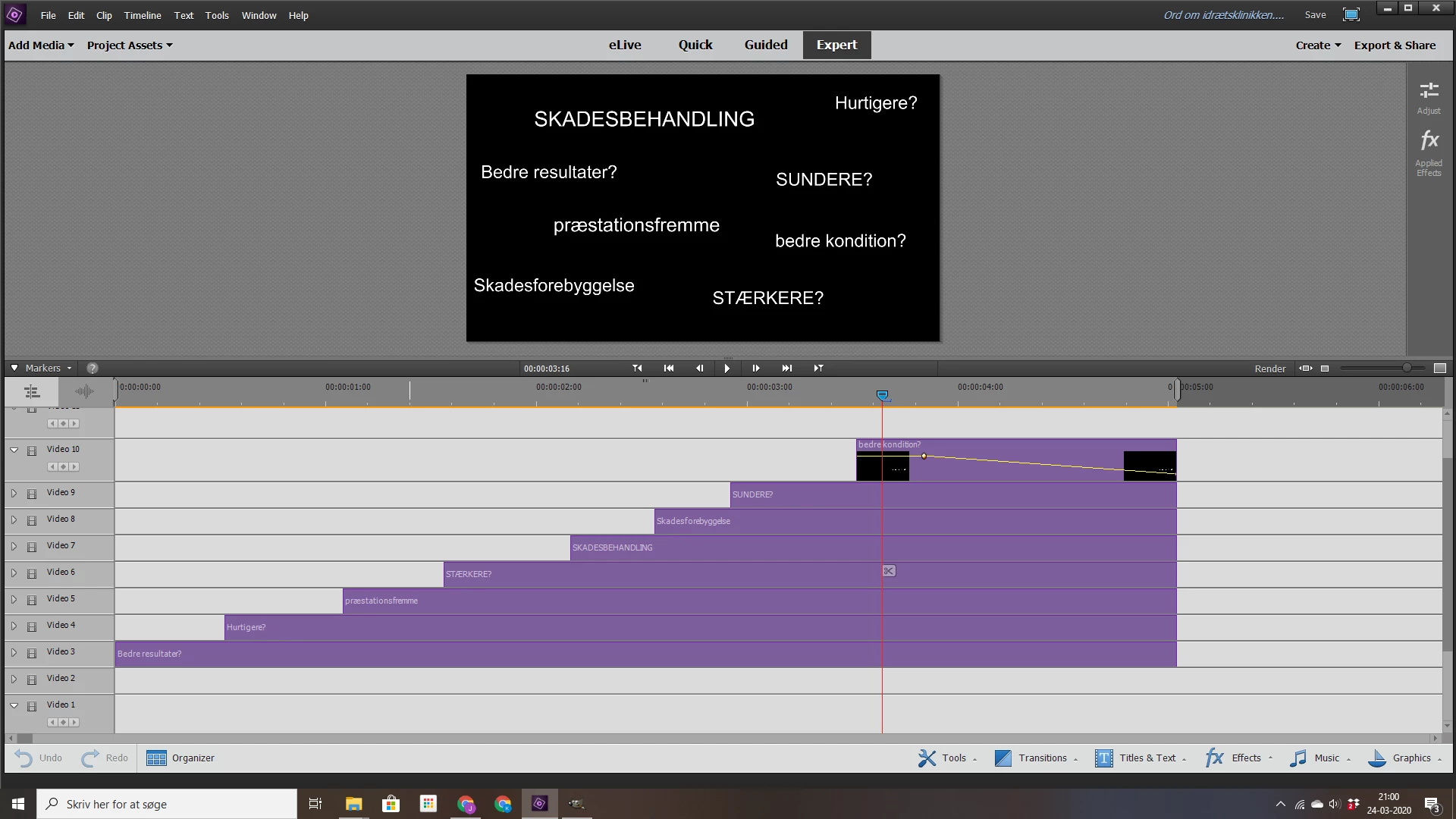


This topic has been closed for replies.

2 replies

Peru Bob
Community Expert
Community Expert
March 24, 2020

If you haven't started the new project yet, you can delete the parts you don't need and save the old project as a new name and then continue from there.

Florian from ITTT
Participant
October 17, 2020

Thank you Bob for making that clear.

This is VERY unfortunate (I am using PE20 on W10) because more and more Open Source Video Editing Tools support this Feature and I would rather stick with Premiere Elements because I have TONS of Presets created - but not beeing able to copy Clips from one Project to Another cost me (in summary) over 40 hours of additional effort since spring 2020...

Legend
October 17, 2020

You can try using the program ClipMate. This program enhances copy and paste and does allow you to copy from one project and then paste into another.

Ann Bens
Community Expert
Community Expert
March 24, 2020

Alas not possible.

You can only export project as video file.