stephenc11105425
Participant
October 24, 2023
Answered

Creating 4k project in Premier Elements 2020?

  • October 24, 2023
  • 2 replies
  • 1487 views

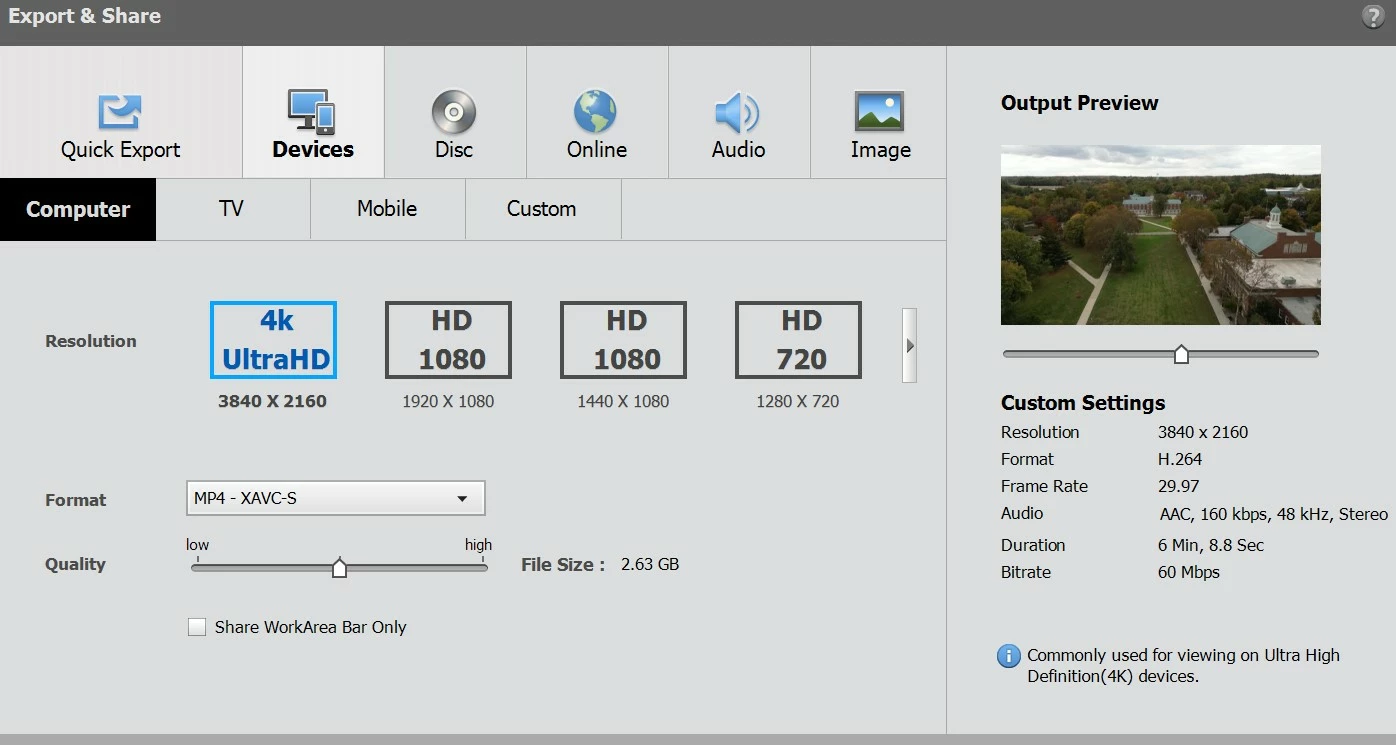
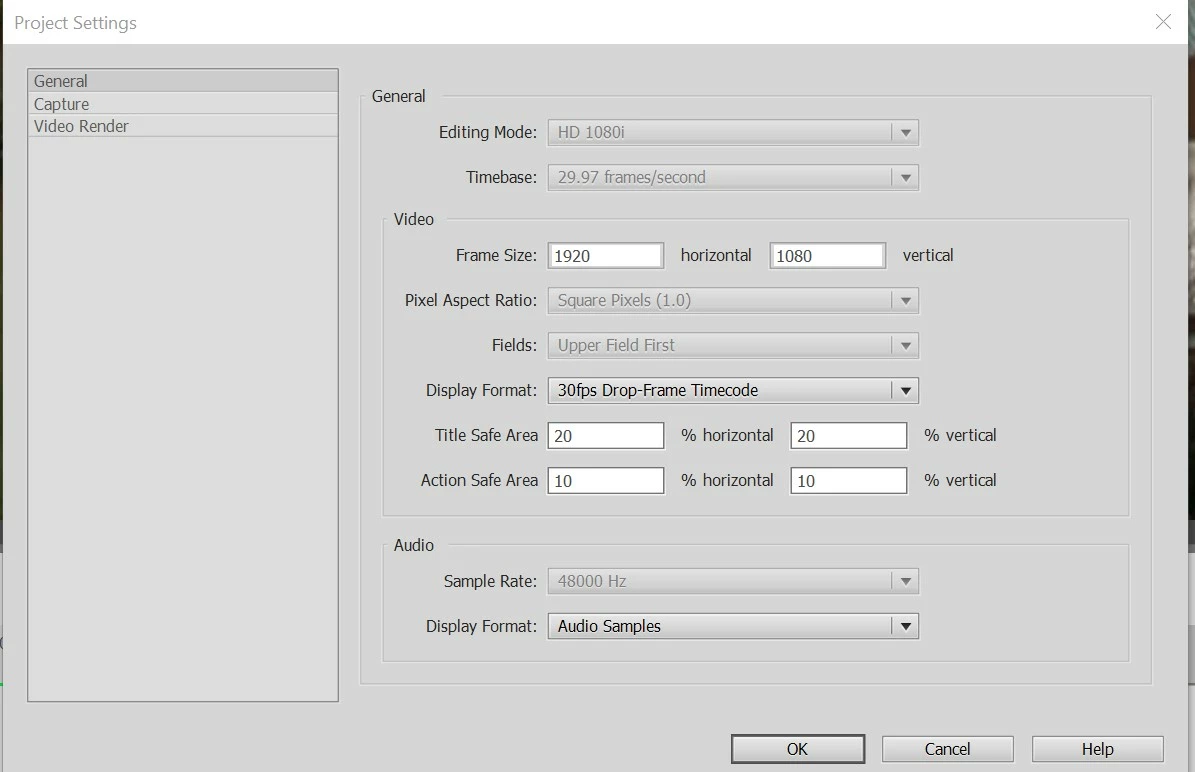
I'm importing several videos which were shot in 4k (from a drone) into Premier Elements 2020. The original videos look very sharp when I view them on my computer with Windows Media Player, but when imported into PE 2020 the qulaity is very noticeably degraded. I suspect that it's because the project is created as a "HD 1080i" project. My understanding is that the project type should be created based on the first file placed on the timeline, but I see that creating a 4K project AVHCD isn't even feasible. Curiously, I can apparently export a project as a "4k UltraHD" file.


Does Premier Elements 2020 truly support HD? If so, do I need to install or configure something so that I can create the project itself as a 4k project? 
This topic has been closed for replies.
Correct answer tomek398

My understanding is that the project type should be created based on the first file placed on the timeline,


As you wrote, APE should " automatically changes your project settings in the background to match the clip properties"


Page 49: Adobe Premiere Elements

2 replies

tomek398Correct answer
Inspiring
October 24, 2023

My understanding is that the project type should be created based on the first file placed on the timeline,


As you wrote, APE should " automatically changes your project settings in the background to match the clip properties"


Page 49: Adobe Premiere Elements

Legend
October 24, 2023

I'm not sure why you're having trouble creating a 4K project. Select the option to start a new project and select the settings (displayed in the last screen in your screen shots) for QFHD, matching the frame rate of your video.  That will give you a 3840x2160 video.

stephenc11105425
Participant
October 24, 2023

Thanks @Steve Grisetti ! That was exactly what I needed!!