

Known Participant
January 27, 2024
Answered

Double view

  • January 27, 2024
  • 3 replies
  • 391 views

I have two screens in one and when I export the movie it stays that way (see screenshot). I have reinstalled Elements, but to no avail. I
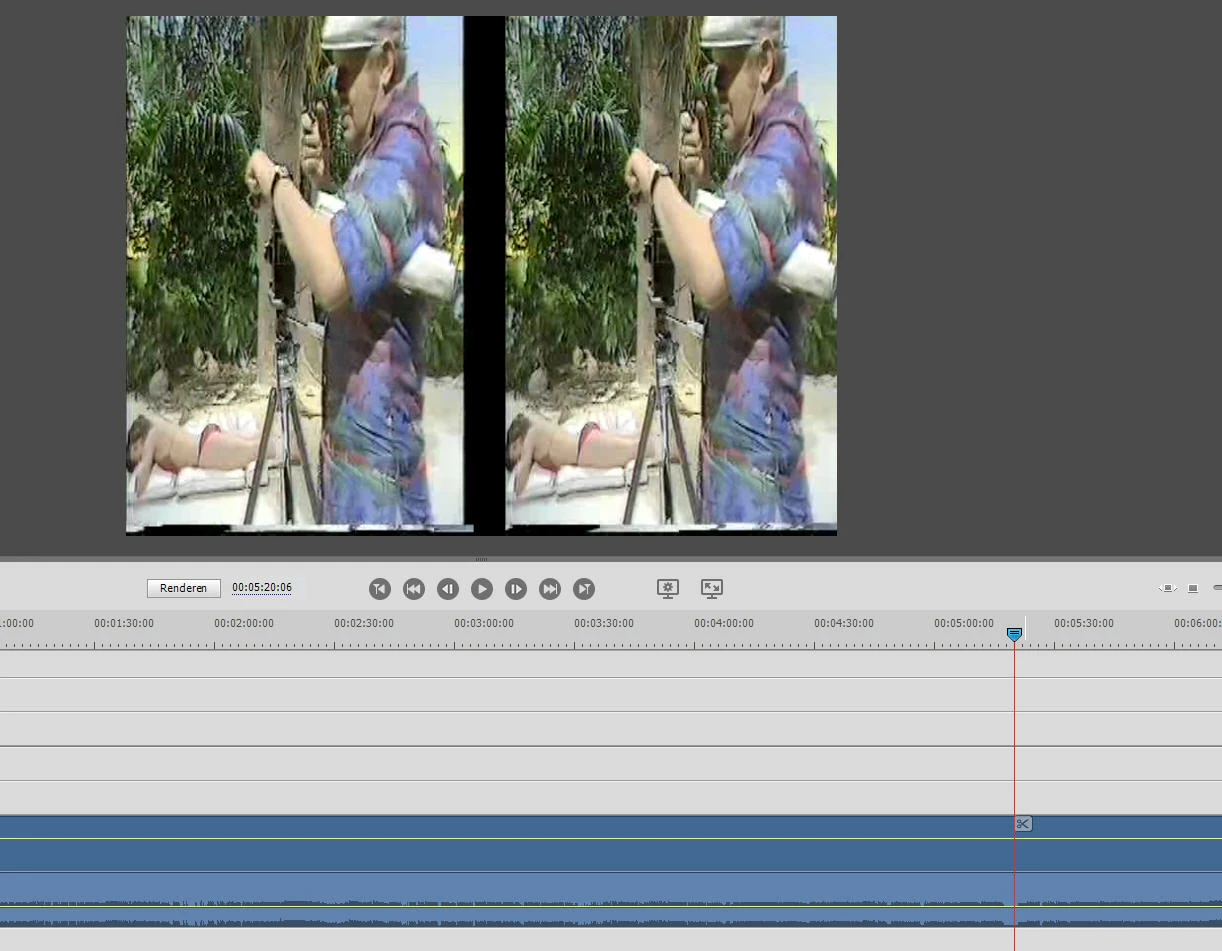

This topic has been closed for replies.
Correct answer Ann Bens

I was not far off.

To solve the issue you need to convert the file before bringing it into Elements.

You can use Handbrake to rip the dvd.

3 replies

Known Participant
January 28, 2024

I see now that it is only with VOB-files. Is that maybe the problem?

Ann Bens
Community Expert
Ann BensCommunity ExpertCorrect answer
Community Expert
January 28, 2024

I was not far off.

To solve the issue you need to convert the file before bringing it into Elements.

You can use Handbrake to rip the dvd.

John T Smith
Community Expert
Community Expert
January 27, 2024

I don't think that is a video source file problem... Are you doing this in your project?


Split Screen https://community.adobe.com/t5/premiere-elements-discussions/creating-a-split-screen-video-with-adobe-premiere-elements/td-p/10577306

Ann Bens
Community Expert
Community Expert
January 27, 2024

Cannot be a split screen: only one file in the timeline.................

Community Expert
January 27, 2024

Is that footage from a 3D camera?  I used to have one and the footage looked like that.  

Ann Bens
Community Expert
Community Expert
January 27, 2024

Post screenshot of media in MediaInfo in TreeView.
