


Participant
March 7, 2021
Question

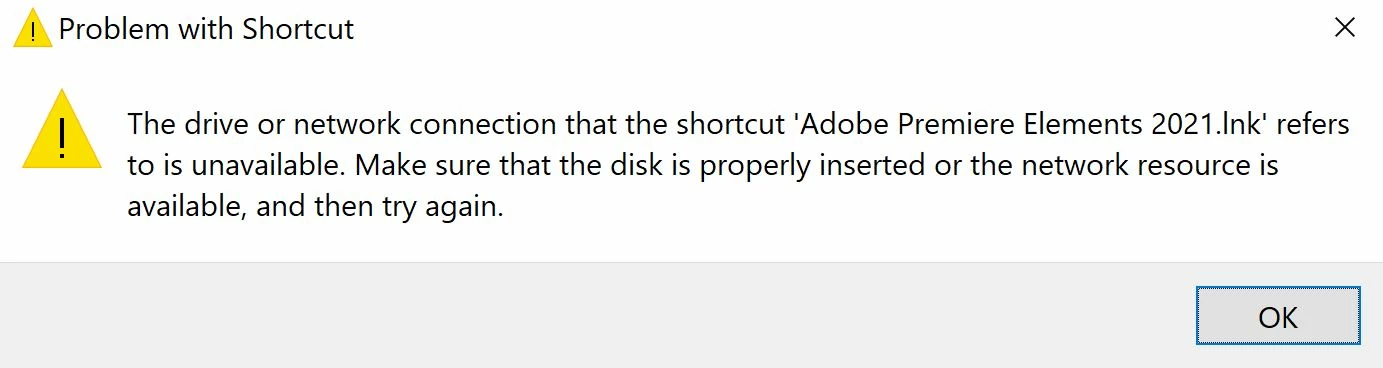
Drive connection unavailable

  • March 7, 2021
  • 3 replies
  • 128 views

After I tried to reset my Windows 10 OS w/ keep files and apps option, the Elements application seems to not exist where I installed the software.  However I installed it to my external drive and now it has disappeared all together.  Can't find it on the ex. drive or interanl drive but the files seem to all still be there with previous project saves. I can't seem to reinstall the program either and I don't know what to do.


How do I get Premiere Elements back?
This topic has been closed for replies.

3 replies

Ann Bens
Community Expert
Community Expert
March 7, 2021

The only proper place to install software is the bootdrive (C://)

Community Expert
March 7, 2021

Neil, you wrote, "However I installed it to my external drive..."  


In addition to what Steve wrote, I'm about 98% sure that Premiere Elements must be installed on the primary C:\ drive.  

Legend
March 7, 2021

After you reset Windows, you often have to reinstall your software. Trying uninstalling and reinstalling the program. 


I think the file you are trying to locate is a program file, so it will not be on your external drive if you are using your external as data and media storage drive.